ScreenDub vs Loom: messaging tool or video maker?
Written by Omprakash Sah Kanu · July 1, 2026 · Updated August 9, 2026 · 14 min read
ScreenDub and Loom solve different video problems. Choose Loom for a quick, personal video message recorded in your own voice with a share link. Choose ScreenDub when the deliverable is a reusable product demo, tutorial, training lesson, or localized video with AI narration and a written guide. This comparison explains the difference in recording, editing, output, language support, pricing, and the cases where using both makes sense.
ScreenDub vs Loom at a glance
| Category | ScreenDub | Loom |
|---|---|---|
| Best fit | Reusable narrated demos, tutorials, training, and docs | Async video messages and personal walkthroughs |
| Recording | Browser screen recording, optional microphone, or upload a video/deck | Screen, camera, microphone, and system audio via extension, desktop, or mobile |
| Narration | AI drafts and voices editable script segments | You record the spoken message; Loom AI packages the recording |
| Output | Standard MP4, captions, chapters, subtitles, and PDF guide | Shareable video link, embed/download, captions, comments, and viewer insights |
| Languages | 80+ narration languages | Transcriptions and closed captions in 50+ languages listed on the official page |
| Pricing model | Monthly narration-minute pool | Creator/user-based plans |
| Free access | Free plan: one 8-minute narration allowance | Starter: up to 25 videos/person, 5 minutes per video |
The core difference: message versus deliverable
Loom is a video-messaging product. You record your screen, camera, microphone, or system audio, then share a link with a teammate or customer. The value is speed, personality, and context that would be cumbersome to type. Its official product page highlights screen and camera recording, sharing and embedding, trim and stitch editing, captions, comments, and viewer insights.
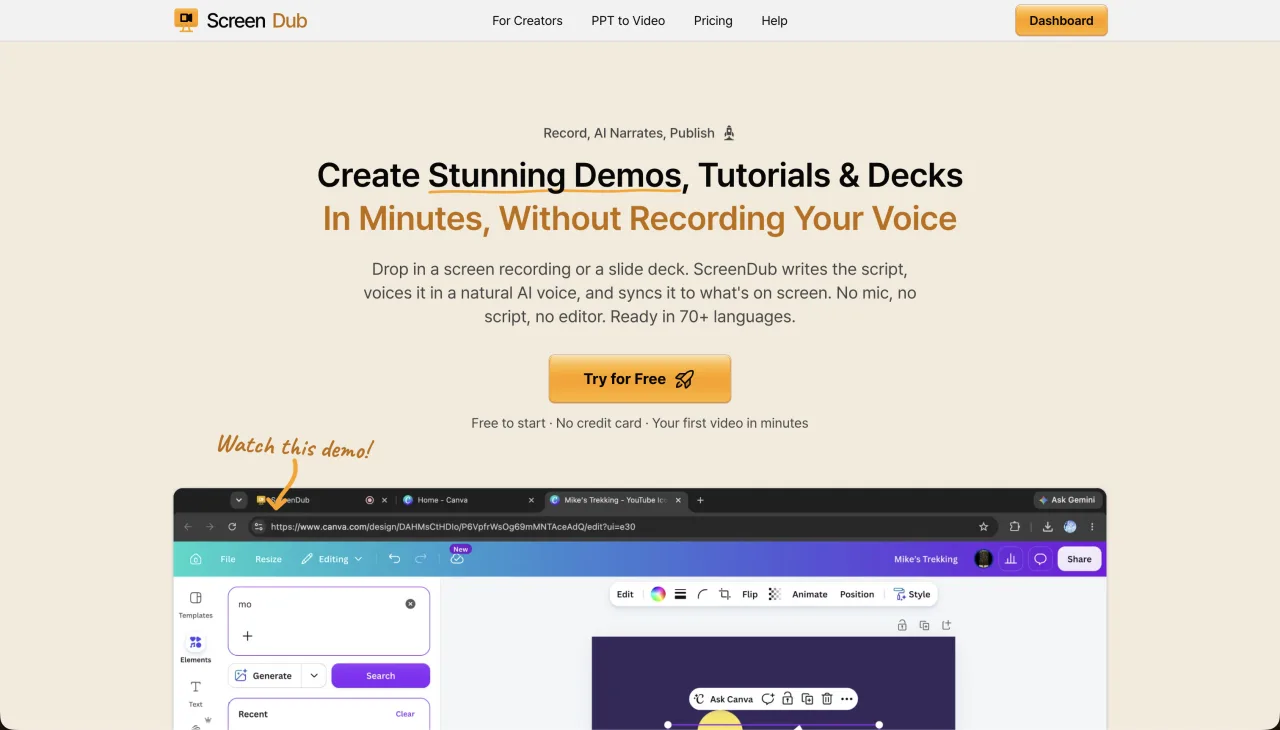
ScreenDub is a narration-first video maker. It can record the screen in the browser, accept an MP4, WebM, or MOV, or turn a PDF, PPT, or PPTX deck into a narrated video. It drafts the script from the source, lets you correct segments, and exports a standard MP4 plus a step-by-step PDF guide. The difference is not that one is “better video”; it is what the video is expected to do after it is sent.
Your voice versus an editable script
Loom’s strength is that the speaker’s voice and face can carry nuance immediately. That is ideal for feedback, a bug report, a personal sales message, or a quick explanation to a colleague. The trade-off is that changes usually mean editing the recording or making a new take.
ScreenDub separates the screen capture from the narration. It drafts text from what happens on screen, voices that text, and lets you correct a segment without recording the whole workflow again. That is useful when the video will live in a help center, onboarding library, training course, or product page and needs consistent terminology over time.
Where Loom is the better fit
- Quick async messages to teammates, customers, or stakeholders.
- Feedback where your face, tone, and personal delivery are the point.
- Bug reports where screen, camera, system audio, and technical context should arrive together.
- Teams that want comments, reactions, share links, and viewer insights around the recording.
- Messages that are useful immediately and do not need a long content-maintenance cycle.
Where ScreenDub is the better fit
- Product demos, tutorials, onboarding lessons, and training videos that will be reused.
- Teams that do not want every narrator to record a clean spoken take.
- Videos that need consistent AI narration, captions, chapters, and written steps.
- Source material that may be a slide deck or existing video rather than a new message.
- Content that needs narration in 80+ languages without recording each version.
AI features: packaging versus generating narration
Loom’s official pricing page lists AI features such as auto titles, summaries, chapters, filler-word removal, silence removal, meeting notes and recaps on its AI-enabled plan. These features help package and refine a recording after you make it. They do not replace the basic video-message workflow: you still record the message.
ScreenDub’s AI is involved earlier in the production path. It analyzes the screen recording or deck, drafts narration, voices it, and gives you text to correct before rendering. Choose Loom when a human message is the source; choose ScreenDub when the source should become a repeatable narrated asset.
Languages and accessibility
Loom’s official pricing page lists transcriptions and closed captions in 50+ languages. That is useful for making a spoken message easier to read and search. ScreenDub lists 80+ narration languages, so it can create a voiced version of the same project for another audience rather than only adding text to the original audio.
ScreenDub also supports captions burned into the video or exported as a separate subtitle file, chapters aligned to segments, and a written PDF guide. For either tool, review names, numbers, and technical terms before sharing a customer-facing or translated version.
Pricing comparison
- ScreenDub Free
- $0; one 8-minute narration allowance; 6-minute per-video cap; 3 exports/video; 5 guides/month; watermark
- ScreenDub paid
- Creator $14.99/50 minutes; Pro $29.99/120; Teams $59.99/250 per month
- Loom Starter
- $0; up to 25 videos per person; 5-minute screen recordings; up to 720p
- Loom Business
- $18 per user/month on the official monthly pricing display; unlimited videos and recording time; up to 4K
- Billing shape
- ScreenDub charges by monthly narration pool; Loom charges by creator/user plan
These prices measure different things. A Loom team pays for creator seats and gets a shared video-messaging workspace. ScreenDub pays for monthly narration minutes and supports a shared content workflow without a per-seat price on the listed plans. Compare the number of creators, number of reusable videos, and amount of narration you actually need.
Can ScreenDub replace Loom?
It can replace Loom when Loom is being used to produce a reusable demo, tutorial, or training video and the team wants AI narration, localization, or a written guide. It is not a direct replacement for a personal async message where the speaker’s face and voice are the useful content. Many teams can use Loom for internal communication and ScreenDub for durable product content.
Frequently asked questions
Is ScreenDub a Loom alternative?
For quick personal video messages, Loom is the closer fit. For reusable product demos, tutorials, and training videos with AI narration, captions, written guides, and localization, ScreenDub is the closer fit.
Can Loom add an AI voiceover to my video?
Loom’s official product pages focus its AI suite on packaging recordings with titles, summaries, chapters, captions, filler-word removal, silence removal, and recaps. ScreenDub drafts and voices the narration from the screen recording or deck.
Which is cheaper, ScreenDub or Loom?
It depends on what you are buying. Loom Starter is free up to 25 videos per person with a 5-minute recording limit; Business is listed at $18 per user/month. ScreenDub runs from Free to $59.99/month and meters narration minutes rather than creator seats.
Can I turn an existing Loom recording into a narrated video?
Yes. Download the Loom video and upload it to ScreenDub as an MP4, WebM, or MOV. ScreenDub can draft narration from what happens on screen, then voice and translate the project.
Does ScreenDub record a camera bubble like Loom?
ScreenDub’s core workflow focuses on the screen and narration rather than a camera-bubble message. It also has an optional AI Presenter for a short talking-head introduction before a product recording.
Can Loom and ScreenDub be used together?
Yes. Use Loom for a personal message or feedback, and use ScreenDub when a stable, narrated product lesson should live in your help center, onboarding flow, or training library.
Decide by the job, then test with a real recording. Start ScreenDub free or visit Loom’s official pricing page.