AI Product Demo & Tutorial Video Maker
Ready in minutes! Without recording your voice.
Record your screen. ScreenDub writes the script, voices it, and translates it. Built for training, enablement, support, and docs teams of any size.
Start creating with 8 free minutes.
No credit card required
Rated 4.9/5 by our users

The same recording, narrated by ScreenDub in English.
Built for every team and creator
Why ScreenDub
Stop spending a day on a five-minute video.
A five-minute video should not take a day of scripting, recording, and editing. With ScreenDub it takes five minutes, and anyone can do it.

The old way
- Script from a blank page
- Record narration, take after take
- Sync audio to video by hand
- Write and time every caption
- Redo it all for each language
- 4 to 8 hours per five-minute video
With ScreenDub
- Record once, no retakes
- Every step detected for you
- The script written for you
- Natural voices, on brand
- 80+ languages in one click
- Video and guide in five minutes
Examples
Made with ScreenDub.
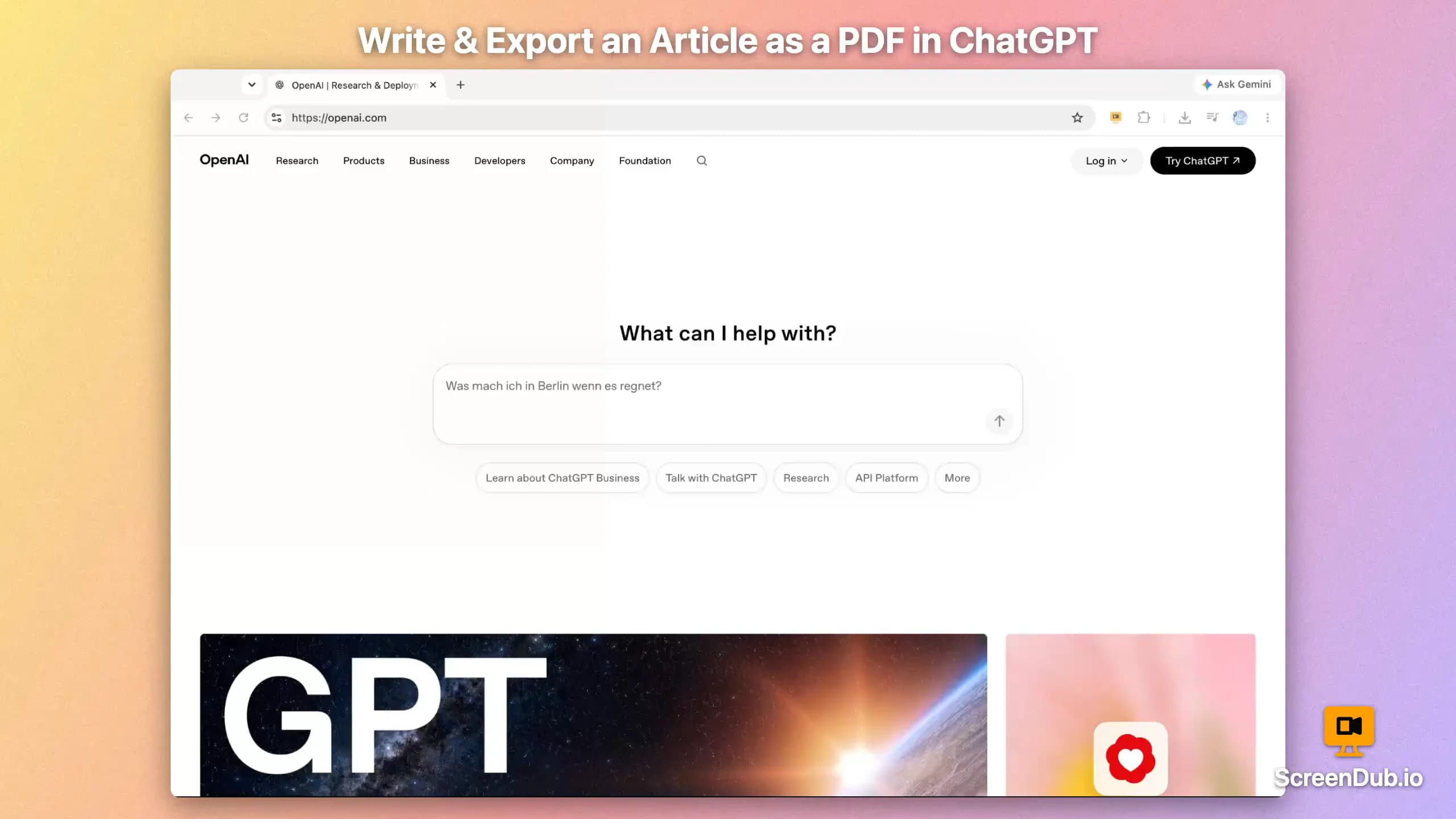
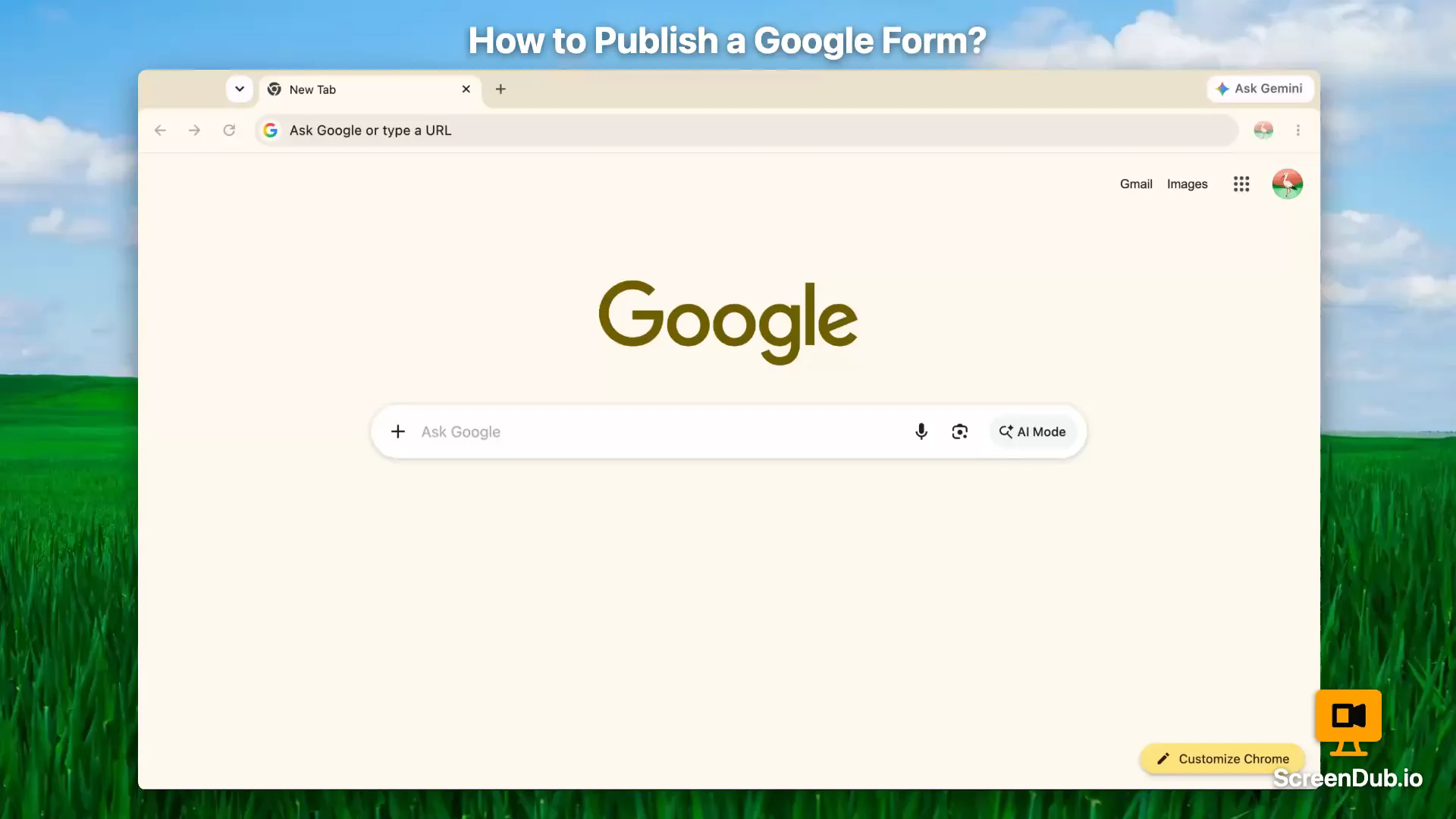
Every clip started as a silent screen recording. ScreenDub wrote the script, spoke it, and synced it to what happens on screen. Nothing here was edited by hand.
Turn on sound. Every clip is narrated.
Process
How it works
You record. ScreenDub does the rest.
- 1You
Record
In the browser, or upload an MP4, WebM, or MOV.
~30 sec - 2Automatic
Analyze
Every action becomes an editable, timestamped step.
~45 sec - 3Automatic
Narrate
A script, voiced in 80+ languages and timed to each action.
~2 min - 4Automatic
Export
A polished MP4 and a step-by-step PDF, ready to share.
~1 min
Features
Everything it does, and everything you can change.
The script, voice, sync, languages, and docs arrive on their own. Then make it yours, down to the frame you crop and the part you blur.
Hit record. That is the hard part.
Customization
Then change anything you like.
The video arrives finished. What is left is taste. Every option below is a click in the editor, and the preview updates while you watch, so you never render twice to see a change.
Backgrounds
44 of them, or bring your own solid color and gradient. Add grain, round the corners, set the shadow, and give the frame room to breathe.








Titles and chapters
Nine card designs, from a full-page opener to a typing terminal. Move them where you want, or switch chapter titles off.
Word-accurate captions
Timed to the audio word by word, with the spoken word highlighted as it plays. Five styles, your size and color, burned in or as a subtitle file.
ClickShare,theninviteyourwholeteam
Background music
23 licensed tracks, auditioned right in the panel, ducking under the narration by themselves. Your recording’s own sound can play underneath too.
Zoom and clicks
The camera pushes in on whatever the cursor is doing, and every click can glow or ripple so the step is impossible to miss. Needs the free Chrome extension.
Hide what should not be seen
Blur an API key or a real email, crop away the rest, cut the dead air. Every edit is burned in on your own machine before upload, so what you hid is never sent for analysis.
Your branding
A color, a logo, and your name, saved once as a kit. Your brand color carries through every accent: title cards, chapter titles, click highlights.

Introduction
Getting started
ScreenDub
Intro and outro
Open on a held frame, a montage of clips, or stills that crossfade, and close the same way. Every frame comes from your own footage.
Any shape
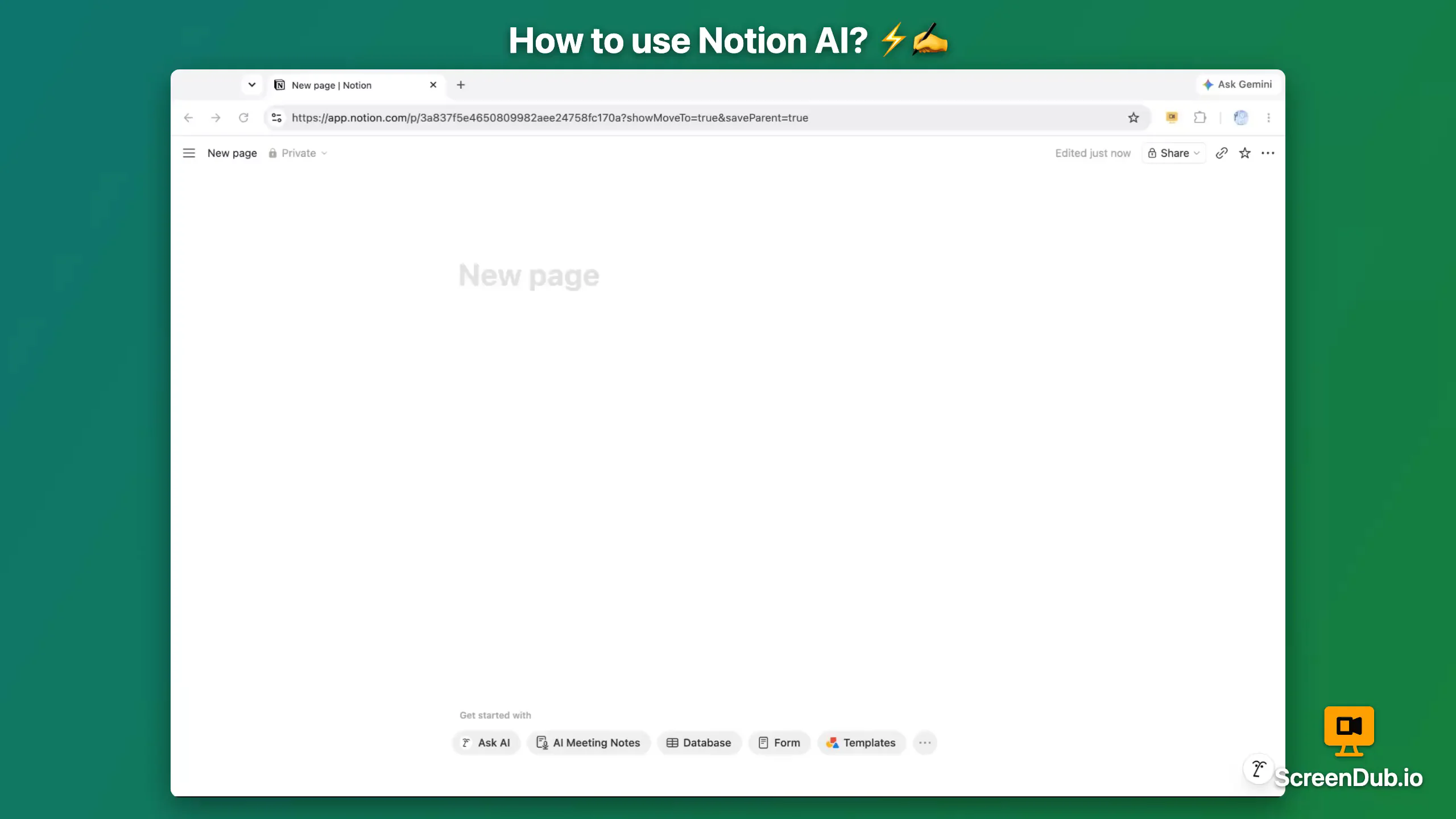
Widescreen, square, portrait, or vertical, from the same source. The frame reshapes around your recording instead of cropping into it.
AI presenter
Add a presenter, without stepping in front of the camera.
Your opening narration becomes a short on-camera presenter who sets the context, then hands off to the walkthrough.
- •Make the opening feel human. A confident host from the first second.
- •Built from your intro. Your opening narration, tightened into a natural line.
- •Preview, then decide. Turn it on only when it feels right.


AI presenter intro
“In the next few minutes, we'll show you how to get your first workspace up and running.”
PowerPoint to video
Turn any presentation into a voiceover video.
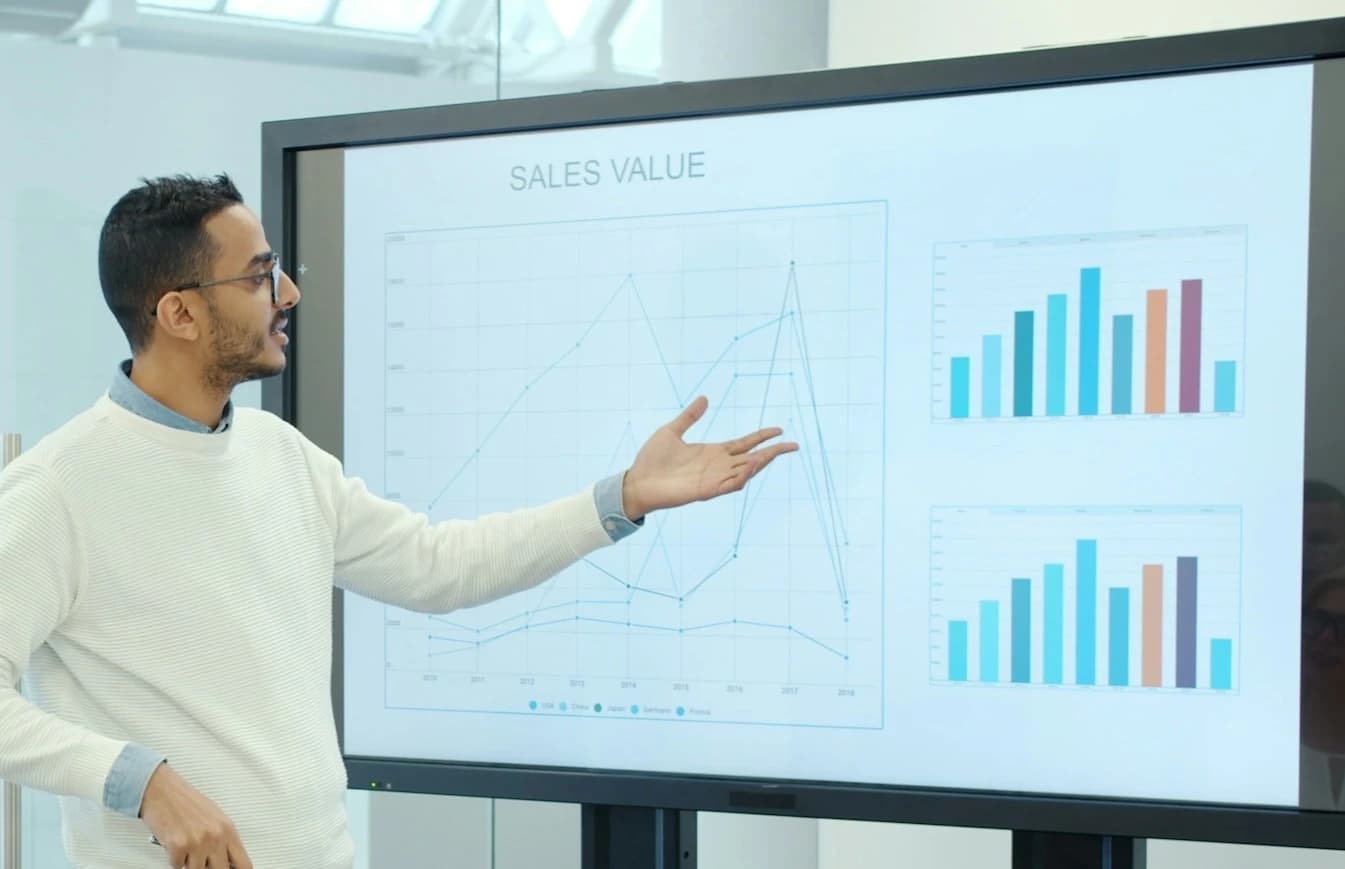
Upload a PowerPoint or PDF. ScreenDub narrates every slide in 80+ languages and hands you a video and a written handout.
Sales & pitch decks
The full pitch as a voiced video, in each buyer's language.
Investor updates
The quarterly deck as a video you share with one link.
Training decks
Voice the slides once, ready for every new hire.
Webinars & launches
On demand the moment the live session ends.
Flow
Type an idea. Get an animated explainer video.
Describe a process, an update, or a lesson. ScreenDub designs the visuals and narrates them in 80+ languages.
Processes and decisions
Steps, branches and timelines, laid out so every box reads clearly.
Charts and tables
Bars, lines, donuts, funnels and tables from the figures you give.
Math, step by step
Equations written out one step at a time, each step explained.
Real diagrams
Labeled pictures and animations from Wikipedia, with credit.
One recording, three ways to share
Product demos, tutorials, and video documentation.
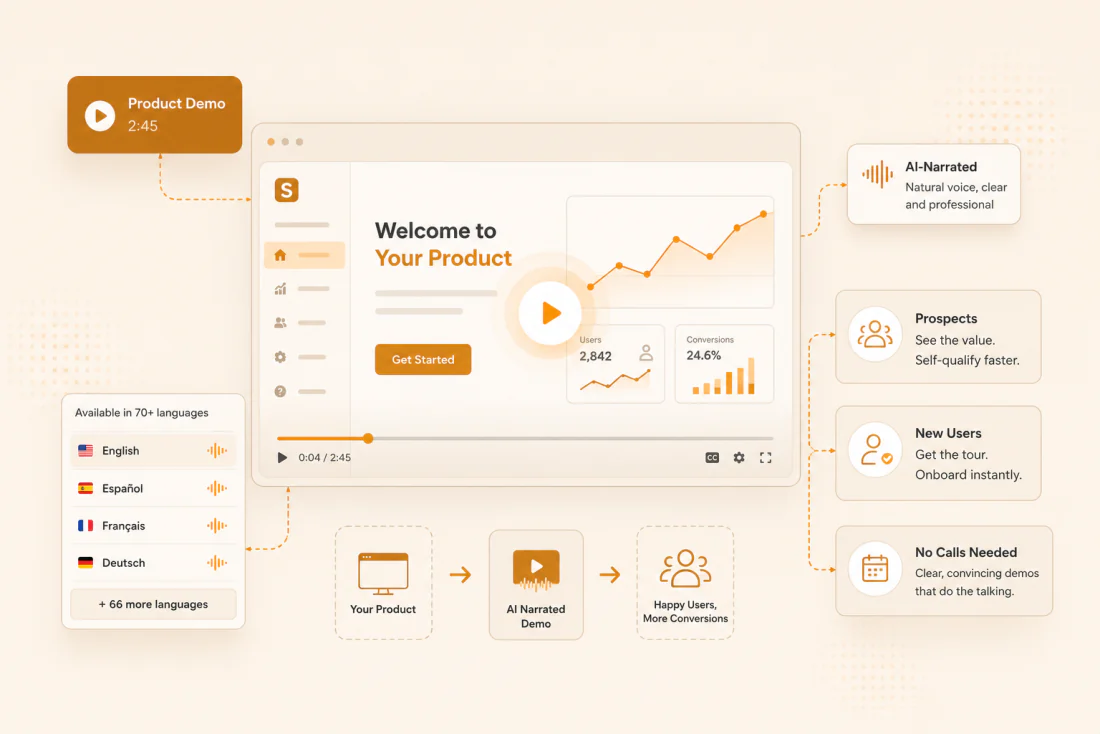
One recording becomes a narrated walkthrough and a written guide, in any language.
A demo that sells while you sleep.
New to this? Read our guides on making a product demo video, recording a tutorial, or turning a PowerPoint into a narrated video.
Localization
Speak to your users in their language.
One recording, 80+ narrations, no reshoots. Ready for every market on day one.
- EnglishEnglish (US)
- हिन्दीHindi
- EspañolSpanish
- FrançaisFrench
- PortuguêsPortuguese (Brazil)
- ItalianoItalian
- DeutschGerman
- العربيةArabic
Use cases
Built for the moments you keep repeating.
Answered the same question twice? Record it once.
Product onboarding
"Where do I even start?" Every new signup, again.
Record the walkthrough once. It onboards every new account on their schedule, in their language.
Learn moreCustomer support
You've typed this exact reply a hundred times.
Answer it once as a walkthrough, then reuse the link on every repeat ticket.
Learn moreInternal training
Another new hire. Another week of shadowing you.
New hires learn from the real process, not a week of shadowing. The knowledge stays when people move on.
Learn moreFeature launches
You shipped it Friday. Nobody noticed by Monday.
Ship a narrated demo with every release, so customers see what changed and start using it.
Learn moreSales demos
"Can I see it before we book a call?"
Send a product tour the moment a prospect asks. Reps spend their time on deals that are ready.
Learn moreStandard operating procedures
You take one day off and everything stalls.
Turn critical procedures into narrated SOPs, so work keeps moving when someone is out.
Learn morePricing
Simple pricing, no surprises.
Pay for output, not seats. Billed monthly or yearly.
Free
Try ScreenDub at no cost
8 mins included once
of narration
- Watermark on exports
- 3 exports per video
- No custom branding
- Every edit uses minutes
- 5 guides / month
- No shared workspace
- Recording up to 6 minutes
- All 25 script styles
- All voices and accents
- Translate to 80+ languages
Creator
Videos with your brand, no watermark
50 mins / month
of narration
- No watermark
- Unlimited exports
- Custom branding
- First edit to each line is free
- Unlimited guides
- Workspace up to 3 team members
- Recording up to 10 minutes
- All 25 script styles
- All voices and accents
- Translate to 80+ languages
Pro
For teams making videos every week
120 mins / month
of narration
- No watermark
- Unlimited exports
- Custom branding
- First edit to each line is free
- Unlimited guides
- Workspace up to 6 team members
- Recording up to 12 minutes
- All 25 script styles
- All voices and accents
- Translate to 80+ languages
Teams
More minutes and seats for bigger teams
250 mins / month
of narration
- No watermark
- Unlimited exports
- Custom branding
- First edit to each line is free
- Unlimited guides
- Workspace up to 10 team members
- Recording up to 15 minutes
- All 25 script styles
- All voices and accents
- Translate to 80+ languages
Organization
More than 10 people, a bigger pool of minutes, or a rollout across several teams? We scope a plan around your usage, billed monthly or yearly.
Need more minutes? Move up a tier anytime. No credit card required to start.
Security and data
Your recordings stay yours.
Screen recordings show private work. Here is how we protect it.
Encrypted, never public
HTTPS in transit, AES-256 at rest. Every file opens only through a link that expires.
Final files never reach us
Exported videos and PDF guides are built in your browser, on your device.
Never used to train AI
Our AI provider's paid tier forbids training on your content and keeps no copy.
Every provider, named
Our privacy policy lists every company that touches your data, and what it sees.
Sending this to IT? Share the security overview or read the full privacy policy.
FAQ
Questions, answered.
Practical answers on control, quality, scale, and rollout.
Can we try it before paying?
Yes. The Free plan gives you 8 minutes of narration with no credit card and no sales call.
- Enough to produce a real demo or onboarding guide on your own content
- Recordings run up to 6 minutes on Free, and up to 15 minutes on paid plans
- Up to 2K resolution, so what you evaluate is the real thing
- Free exports carry a small watermark; every paid plan removes it
Is the narration polished enough to put in front of customers?
Yes. The voices are studio-grade and the narration lands on the exact moment each action happens on screen.
- A range of accents, genders and tones to match your brand
- Preview any voice before committing, and switch later without re-recording
- Prefer your own voice? Record with your microphone instead
- Many teams use their own voice for flagship content and AI narration for the high-volume videos
How much control do we have over the result?
Full control. Every recording becomes a structured, editable script.
- Rewrite any line to match your terminology
- Trim, split or delete steps, then regenerate the narration in seconds
- Set backgrounds, titles and captions, plus your own logo and brand color
- Nothing is published until it reads and looks the way your team wants
How does ScreenDub work for a team or a larger organization?
There is nothing for IT to install or provision, so a new teammate can ship their first video the same day they get access.
- Recording runs in the browser, with no download and no admin rights
- Every plan has a monthly pool of minutes that refreshes automatically
- Move tiers instantly when a launch spikes demand
- Shared workspaces let a team work on the same projects
- The workspace owner controls who is in it and can remove someone at any time
- For larger organizations we scope custom plans around your usage and rollout
Can we deliver the same content to a global audience?
Yes. One source recording translates and re-narrates into 80+ languages with a single click.
- No re-shooting, no subtitling by hand, no voice talent to hire per market
- Each version keeps the same visuals and timing
- A guide made once in English ships to every region on the same day
What is ScreenDub?
ScreenDub is an AI product demo maker and tutorial video maker that turns a screen recording or slide deck into a narrated video.
- Record in the browser, or upload an MP4, WebM, MOV, PDF or PowerPoint
- ScreenDub detects each on-screen action and writes the script for it
- It voices the script naturally and syncs the narration to the video
- Every project exports as a polished MP4 and a step-by-step PDF guide, with a screenshot for every step
Comparing tools? See how ScreenDub stacks up against Loom and Clueso.

Give your team the power of ScreenDub today!
Standardize demos, training, and docs across your organization, in every language. For rollouts and volume pricing, email hello@screendub.io.
Free to start, no credit card. Volume plans for teams.