ScreenDub vs Clueso: which should you pick in 2026?
Written by Omprakash Sah Kanu · July 1, 2026 · Updated August 9, 2026 · 15 min read
ScreenDub and Clueso overlap, but their workflows make different starting assumptions. Choose ScreenDub when you want a narrated video from a browser recording, uploaded video, or slide deck, with usage-based pricing and a PDF guide from the same project. Choose Clueso when you want a broader product-video and documentation workspace with automatic polish, direct deck/PDF inputs, and annual export quotas. This comparison covers the current inputs, editing model, outputs, language support, and pricing.
ScreenDub vs Clueso at a glance
| Category | ScreenDub | Clueso |
|---|---|---|
| Best fit | Narrated tutorials, demos, training, and localized video | Polished product videos and documentation |
| Inputs | Browser recording, MP4/WebM/MOV, or PDF/PPT/PPTX deck | Screen recording, uploaded recording, slide deck, PDF, or images |
| Core workflow | Draft and edit narration segment by segment, then render | Generate script and apply editing, zoom, background, and documentation tools |
| Outputs | Standard MP4, subtitles, chapters, and step-by-step PDF guide | MP4, documentation exports, captions, and share/embed options |
| Languages | 80+ narration languages | 37+ translation languages listed on the official pricing page |
| Pricing model | Monthly narration-minute pool | Plan/user tiers with annual video and article quotas |
| Free access | Free plan: one 8-minute narration allowance | 7-day trial: 10 total video-export minutes and 15 article exports |
What each tool is built to do
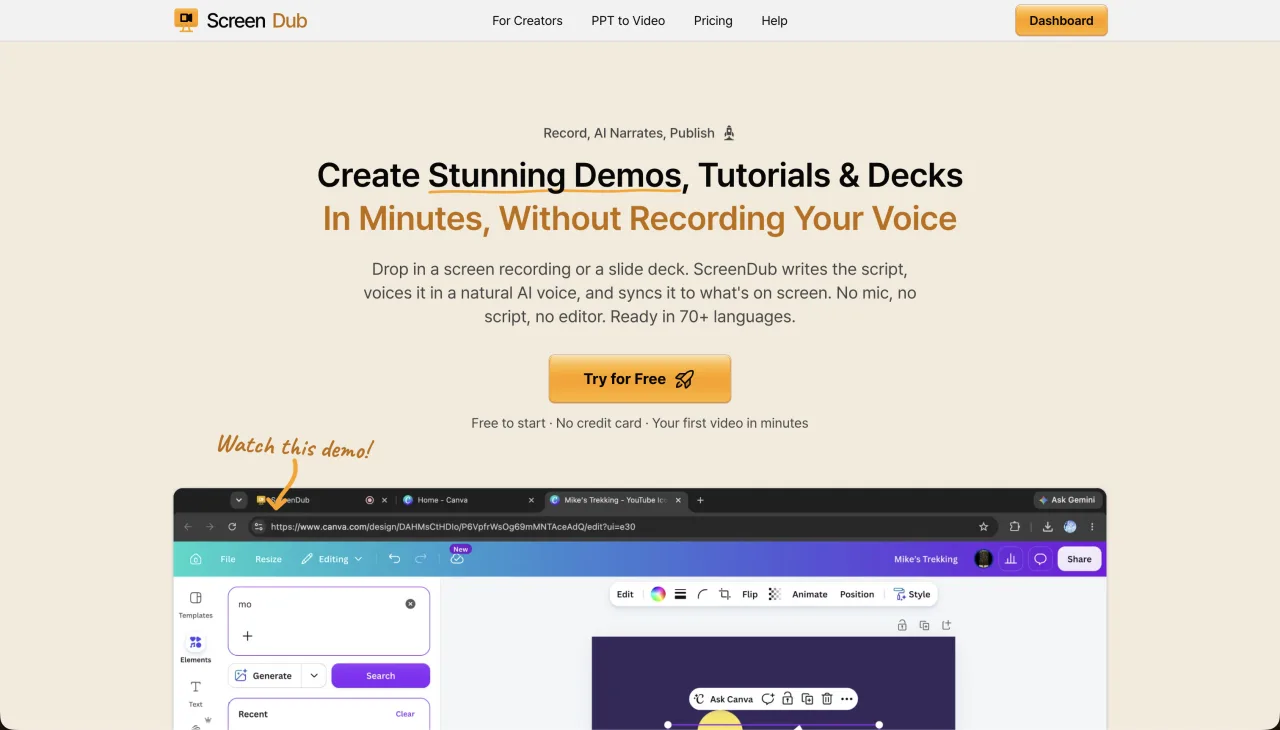
ScreenDub is designed to turn a source into narrated video with a small editing surface. It can record the screen in the browser, accept an existing video, or narrate a PDF, PPT, or PPTX deck. The script is editable by segment, and the same project can become a standard MP4, captions, chapters, or a step-by-step PDF.
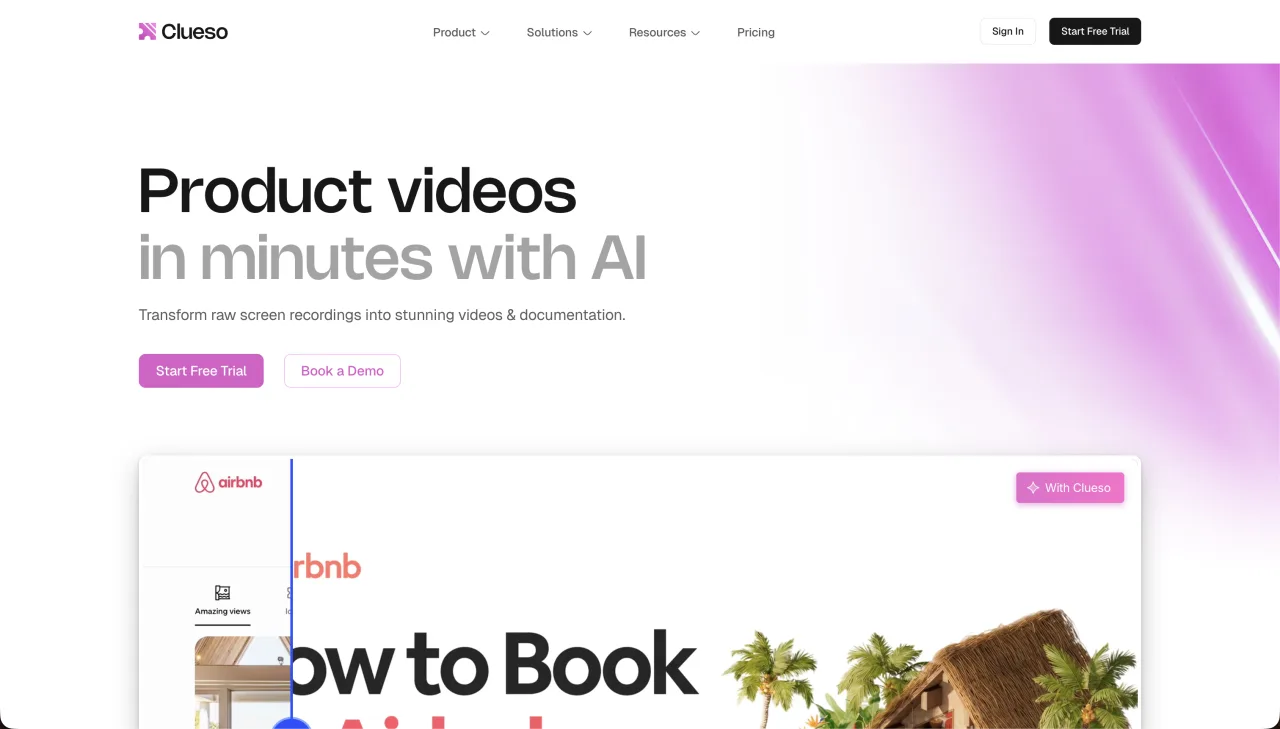
Clueso is positioned as a product-video and documentation workspace. Its official pricing page lists AI script generation, filler-word removal, studio-grade voiceovers, automatic zooms, backgrounds, manual script editing, slide/PDF/image inputs, documentation exports, and analytics on view-only links. It is a broader production and documentation surface, with more quotas and export formats to compare.
Inputs: both accept more than screen recordings
The old “recording versus deck” distinction is too simple. Both products now advertise more than a browser capture. ScreenDub accepts browser recordings, MP4/WebM/MOV uploads, and PDF/PPT/PPTX decks. Clueso’s official page lists screen recordings, uploaded recordings, slide decks, PDFs, and images.
The practical question is what you want to happen after import. If the important job is reviewing a concise narration and regenerating individual segments, ScreenDub keeps that path central. If you want to combine narration with automatic zooms, backgrounds, callouts, and several documentation export formats, Clueso exposes a wider production workspace.
Workflow: narration-first versus production workspace
- ScreenDub: the system analyzes the source, drafts narration, splits the project into segments, and lets you correct the wording and voice one segment at a time.
- Clueso: the official feature list combines AI scripting and voiceover with automatic zooms, backgrounds, transitions, blur, callouts, brand elements, screenshot editing, and documentation exports.
ScreenDub is a better fit when the bottleneck is writing and voicing the explanation. Clueso is a better fit when the bottleneck is polishing the visual treatment and publishing several forms of documentation from the source.
Outputs and documentation
ScreenDub exports a standard MP4. Captions can be skipped, burned into the video, or exported separately; chapters align with segments; and guided documentation turns the same project into a PDF with a screenshot and instruction for each step.
Clueso’s official page lists MP4 and GIF video downloads, SRT/VTT caption files, and documentation export as HTML, Rich Text, and Markdown, along with view-only links and embed options. If your destination is an existing docs stack, those formats may matter more than a PDF handout. If you need a portable printable guide, ScreenDub’s PDF output is direct.
Languages and localization
ScreenDub lists translation to 80+ languages on every plan. The same project keeps the source visuals while the narration and captions are translated and re-voiced. Clueso’s official pricing page lists one-click translation to 37+ languages, including audio, captions, and step-by-step documentation translation.
For either tool, treat translation as a review workflow for important content. Have a fluent reviewer verify product names, warnings, numbers, and regional process differences before the localized video becomes the canonical support answer.
Pricing and quotas
- ScreenDub Free
- $0; one 8-minute narration allowance; videos up to 6 minutes; 3 exports/video; 5 guides/month; watermark
- ScreenDub paid
- Creator $14.99/50 minutes; Pro $29.99/120; Teams $59.99/250 per month
- Clueso trial
- $0 for 7 days; 1 user; 10 total video-export minutes; 15 article exports; up to 1080p
- Clueso Starter
- $120/month billed yearly; 2 users; 6 hours of video exports/year; 360 article exports/year; up to 2K
- Clueso Growth
- $200/month billed yearly; 4 users; 12 hours of video exports/year; 720 article exports/year; up to 4K
These are different buying models. ScreenDub is easier to trial indefinitely and scales by a monthly narration pool. Clueso’s paid plans are built around users and annual video/article quotas, with higher output resolution and documentation features at higher tiers. See the ScreenDub plans and Clueso’s official pricing page before deciding.
Choose Clueso if
- You want a broader product-video workspace with automatic visual polish.
- Your source may be a recording, deck, PDF, image, or an uploaded file.
- You need HTML, Rich Text, Markdown, GIF, SRT, VTT, or view-only-link outputs.
- Your team is comfortable with annual quotas and a higher entry price.
- You want documentation translation and a 37+ language workflow listed in the official plan.
Choose ScreenDub if
- You want a permanent free plan and monthly usage pricing from $14.99 paid.
- You want to edit narration by segment instead of taking on a larger production workspace.
- You need 80+ narration languages from the same project.
- You want a standard MP4 and a step-by-step PDF guide from the same source.
- Your team wants to record in the browser or start from a video or slide deck.
The bottom line
ScreenDub and Clueso are not separated by a simple “one accepts decks and one does not” rule anymore. The useful distinction is workflow emphasis. ScreenDub keeps narration, segment corrections, language coverage, and simple usage pricing at the center. Clueso combines narration with a broader visual editor, documentation formats, and annual team quotas. Choose the one that matches the part of production your team actually needs help with.
Frequently asked questions
Is ScreenDub cheaper than Clueso?
ScreenDub has a permanent Free plan and paid plans from $14.99/month. Clueso’s trial lasts 7 days, and its first paid tier is listed at $120/month billed yearly. The tools also meter output differently, so compare your expected monthly videos rather than only the sticker price.
Can Clueso turn a PowerPoint or PDF into a video?
Yes. Clueso’s official pricing page lists slide-deck, PDF, and image inputs. ScreenDub also accepts PDF, PPT, and PPTX and narrates each slide as a video segment.
Which tool supports more languages?
ScreenDub lists 80+ narration languages. Clueso’s official pricing page lists one-click translation to 37+ languages, including audio, captions, and step-by-step documentation.
Which tool is better for a PDF guide?
ScreenDub creates a step-by-step PDF with a screenshot and instruction for each segment. Clueso lists documentation exports in HTML, Rich Text, and Markdown, which may fit an existing documentation stack better.
Can I edit only one part of a ScreenDub video?
Yes. ScreenDub splits the project into segments so you can correct a line and re-narrate that part without rebuilding the entire source.
Compare both workflows with a real source file. Start ScreenDub free, or visit Clueso’s official pricing page before making a purchase decision.