AI Video Dubbingfor Product Videos & Shorts in 80+ Languages
ScreenDub turns one video or Short into studio-grade dubs in 80+ languages. Natural voices, no re-recording, no editor. Reach audiences your captions never could.
Free to start, no credit card | Are you a business owner? Start here
The same video, dubbed into English by ScreenDub. Same visuals, a natural new voice.
Built for creators going global
Why ScreenDub
Stop leaving most of your audience behind.
Localizing used to mean a voice actor, a studio, and a re-edit for every language, so most creators never bother. ScreenDub turns it into a few clicks you can run on every video you publish.
The old way
- Hire a separate voice actor for every language
- Pay a studio to transcribe, translate, and re-record
- Re-edit the timeline to fit each new voiceover
- Settle for subtitles most viewers scroll right past
- Wait days and spend hundreds per language
- Skip localization entirely and leave reach on the table
With ScreenDub
- Upload your video, no re-shooting anything
- Transcribed, translated, and rewritten to sound natural
- Studio-grade voices in every language, ready to publish
- Audio synced to your original video automatically
- One click turns a single video into 80+ language versions
- A share-ready MP4 per language in minutes, not days
Features
One video, everything you need to publish in every language.
From the moment you drop in your video, the work is done. Transcription, translation, voicing, and export run automatically, so a polished dub is the default, not a project.
Any video you publish
Natural translation
Studio-grade voices
80+ languages, zero re-recording
Upload-ready MP4
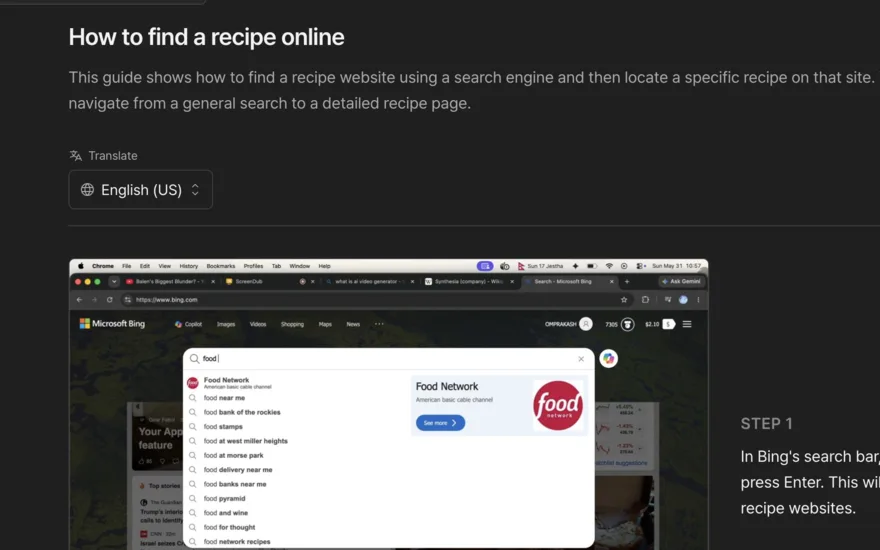
Subtitles and transcripts
Then make it look like your channel.
The dub is finished the moment it renders. What is left is the part your audience recognizes: your look, your music, your name on the card. Every change previews as you make it, so nothing costs a second render.
Backgrounds
44 of them, or bring your own solid color and gradient. Add grain, round the corners, set the shadow, and give the frame room to breathe.









Word-accurate captions
Timed to the audio word by word, with the spoken word highlighted as it plays. Five styles, your size and color, burned in or as a subtitle file.
ClickShare,theninviteyourwholeteam
Top and bottom text
A hook along the top, a call to action along the bottom. Two lines of your own that stay with the video wherever it is posted.
How to set up your workspace
Follow for more tips
Titles and chapters
Nine card designs, from a full-page opener to a typing terminal. Move them where you want, or switch chapter titles off.
Background music
23 licensed tracks, auditioned right in the panel, ducking under the narration by themselves. Your recording’s own sound can play underneath too.
Your branding
A color, a logo, and your name, saved once as a kit. Your brand color carries through every accent: title cards, chapter titles, click highlights.

Introduction
Getting started
ScreenDub
Process
How it works
Four steps, and you only do the first. You add the video; ScreenDub handles the translation, voicing, and export, so any creator can publish in 80+ languages.
- 1You
Add your video
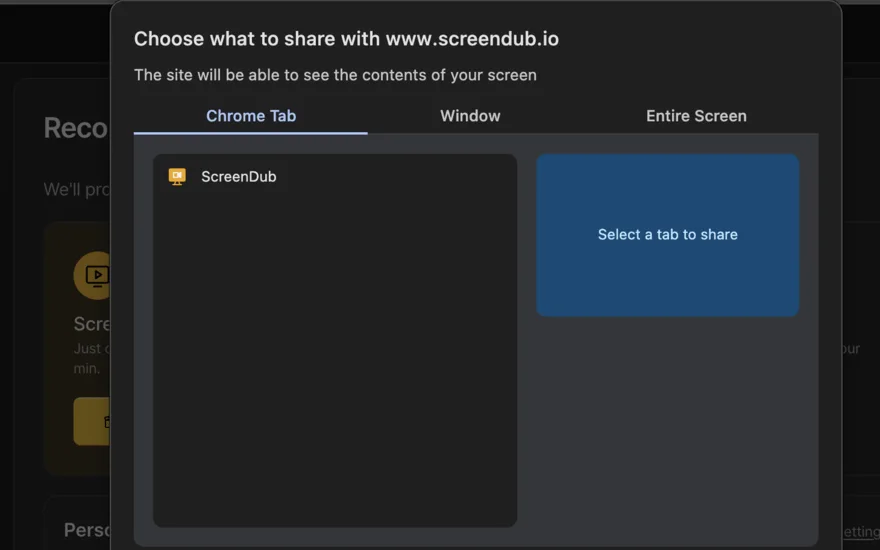
Upload an MP4, WebM, or MOV. Long-form or Shorts, any aspect ratio.
~30 sec - 2Automatic
Translate
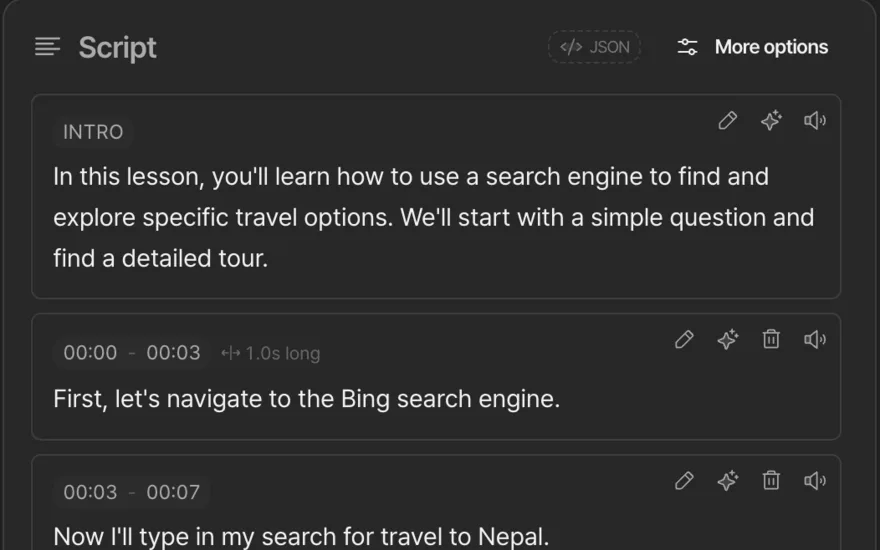
Your audio is transcribed and rewritten to sound natural in each language you pick.
~45 sec - 3Automatic
Dub
Studio-grade voices re-narrate the script and sync to your original video, timed to match.
~2 min - 4Automatic
Export
Get an upload-ready MP4 per language, plus translated subtitles, ready to publish.
~1 min
One video, every format
Long-form, Shorts, and subtitles.
Upload once and ScreenDub produces a dubbed video and translated captions, ready in minutes and in any language. One source video, every format, no duplicated work.
Long-form videos
Dub your full uploads into every language and publish them as their own videos or alternate audio tracks. One edit reaches every audience.
Shorts and Reels
Re-voice vertical clips for TikTok, Reels, and Shorts in seconds. The same hook lands in every language, with the pacing kept tight.
Subtitles and transcripts
Export translated captions and a clean transcript from the same video. Drop the subtitles straight into your upload for an extra reach boost.
Localization
Speak to your audience in their language.
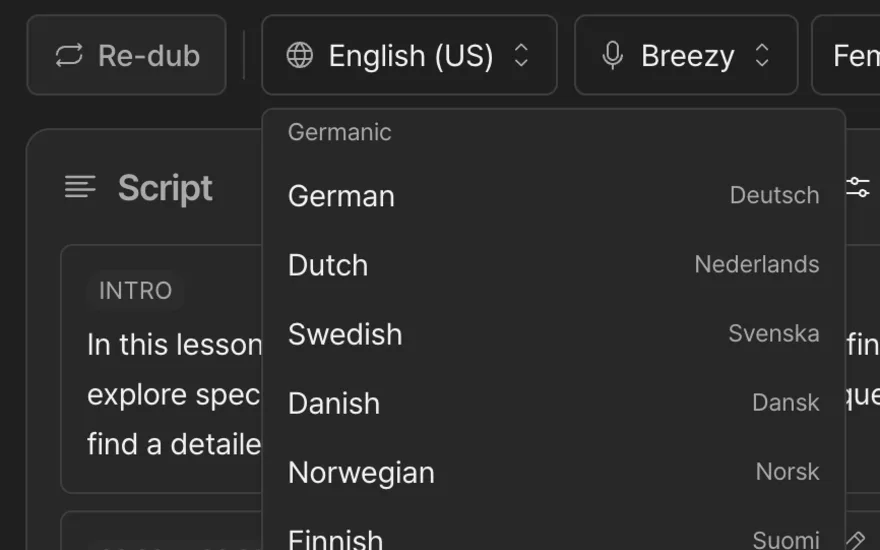
One video, 80+ dubs. Every upload in your viewers' language, without re-shooting a frame. Grow in new markets starting with your very next post.
- EnglishEnglish (US)
- हिन्दीHindi
- EspañolSpanish
- FrançaisFrench
- PortuguêsPortuguese (Brazil)
- ItalianoItalian
- DeutschGerman
- العربيةArabic
Use cases
Built for creators who want to grow.
If your content is good in one language, it is good in fifty. These are the creators using one dub to reach audiences they could never have filmed for.
YouTube creators
Your best video only reaches the people who speak your language.
Dub your catalog into the languages your analytics say are watching but bouncing. Publish localized versions or multi-language audio tracks, and turn one upload into reach across every region without filming again.
Shorts and Reels
A viral clip dies at the border of one language.
Re-voice short-form for TikTok, Reels, and Shorts in seconds while the trend is hot. The same hook and pacing land in every market, so a clip that worked once works everywhere.
Course creators
Students ask for your course in their language, and you say no.
Localize an entire course library without re-recording a single lesson. Open enrollment to new countries, raise completion rates with native-language audio, and sell the same content to a wider market.
Brands and marketers
One ad, one language, a fraction of the audience.
Turn a single brand video or product spot into a campaign that runs in every market on day one. Consistent message, native voices, no agency invoice per language.
App reviewers
Your walkthrough helps only the viewers who speak your language.
Re-voice reviews and walkthroughs for every market from the same footage. The verdict lands in the viewer's own language, ready to publish the same day.
Educators and explainers
Great explainers, locked to the people who share your language.
Make tutorials and explainers understandable to anyone, anywhere. Localized narration means a concept you explained once teaches viewers in 80+ languages.
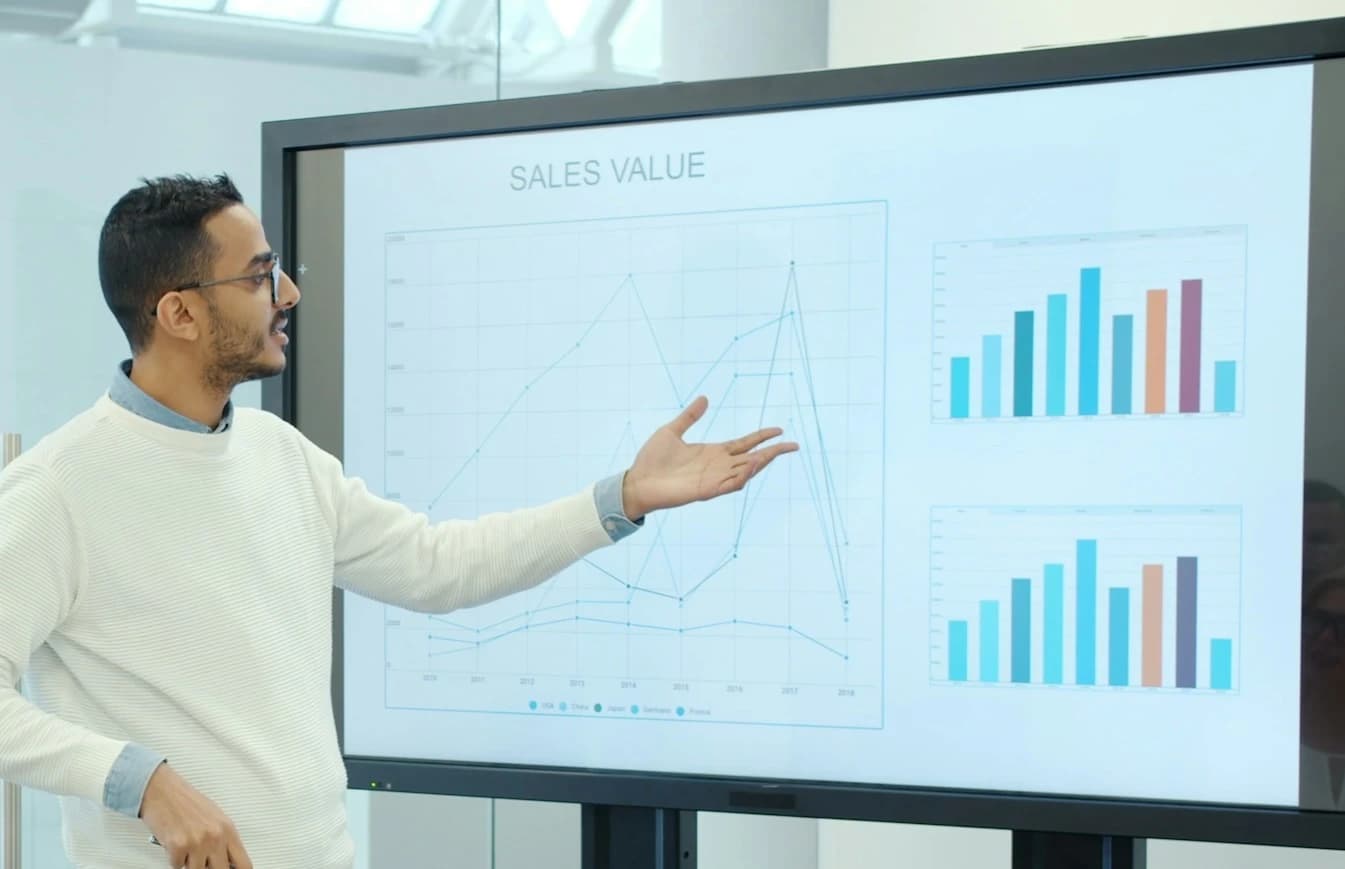
Also for decks
Your slides can talk too.
Upload a PowerPoint or a PDF and ScreenDub reads every slide, writes the narration, and voices it in 80+ languages. Same voices, same languages, no recording at all.
See slides to videoPricing
Simple pricing, no surprises.
Billed by minutes used per month, so you pay for output, not seats. Choose monthly billing or save with an annual plan.
Free
Try ScreenDub at no cost
8 mins included once
of AI generation
- No shared workspace
- Recording up to 6 minutes
- 3 exports per video
- 5 guides / month
- Watermark on exports
- No custom branding
- All 25 script styles
- All voices and accents
- Translate to 80+ languages
Creator
Branded videos for creators
month
50 mins / month
of AI generation
- Workspace up to 3 team members
- Recording up to 10 minutes
- Unlimited exports
- Unlimited guides
- No watermark
- Custom branding
- All 25 script styles
- All voices and accents
- Translate to 80+ languages
Pro
Best value · 2.4× minutesEnough for regular video creation
month
120 mins / month
of AI generation
- Workspace up to 6 team members
- Recording up to 12 minutes
- Unlimited exports
- Unlimited guides
- No watermark
- Custom branding
- All 25 script styles
- All voices and accents
- Translate to 80+ languages
Teams
More minutes for growing teams
month
250 mins / month
of AI generation
- Workspace up to 10 team members
- Recording up to 15 minutes
- Unlimited exports
- Unlimited guides
- No watermark
- Custom branding
- All 25 script styles
- All voices and accents
- Translate to 80+ languages
Need more minutes? Move up a tier anytime. No credit card required to start.
FAQ
Questions, answered.
Everything you need to know before dubbing your first video: the practical answers on quality, control, languages, and what you get back.
How do I dub a video into another language?
Upload an MP4, WebM, or MOV to ScreenDub, pick the languages you want, and it transcribes the video, rewrites the script to read naturally in each language, voices it in a studio-grade AI voice, and syncs the new audio to your original footage. You can dub into 80+ languages from one source, and every version comes back as an upload-ready MP4 with a transcript and translated subtitles.
What kinds of videos can I dub?
Any MP4, WebM, or MOV up to 650 MB, processed at up to 2K resolution. Videos run up to 6 minutes on the Free plan and up to 15 minutes on paid plans. Long-form videos, Shorts, Reels, and TikToks all work, at any aspect ratio, so you can localize whatever you already publish: export it from your editor or download it from your channel and drop it in. Longer videos work best split into parts.
Do the dubbed voices actually sound natural?
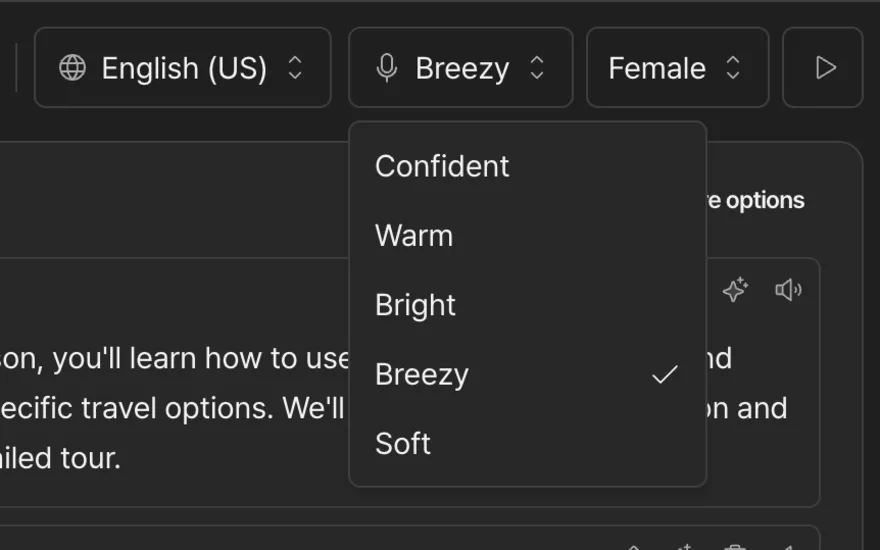
Yes. The voices are studio-grade, with a range of accents, genders, and tones, and the script is rewritten to read naturally in each language rather than translated word for word. You can preview any voice before committing and switch voices any time, so the result sounds like a creator who speaks the language, not a robotic auto-dub viewers click away from.
How much control do I have over the translation?
Full control. Your video is transcribed into an editable script, and you can rewrite any line to keep your phrasing, jokes, or brand terms before it is voiced. Adjust the wording, regenerate the audio in seconds, and nothing publishes until the dub reads exactly the way you want it in every language.
Can I try it before paying?
Yes. The Free plan includes 8 free narration minutes with no credit card, which is enough to dub a real video or a few Shorts and hear the voices on your own content. Free exports carry a small watermark; every paid plan removes it, so your dubbed videos go out fully your own, safe to publish or hand to a sponsor.
How does pricing work as I publish more?
Every plan comes with a monthly pool of export minutes that refreshes automatically, priced by output rather than seats. When you have a heavy upload week or want to localize your back catalog, you move to a higher tier instantly, so dubbing keeps pace with how often you post.

Take your channel global today!
No voice actor. No studio. No re-edit for every language. Dub your videos and Shorts into 80+ languages and reach the audiences your captions never could.
Free to start, no credit card. Bring any video file.