Skip to content

Customer success

Create customer onboarding and support videos.

Turn recurring product questions into customer support videos, onboarding walkthroughs, and written guides. Customers get a clear answer they can replay, while your team keeps more time for conversations that need a human.

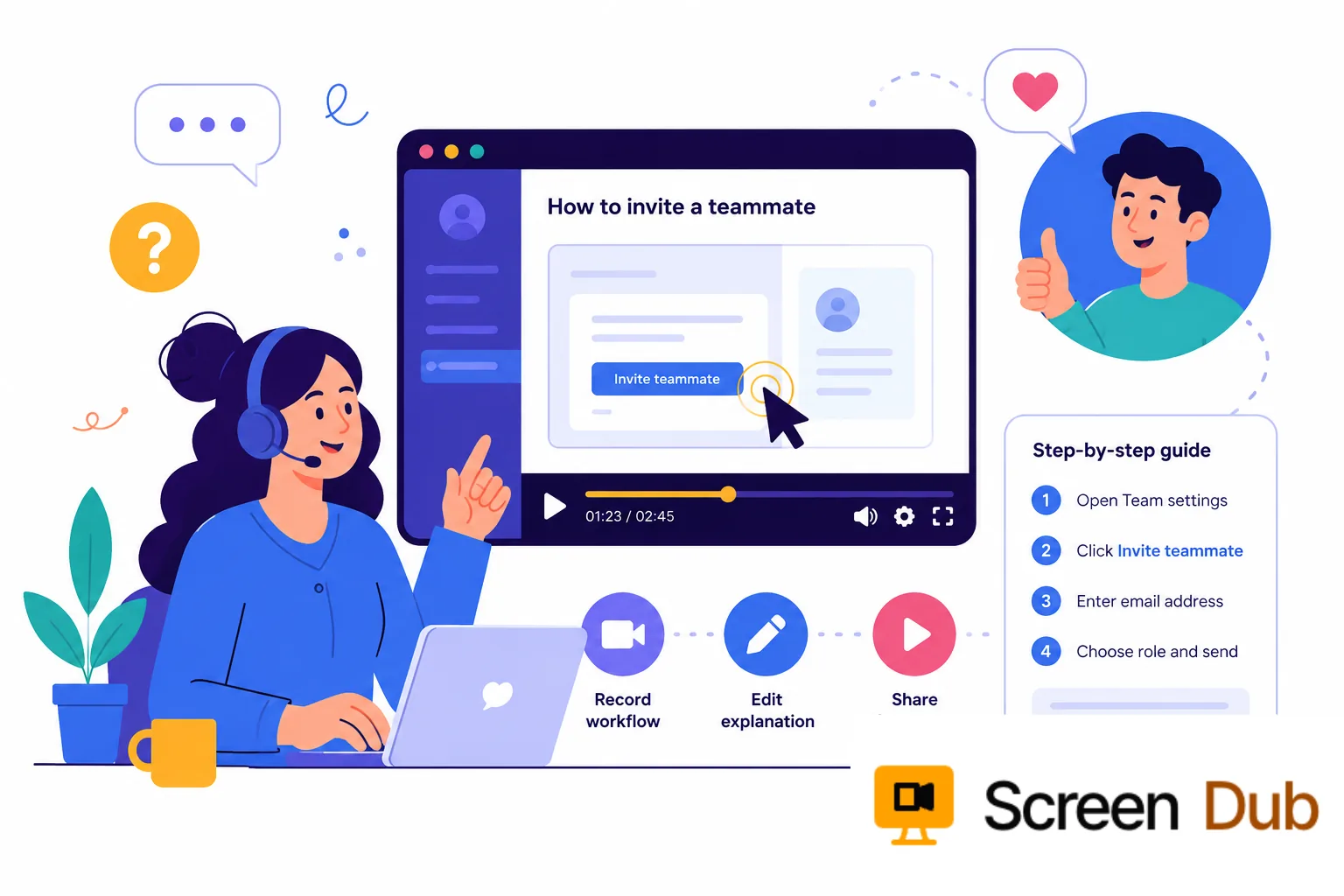
Customer success workflow showing a narrated product walkthrough and step-by-step guide

Customer success teams face the same workflow questions at different points in every account: an admin cannot find a setting, a new user needs to invite a teammate, or a champion needs the quickest route to an early win. The wording changes; the product path does not.

Long articles make customers translate text into clicks. Live calls solve the problem once, then disappear. A short visual explanation makes the next action unambiguous and gives every CSM the same high-quality answer to share.

The fastest path to adoption is often showing the customer exactly what to do next.

ScreenDub gives customer success and support teams a fast way to make that answer. Record the product path silently, edit the generated narration, and export a polished video without asking anyone to record a voiceover. The same source can produce a written guide, so the explanation remains useful in both a reply and a knowledge base.

The moments that matter

Make the next customer question easier to answer.

The goal is not to create more content. It is to make the right explanation available at the moment a customer needs it.

01

The first setup

Show a new customer where to start, what to configure, and what success looks like before the first call becomes a support ticket.

02

The repeat question

When several customers ask the same “where do I click?” question, record the real path once and turn it into an answer the whole team can reuse.

03

The changed workflow

Explain a new setting or product change with the current interface instead of leaving customer success managers to rewrite an old set of instructions.

04

The handoff to support

Give support a visual answer that is easy to share in a reply, attach to a help article, or send after a customer conversation.

The workflow

Give the team one answer it can keep improving.

01

Record the answer as you would show it

Walk through the exact product path behind the customer question. Keep the recording focused on one task so the customer can follow it without extra context.

02

Edit the explanation for the customer

ScreenDub detects the on-screen actions and creates a timed script. Replace internal shorthand, add the small detail customers usually miss, and approve the wording before export.

03

Publish the answer where the question appears

Export a narrated video and a written guide for support replies, onboarding checklists, the help center, or a customer community post. The format follows the customer, not the other way around.

04

Refresh the source when the product changes

Keep the original workflow easy to find. When the UI changes, record the updated path and regenerate the answer instead of patching screenshots across several disconnected documents.

What the customer gets

A helpful answer that keeps working after the call.

A support reply

Show the customer the exact path to the answer instead of sending a paragraph that assumes they know where to look.

A help-center guide

Pair a short walkthrough with written steps customers can scan, search, and return to later.

An onboarding touchpoint

Give new customers a practical explanation they can replay between kickoff, training, and their first successful workflow.

A reusable team answer

Let every CSM and support agent share the same accurate explanation without asking the product expert to repeat it.

A practical boundary

Useful for repeatable answers, not a replacement for empathy.

ScreenDub is strongest when the customer needs to see a known product workflow: setup, configuration, navigation, or a feature that is easier to understand on screen. It removes repetition so the team has more time for the conversations that need context.

It cannot replace a CSM's judgment, a support agent's investigation, or the trust built through a thoughtful conversation. Use the video for the repeatable part and keep the human part for the problem that is actually unique.

FAQ

Questions, answered.

What customer success videos can ScreenDub create?

ScreenDub is suited to setup walkthroughs, feature explanations, onboarding videos, support answers, and short product tutorials. It works best when a customer needs to see a real workflow in the product.

Can a customer success manager create a video without recording their voice?

Yes. Record the screen silently, review the generated narration, edit the script, and choose a natural AI voice. The result can be shared without requiring a second recording session.

Can the same answer be used in the help center and in email?

Yes. Export the narrated video for a support reply or help article, then use the accompanying written guide wherever customers need searchable instructions.

How do we keep customer videos accurate after a product update?

Record the changed workflow again and regenerate the narration from the new source. Keeping the source recording with the published answer makes future updates easier to manage.

Answer the next question with confidence.

Record the workflow once. Give customers and the whole success team a clearer way to follow it.

Start for free