Animated Explainer Video MakerNarrated in 80+ Languages
Type an idea and ScreenDub turns it into an animated explainer video. It plans the pages, designs the flows, charts and diagrams, and narrates it in 80+ languages. No design tool, no animation, no recording.
Free to start, no credit card | Recording a screen instead? Start here
Made from one typed idea: “How the human brain works.” Charts, a real diagram and the narration, all generated.
Built for every idea you need to explain
Why ScreenDub
Explain it once, without a design team.
An explainer video used to mean a storyboard, a designer, an animator and a voice booth. ScreenDub turns the idea in your head into a finished, narrated video in minutes.
The old way
- Storyboard every scene before anything gets made
- Draw each chart and diagram by hand in a design tool
- Animate every element, keyframe by keyframe
- Record a voiceover and line it up with every move
- Start over for each change and each language
- Days of work, or an agency invoice, for two minutes of video
With ScreenDub
- Describe the idea in plain words, nothing to design
- An outline of pages you can edit before anything is made
- Flows, charts, tables, math, and diagrams laid out for you
- Narration written and voiced, each item appearing as it is said
- Change a page by asking, or switch to 80+ languages
- A finished explainer video in minutes
Features
One idea, everything a good explainer needs.
From the moment you type the idea, the hard parts are handled. Planning, design, narration, and timing run for you, so a clear video is the default, not a project.
Start from an idea
Type a process, an update, a plan, or a lesson, with notes and numbers as they are. You get an outline of up to 20 pages to edit, reorder, or change by asking, before anything is drawn.
Every kind of infographic
Flowcharts with decisions, timelines, org charts, comparisons, KPI cards, bar, line, and donut charts, funnels, tables, and checklists, opened by an animated cover and closed with a recap.
Everything animates
Headings type themselves, flowcharts draw arrow by arrow, bars grow, lines sweep, numbers count up, and checklists tick, all in time with the voice.
A camera that follows
Big flowcharts and long tables keep a readable size. The camera follows them as they draw, then zooms out to show the whole thing.
Math, step by step
Equations written out one step at a time in clean notation, lined up on the equals sign, with a short note on what each step does.
Real diagrams and animations
Labeled pictures and looping animations from Wikipedia, credited on screen, used when a picture explains it better than a chart.
Code, highlighted
Code explained line by line with syntax colors for 19 languages, including Python, JavaScript, TypeScript, SQL, Go, and Rust.
Narration that points
Each item appears as the voice reaches it, and whatever is being explained is highlighted, down to the label on a diagram.
Explainer pages in your recordings
Making a product demo or tutorial from a screen recording? Add animated explainer pages to it, planned from the same video.
Then make it look like yours.
The explaining is done. The rest is presentation: what sits behind the pages, the music under it, captions, and your logo. Change any of it and the preview updates while you watch.
Backgrounds
44 of them, or bring your own solid color and gradient. Add grain, round the corners, set the shadow, and give the frame room to breathe.







Background music
23 licensed tracks, auditioned right in the panel, ducking under the narration by themselves. Your recording’s own sound can play underneath too.
Word-accurate captions
Timed to the audio word by word, with the spoken word highlighted as it plays. Five styles, your size and color, burned in or as a subtitle file.
ClickShare,theninviteyourwholeteam
Your branding
A color, a logo, and your name, saved once as a kit. Your brand color carries through every accent: title cards, chapter titles, click highlights.

Introduction
Getting started
ScreenDub
Process
How it works
Four steps, and you only do the first two. You describe the idea and approve the plan; ScreenDub designs the pages, writes and voices the narration, and gets it ready to share.
- 1You
Describe it
Type the idea in plain words. Add notes or numbers if you have them.
- 2You
Approve the plan
Check the outline of pages, change anything, then let it build.
- 3Automatic
Design
Each page is laid out as a flow, chart, table, math, or diagram.
- 4Automatic
Narrate and share
The script is written and voiced in 80+ languages, ready to export or share.
One idea, many uses
Lessons, updates, and how-tos.
Anything you would explain on a whiteboard or in a slide deck can become a short, narrated video that people actually watch, in any language.
Lessons and explainers
Explain a topic the way a good teacher would: one idea per page, a picture where it helps, and a voice that walks through it.
Team and client updates
Turn the monthly numbers into a short video with charts and a clear story, instead of a slide deck nobody opens.
Processes and how-tos
Show how something works, step by step, with every decision and handoff drawn out so nobody has to ask twice.
Localization
Explain it in your audience's language.
One idea, 80+ narrations. The voice and the text on screen speak your viewer's language, so every team, class, and customer gets the same clear explanation.
- EnglishEnglish (US)
- हिन्दीHindi
- EspañolSpanish
- FrançaisFrench
- PortuguêsPortuguese (Brazil)
- ItalianoItalian
- DeutschGerman
- العربيةArabic
Use cases
Built for anyone who has something to explain.
If you keep explaining the same thing in meetings, classes, or chats, explain it once as a video. These are the people turning ideas into explainers that do the talking.
Teachers and tutors
You explain the same topic every term.
Turn a lesson into a short explainer students can rewatch at their own pace, with diagrams, worked math, and a clear voice. Share it before class and spend class time on questions.
Students
You understand it best when you have to explain it.
Turn notes into a study video or a class presentation. Seeing the steps and diagrams laid out makes a topic stick, and it works in your own language.
Founders and managers
Your update is a wall of numbers nobody reads.
Type the month in plain words and figures, and send a short video with the charts and the story behind them. Everyone gets the same picture in two minutes.
Operations and HR
New people keep asking how things work here.
Explain a process, a policy, or a first week as a video with every step drawn out. New hires learn it once, and the answer stays the same for everyone.
Marketing and sales
Your product is easier to show than to describe.
Explain how it works, who it is for, and what changes for the customer, with a flow and the numbers that matter, in every market language.
Consultants and coaches
You draw the same framework on every call.
Turn your framework into an explainer clients can watch before the meeting, so the call starts from understanding instead of a whiteboard.
Also for slides
Already have a deck?
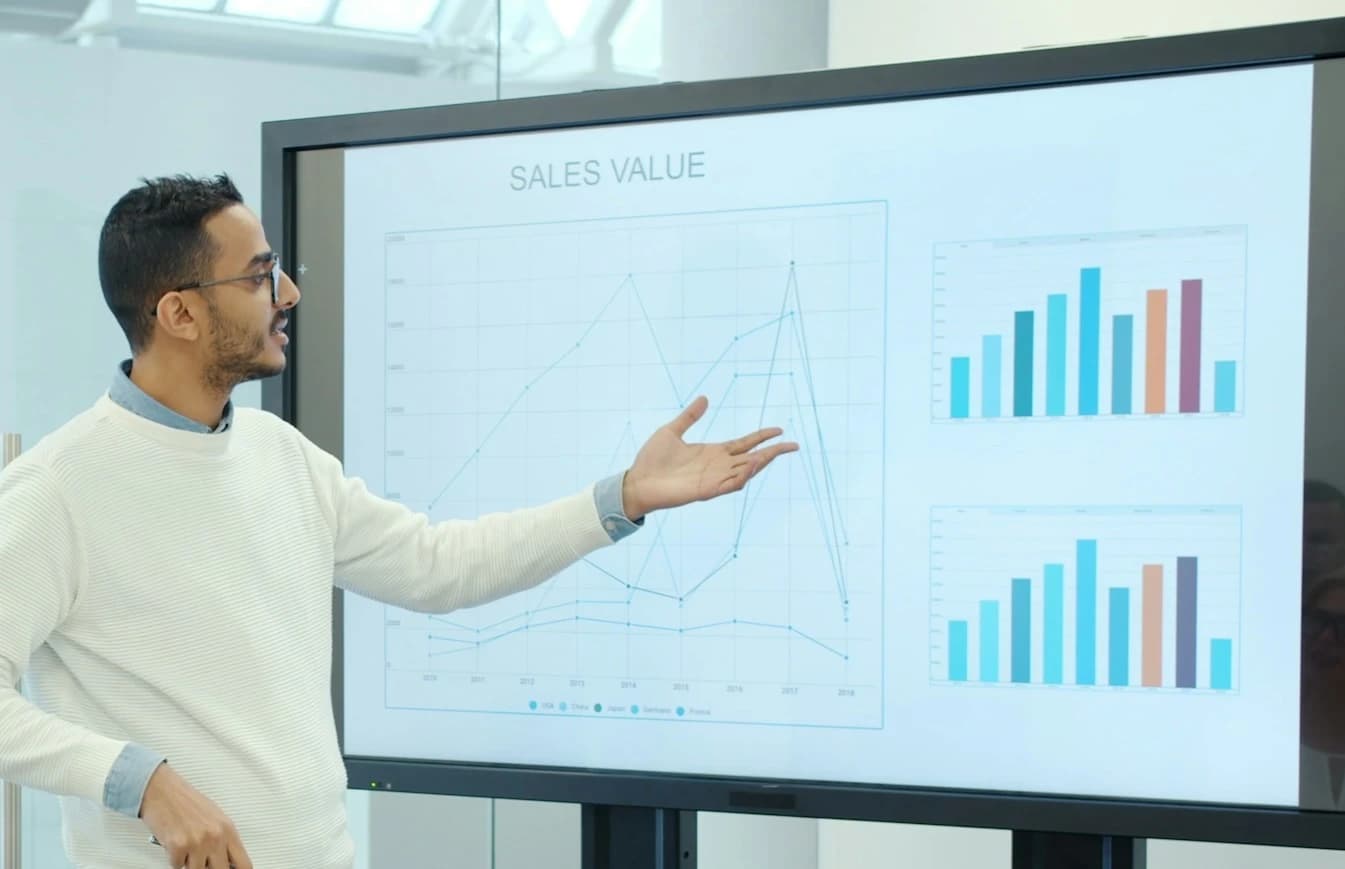
Upload a PowerPoint or PDF and ScreenDub narrates every slide in 80+ languages, with a written handout to go with it.
See slides to videoPricing
Simple pricing, no surprises.
Billed by minutes used per month, so you pay for output, not seats. Choose monthly billing or save with an annual plan.
Free
Try ScreenDub at no cost
8 mins included once
of AI generation
- No shared workspace
- Recording up to 6 minutes
- 3 exports per video
- 5 guides / month
- Watermark on exports
- No custom branding
- All 25 script styles
- All voices and accents
- Translate to 80+ languages
Creator
Branded videos for creators
month
50 mins / month
of AI generation
- Workspace up to 3 team members
- Recording up to 10 minutes
- Unlimited exports
- Unlimited guides
- No watermark
- Custom branding
- All 25 script styles
- All voices and accents
- Translate to 80+ languages
Pro
Best value · 2.4× minutesEnough for regular video creation
month
120 mins / month
of AI generation
- Workspace up to 6 team members
- Recording up to 12 minutes
- Unlimited exports
- Unlimited guides
- No watermark
- Custom branding
- All 25 script styles
- All voices and accents
- Translate to 80+ languages
Teams
More minutes for growing teams
month
250 mins / month
of AI generation
- Workspace up to 10 team members
- Recording up to 15 minutes
- Unlimited exports
- Unlimited guides
- No watermark
- Custom branding
- All 25 script styles
- All voices and accents
- Translate to 80+ languages
Need more minutes? Move up a tier anytime. No credit card required to start.
FAQ
Questions, answered.
Everything you need to know before making your first explainer: the practical answers on what it can show, control, languages, and what you get back.
How do I make an animated explainer video with AI?
Type your idea into ScreenDub Flow: a process, an update, a plan, or a lesson, with any notes or numbers you have. ScreenDub plans the video as an outline of pages that you can edit. It then designs each page as a flow, chart, table, math steps, or a real diagram, writes the narration, and voices it with a natural AI voice. You can export an MP4 at up to 2K or share it with a link.
What can an explainer video show?
Flowcharts with decisions, timelines, org charts, comparisons, KPI cards, bar, line, and donut charts, funnels, tables, checklists, highlighted code, math worked step by step, and labeled diagrams or animations from Wikipedia, with an animated cover and a closing recap. ScreenDub picks the right kind for each page, and you can change it.
Where do the diagrams come from?
From English Wikipedia and Wikimedia Commons. Only freely licensed pictures are used, and each one carries its credit on screen. If no picture fits a page well, ScreenDub uses a regular infographic page instead.
Can I change what it made?
Yes. You approve the plan before anything is designed. After that, you can edit the text on any page, ask for a page to be redone in your own words, add pages, and change the background, music, captions, and branding. The narration script is editable line by line too.
Can I add explainer pages to a screen recording?
Yes. When you make a product demo or tutorial from a screen recording, you can add animated explainer pages to it. ScreenDub plans them from the same video, you pick what to keep, and they play inside the same narrated video.
Can I make it in other languages?
Yes. The narration can be voiced in 80+ languages and the text on screen is translated with it. Diagrams from Wikipedia keep their English labels, while the voice explains them in your language.
Can I try it before paying?
Yes. You can start free with no credit card and make a real explainer video from your own idea. Free exports carry a small watermark; every paid plan removes it.

Turn your next idea into a video today!
No storyboard. No animator. No voice booth. Type the idea and get an animated, narrated explainer in 80+ languages.
Free to start, no credit card. Bring any idea, notes, or numbers.