Skip to content

Product marketing

Create product demo videos for every release.

Product teams ship quickly. Your launch content needs to keep up without fragmenting the story across marketing, sales, customer success, and documentation. ScreenDub turns one approved walkthrough into polished, reusable product education.

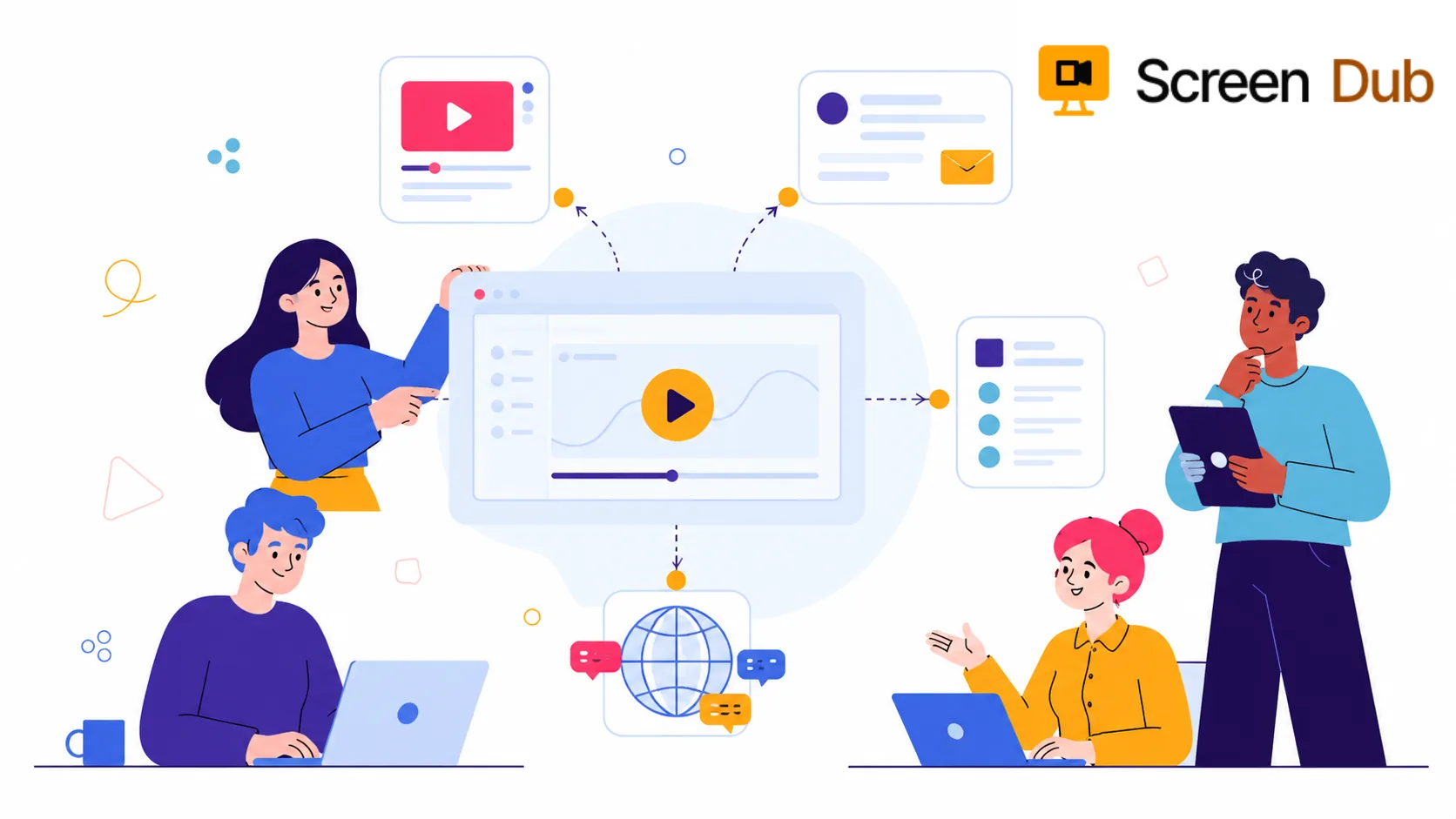
Product marketing workflow turning a product walkthrough into launch content

Every release creates a content operation. Marketing needs a launch asset. Sales needs a credible follow-up. Customer success needs adoption guidance. The help center needs an answer that outlives announcement week. When each team starts from scratch, customers receive slightly different versions of the product story.

Traditional production makes a routine release expensive to explain: a recording, a script, a voiceover, editing, and multiple handoffs for each format. That cost compounds every time the interface changes or a new market needs the same message.

The product story should move at the speed of the product, not the speed of a production queue.

ScreenDub makes the walkthrough the source asset. Capture the real workflow, refine the generated script in your approved language, then add narration, captions, titles, branding, and a companion guide. The result is an accurate product explanation each team can publish in the format its audience needs.

The handoff

One approved walkthrough. A coordinated launch everywhere it needs to land.

The value is not another video sitting in a folder. It is having the same clear product story ready wherever the launch needs an explanation.

Launch page

Show the feature working in the place where customers are deciding whether it matters to them.

Sales follow-up

Give sales a clear product story they can send after a call without asking an engineer to repeat the demo.

Release documentation

Turn the same walkthrough into a step-by-step guide that explains what changed and how to use it.

Localized launch

Create narrated versions for global customers from the approved source instead of restarting production.

The workflow

Keep product marketing in control of the message and the finish.

01

Walk through the feature once

Use the product as a customer would. Show the starting point, the important actions, and the result. You do not need to narrate or perform a perfect take.

02

Shape the message in the script

ScreenDub detects what happened on screen and creates a timed narration script. Edit the wording to match your positioning, terminology, and audience before anything is exported.

03

Choose the voice and language

Select a natural AI voice, then create translated versions from the same project when the launch needs to reach another market. No second recording is required.

04

Hand the launch to every team

Export the narrated MP4 and the written guide. Marketing can publish the demo, sales can send it, and support or customer success can reuse the explanation.

A practical boundary

Best for showing the product, not replacing the whole launch.

ScreenDub is strongest when the product itself is the story: a new workflow, a changed setting, a feature customers need to discover, or a process sales needs to explain. It is a fast way to turn real product footage into useful content without recording your voice.

It is not a substitute for every kind of marketing video. If the launch depends on a founder interview, custom animation, cinematic footage, or a carefully directed live presenter, a traditional production workflow may still be the right choice. ScreenDub handles the repeatable product explanation around that bigger story.

FAQ

Questions, answered.

What kind of product marketing videos can ScreenDub create?

ScreenDub is suited to real software walkthroughs: feature launches, product demos, release explainers, onboarding tours, sales follow-ups, and short videos that show a customer how a workflow works. It is less suited to cinematic brand films or footage that depends on a live presenter.

Do I need to record a voiceover for a product demo?

No. You can record the screen silently and let ScreenDub write and voice the explanation. You can edit the generated script line by line before exporting, so the final message still reflects your positioning and product language.

Can one product walkthrough create both a video and documentation?

Yes. ScreenDub creates a narrated MP4 and a step-by-step written guide from the same recording. That makes the approved feature walkthrough useful across the launch page, sales follow-up, help center, and internal handoff.

Can we update the demo when the product changes?

You can create a new version from the updated walkthrough and regenerate the narration without recording your voice again. For small wording changes, edit the script before export so the message stays current.

Make the next feature easier to launch.

Record the workflow once. Give marketing, sales, and customers the explanation they need.

Start for free