Skip to content

Sales enablement

Create sales demo videos buyers can share.

Enterprise buyers bring more stakeholders, more technical questions, and less time for another live demo. ScreenDub turns the relevant workflow into a polished, shareable answer your team can send while the opportunity is moving.

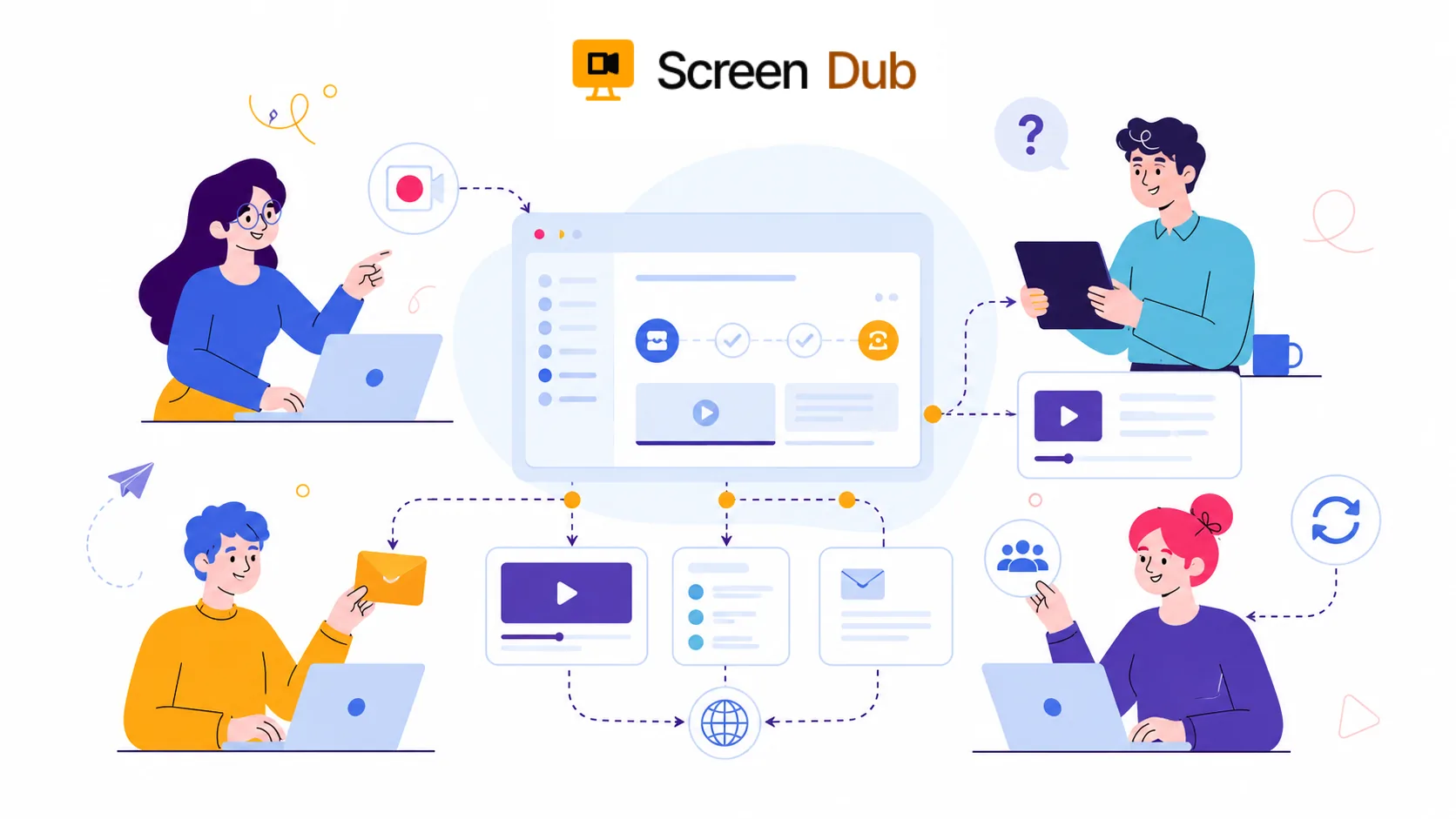
Sales enablement workflow turning a product demo into reusable sales content

Complex deals do not stall because a buyer needs another generic overview. They stall when the right stakeholder cannot see how a specific workflow works. A prospect asks about an edge case, a security-minded evaluator needs the real screen, or a champion needs an answer they can forward internally without translating a sales pitch.

The asset that advances the conversation is usually narrow and concrete: here is the workflow, here is the configuration, and here is the outcome. It should be easy for a seller to send and credible enough for a buyer to circulate.

A buyer-ready demo answers the next question before it creates another meeting.

ScreenDub lets sales and sales engineering turn the real product path into that answer. Record silently, refine the generated script, select a natural voice, and export a polished MP4 with a written guide. The team gets a repeatable asset that is specific enough for evaluation and simple enough to share.

The moments that matter

Put a useful product story into every stage of the deal.

Sales enablement is not just a library of polished demos. It is the short explanation that helps a buyer, rep, or new customer take the next step.

01

Before the first call

Give a prospect a short, useful look at the workflow they care about instead of sending another generic homepage link.

02

After a discovery call

Answer the specific product question that came up while the conversation is still fresh, with the actual screen the buyer needs to see.

03

During technical evaluation

Show how a feature works in practice so sales engineers spend less time repeating the same baseline walkthrough.

04

After the deal

Hand the customer a clear explanation of the workflow they bought, ready for onboarding and the first successful use.

The workflow

Make the demo once. Keep the rep focused on the deal.

01

Record the product path

Show the workflow a buyer needs to understand. Keep the recording focused on one job, one feature, or one question instead of trying to recreate an entire live demo.

02

Turn the clicks into a clear story

ScreenDub detects the actions and writes a timed script. Edit the explanation so it uses the language your buyers, reps, and sales engineers already use.

03

Make the answer easy to send

Choose a natural voice and export a finished MP4. The same project also produces a written guide, so a rep can send the format that fits the conversation.

04

Reuse the explanation across the team

Put the video in a follow-up email, deal room, help article, or internal playbook. When the workflow changes, create the next version from the new recording instead of starting with a blank timeline.

What travels with the demo

A sales asset that can keep working after the call.

A focused product demo

A buyer can see the feature in action without waiting for another calendar invite or sitting through the entire company overview.

A technical answer

Show the exact setup, workflow, or result behind a question instead of asking a sales engineer to write the same explanation repeatedly.

A localized follow-up

Translate and re-narrate the approved walkthrough for another region without asking the rep to record a second version.

A written reference

Give the buyer a step-by-step guide alongside the video so the explanation remains useful after the call ends.

A practical boundary

Useful for product questions, not a replacement for sales judgment.

ScreenDub is strongest when the buyer needs to understand what the software does and how a workflow works. It can remove the repetitive explanation from a sales process, but it cannot discover the buyer's priorities, handle an objection, or build the relationship for the rep.

Treat the video as a precise answer that earns the next conversation. Keep the human part of selling for the decisions that require context, judgment, and trust.

FAQ

Questions, answered.

What sales enablement videos can ScreenDub create?

ScreenDub is suited to focused product demos, feature walkthroughs, technical answers, sales follow-ups, and onboarding handoffs. It works best when the buyer needs to see a real software workflow rather than a purely verbal pitch.

Can sales reps create videos without recording their voice?

Yes. A rep or sales engineer can record the product workflow silently. ScreenDub detects what happened on screen, writes the narration, and lets the team edit the script before choosing a natural AI voice.

Can we make a personalized demo for every prospect?

ScreenDub is useful for creating focused versions around different industries, roles, features, or questions. For a highly account-specific story, record the relevant workflow and use the generated script as the starting point for the final message.

Can the same sales video be used after the deal closes?

Yes. A focused product walkthrough can move from the sales follow-up into customer onboarding or a knowledge base. The accompanying written guide gives the customer another way to revisit the workflow.

Give the next buyer a clearer answer.

Record the workflow once. Let your team spend the meeting on the deal, not the explanation they have already made ten times.

Start for free