Best AI video tutorial software in 2026: 7 tools compared
Written by Omprakash Sah Kanu · September 5, 2026 · 17 min read

The best AI video tutorial software depends on the tutorial you need to publish. Choose ScreenDub when you want to turn a screen recording, uploaded video, or slide deck into a narrated tutorial and a written guide. Choose Guidde for documentation centered on captured workflows, Clueso for a larger video and documentation workspace, or Synthesia when an AI presenter should teach the lesson.
This list focuses on software tutorials: videos that teach someone to complete a task in a product or business system. General text-to-video generators are excluded because cinematic clips and stock-footage explainers do not show the real buttons, fields, and states a learner must follow. Every tool here can contribute to an instructional workflow, but they start from different source material and produce different kinds of output.
Best AI video tutorial software at a glance
| Tool | Best fit | Starts with | Main output | Price checked |
|---|---|---|---|---|
| ScreenDub | Narrated product tutorials and training | Recording, video, PDF, or deck | Narrated MP4 plus PDF guide | Free; paid from $14.99/month |
| Clueso | Polished product videos and documentation | Recording, deck, PDF, or image | Video plus step-by-step documentation | Free; Solo $40/month billed yearly |
| Guidde | How-to documentation from workflows | Web capture; files on Business | Video guides and documentation | Free; Pro $29 monthly or $19 annually |
| Trupeer | Branded demos, guides, and localization | Screen recording or upload | AI videos, guides, and share pages | Free trial; Pro $49 monthly or $40 annually |
| Synthesia | Presenter-led training | Script or presentation | Avatar video with voiceover | Free; Starter $29/month |
| Loom | Fast async walkthroughs | Screen, camera, or both | Shareable recording | Free; Business + AI $24/user/month |
| VideoMule | Screen recordings with automated polish | Recording or upload | Narrated and enhanced video | Trial; paid plans use several quotas |
How we compared the tools
We reviewed each company’s public product and pricing pages and compared six parts of the workflow: accepted inputs, script editing, voiceover, visual editing, written documentation, and localization. We also looked at how the plan is metered, because a low seat price can still become expensive when exports, AI credits, translations, or generated minutes are counted separately.
We did not assign numeric scores. A single total score would hide the biggest distinction in this category: ScreenDub, Clueso, Guidde, Trupeer, and VideoMule transform real product footage; Synthesia builds presenter-led lessons; Loom is optimized for quick human-recorded communication. The right production model matters more than a one-point difference in a feature checklist.
How to choose an AI tutorial maker
Compare tools against the production problem you actually have, not just the number of AI features on the pricing page.
- Input: Can you start with a silent recording, an existing video, a PDF, or a slide deck?
- Script control: Can a subject-matter expert edit the narration before rendering?
- Output: Do you need a video, a searchable written guide, an interactive demo, or all three?
- Maintenance: Can you update one changed step without rebuilding the whole lesson?
- Localization: Are captions, translated scripts, and multilingual voiceovers part of the workflow?
- Pricing: Is the cost based on seats, generated minutes, exports, or a broader platform?
1. ScreenDub
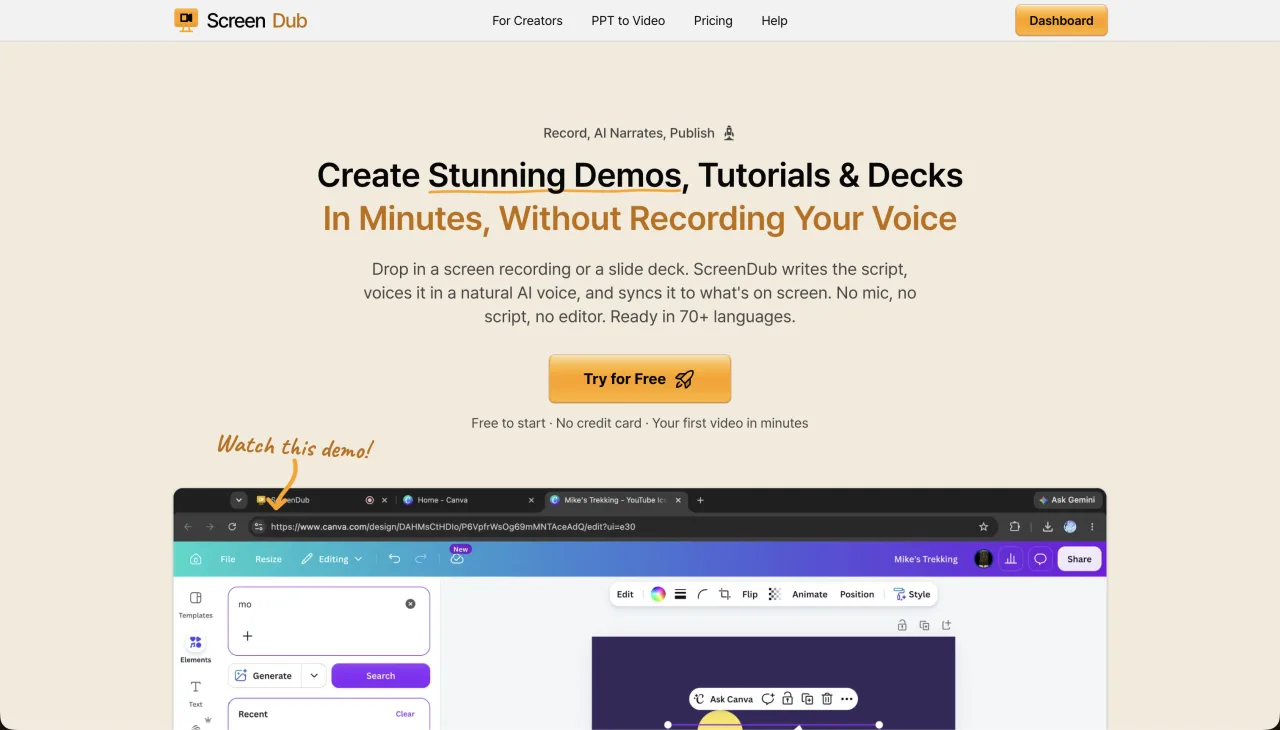
ScreenDub is the best fit when the screen itself is the teacher. Record a browser tab, window, or full screen, upload an MP4, WebM, or MOV, or start with a PDF or presentation. ScreenDub analyzes the source, drafts editable narration, lets you choose a voice and script style, and exports a narrated MP4 plus a step-by-step PDF guide. The same project can be translated into 80+ languages.
The main advantage is source flexibility. A product team can record a new workflow, while an enablement team can reuse an existing video or presentation. Narration is edited line by line before export, so product names and instructions can be corrected without recording a new voice track. For a practical example, see the guide to making a tutorial from a screen recording.
- Best for
- Product tutorials, demos, training, slide-to-video, and localized walkthroughs
- Strength
- Multiple input types and two useful outputs from one source: video and written guide
- Trade-off
- Focused on narrated walkthroughs rather than avatar-first video or a full LMS
- Pricing
- Free; Creator $14.99, Pro $29.99, and Teams $59.99 per month, metered by monthly narration minutes
2. Clueso
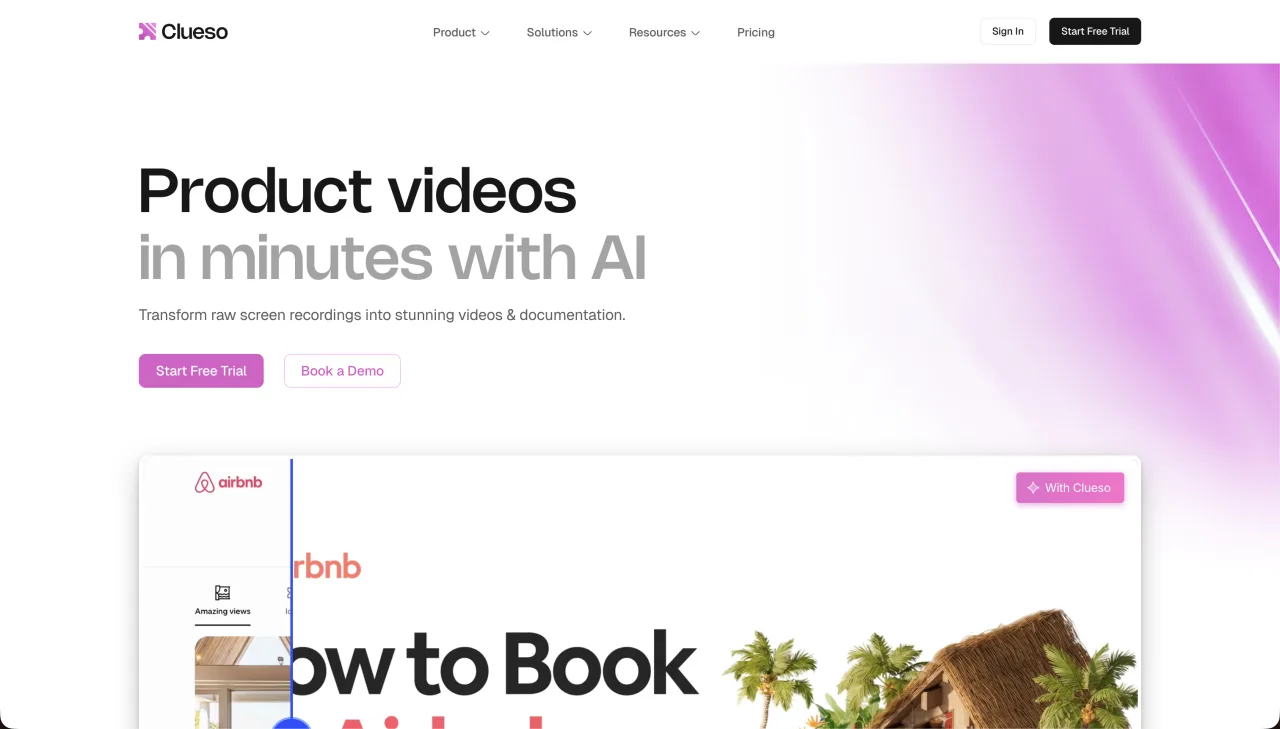
Clueso combines screen and deck capture with AI scripts, voiceovers, visual enhancement, and documentation. It is a strong choice for teams producing a large library of polished customer education or product content. Its blog describes a workflow that turns one recording into a video and a step-by-step article.
Clueso’s current pricing page lists a Free plan with 10 video-export minutes per month. Solo is $40 per month billed yearly with three hours of annual video exports, while Business starts at $120 per month billed yearly for two users and six annual export hours. Its workflow makes the most sense when automatic visual polish, reusable brand treatment, documentation, and team production justify the larger commitment.
- Best for
- Teams that need a broader production and documentation workspace
- Strength
- Visual polish, documentation exports, and team workflows
- Trade-off
- Higher entry pricing and a more involved workspace model than a lightweight creator tool
- Pricing
- Clueso pricing
3. Guidde
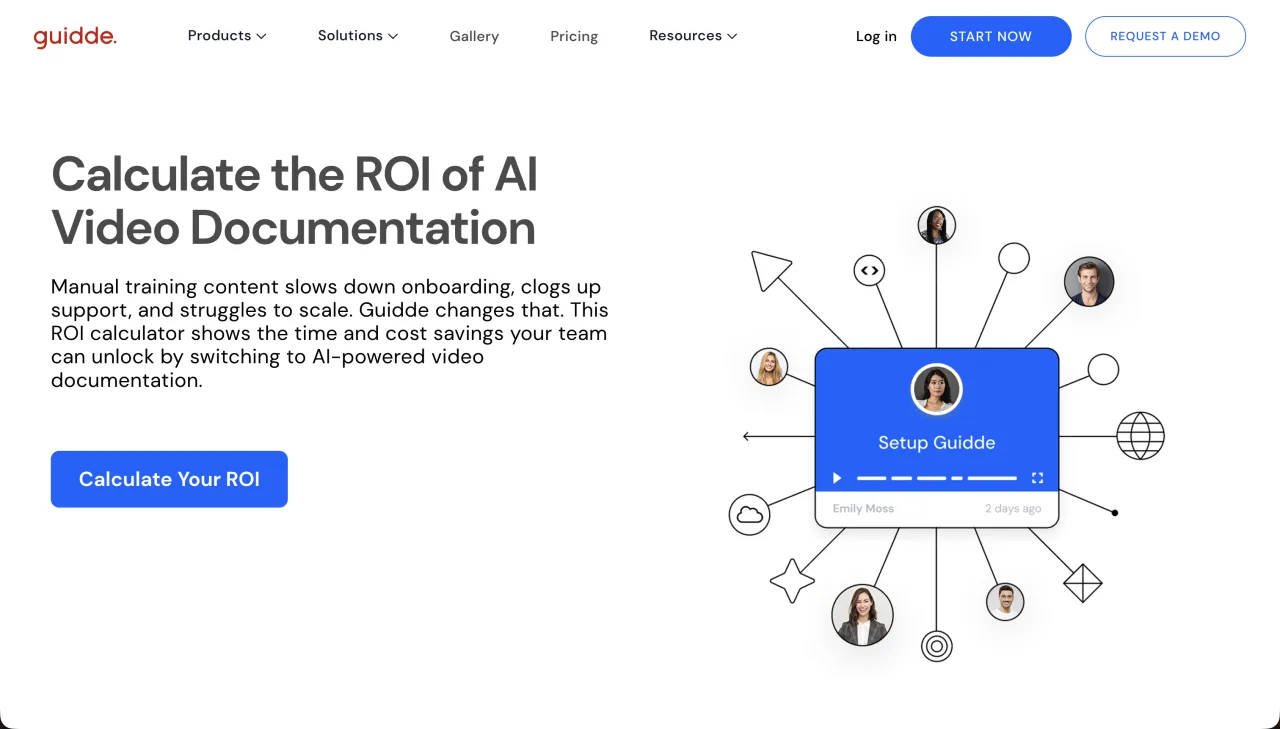
Guidde focuses on capturing software workflows and turning them into structured, branded how-to content. Its screen-capture guidepositions the product for teams that want documentation around a recorded process, rather than a raw screen recording.
The Free plan supports up to 25 how-to videos from web apps. Pro is listed at $29 per creator monthly or $19 per creator monthly on annual billing, adding unlimited guides, exports, brand controls, and manual blur. Business is $59 monthly or $39 with annual billing and adds desktop capture, PDF and PowerPoint input, unlimited text-to-voice, privacy controls, and analytics. That plan boundary matters if your tutorial source is not a browser workflow.
- Best for
- Product documentation and repeatable how-to guides
- Strength
- Workflow capture, structured steps, and documentation sharing
- Trade-off
- Less suited when you already have a video file or slide deck as the main source
- Pricing
- Guidde pricing
4. Trupeer
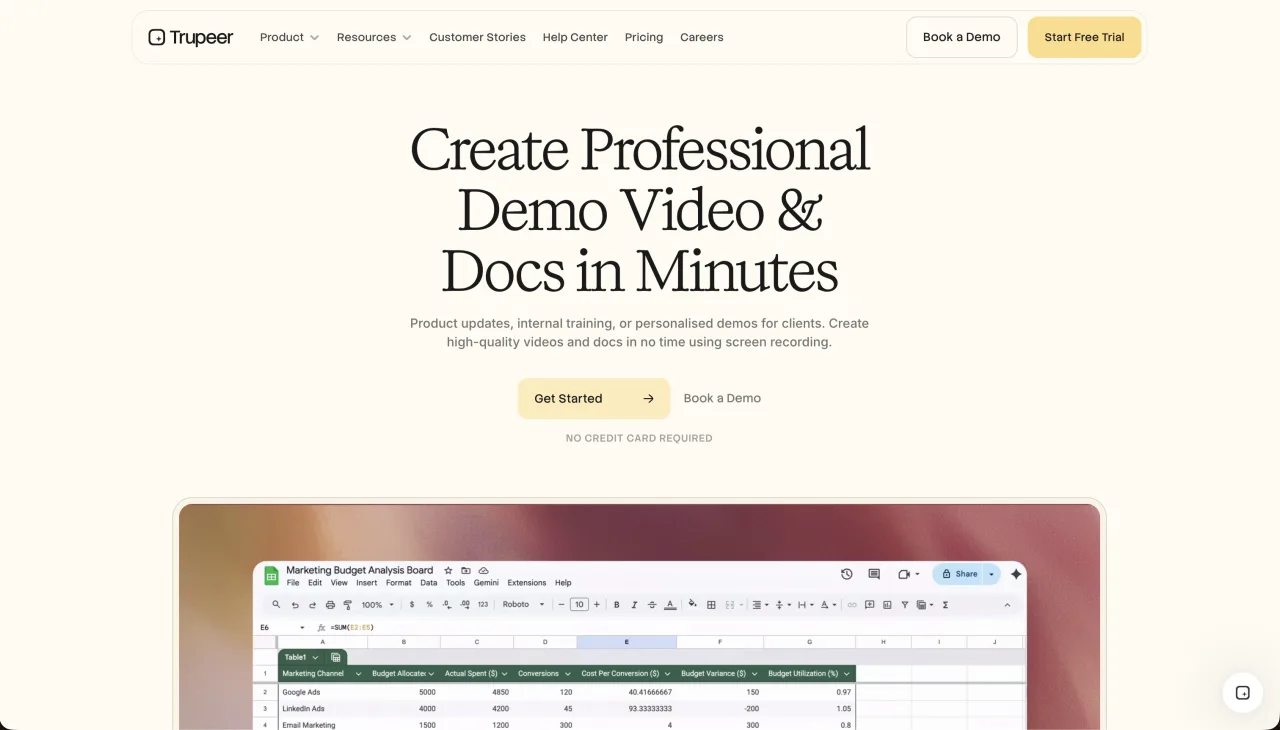
Trupeer turns recordings into polished AI videos and guides, with branding, translations, and share pages. It fits teams that want a marketing-ready layer around product walkthroughs and documentation. Compare its plan quotas carefully if you create many versions of each tutorial.
Trupeer meters generation with AI credits. The 10-day Free plan includes 1,000 monthly credits and recordings up to five minutes. Pro is $49 per month or $40 per month annually, with 2,000 credits and 10-minute recordings. Trupeer says one minute of AI video costs 100 credits, a document costs 50 credits, and each translated minute costs another 100 credits. Scale adds three creator seats, brand controls, translation, and 10,000 credits.
- Best for
- Branded product videos and written guides with share pages
- Strength
- Video editing, document generation, and localization in one workspace
- Trade-off
- Credits are consumed differently by video, documents, avatars, and each translated language
- Pricing
- Trupeer pricing
5. Synthesia
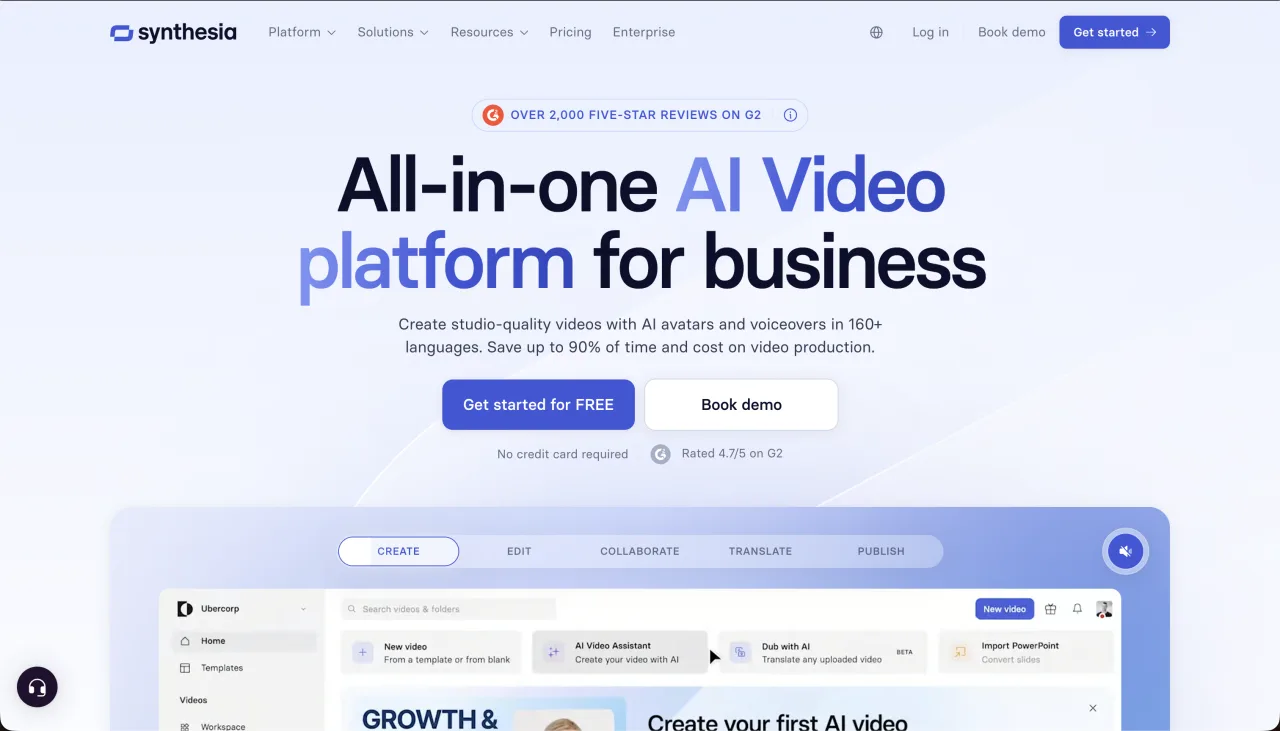
Synthesia is an avatar-first platform. Start with a script or presentation, choose a presenter, and create a training or explainer video. It is a better fit when learners need to see an instructor. A screen-first tool is usually clearer when the exact buttons, fields, and product states are the lesson.
Synthesia lists Basic at $0, Starter at $29 per month, Creator at $89 per month, and custom Enterprise pricing. Starter includes 10 generated video minutes per month; Creator includes 30. Enterprise adds unlimited video minutes, shared workspaces, brand kits, SSO, SCORM export, and one-click translation into 80+ languages. It is the clearest choice here for formal, presenter-led learning, but it solves a different problem from editing a real screen capture.
- Best for
- Avatar-led training, explainers, and standardized internal communication
- Strength
- Large presenter library, generated voice, translation, and enterprise learning features
- Trade-off
- A presenter can take screen space away from the interface during a detailed software task
- Pricing
- Synthesia pricing
6. Loom
Loom is excellent for recording a quick message or live walkthrough in your own voice. It is not primarily an AI tutorial production system. Choose it when speed and sharing matter more than a scripted voiceover, polished visual treatment, a written guide, or multilingual versions.
Loom’s Starter plan allows up to 25 recordings per person with a five-minute limit for each video. Business removes the recording limit. Business + AI is listed at $24 per user per month and adds automatic titles, summaries, chapters, calls to action, filler-word removal, silence removal, and video-to-text workflows. These features package a recording faster, but the production model still begins with a person speaking while they record.
- Best for
- Fast support replies, design feedback, sales follow-ups, and internal updates
- Strength
- Very low recording friction and mature sharing and collaboration
- Trade-off
- Less suitable for reusable narration, slide conversion, and synchronized video-plus-guide output
- Pricing
- Loom pricing
7. VideoMule
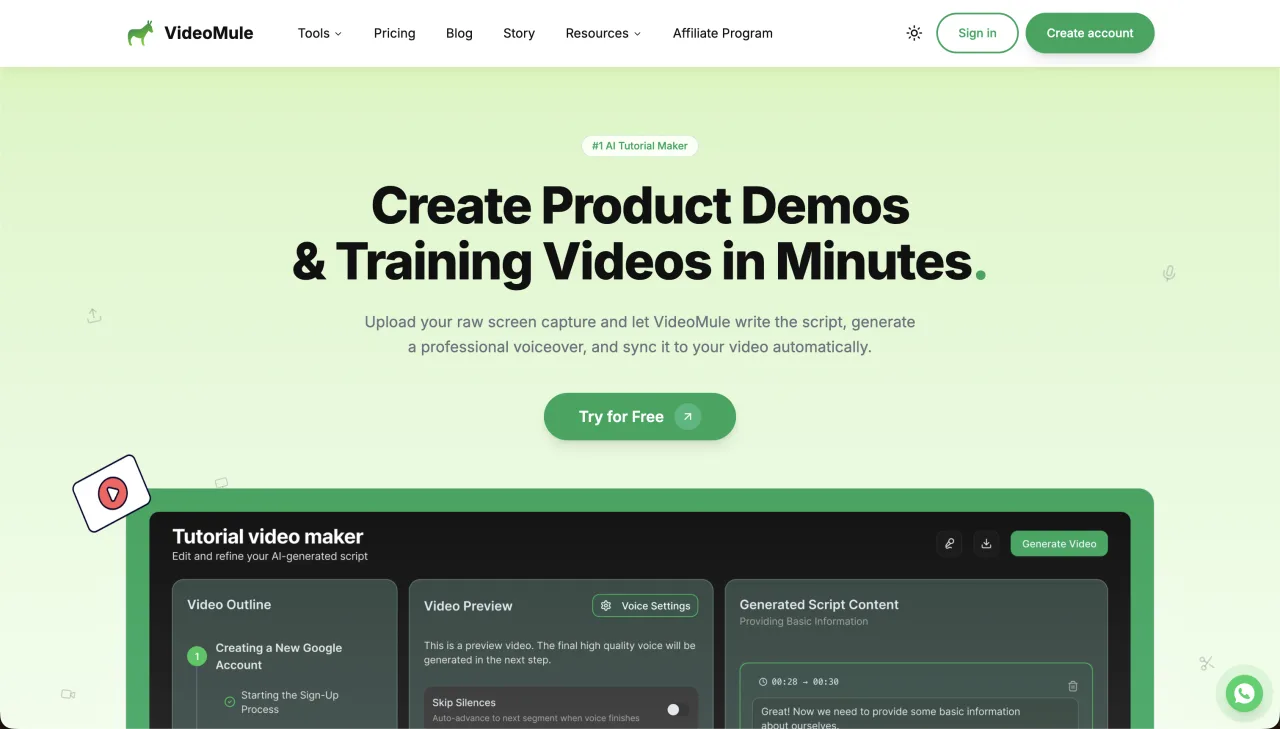
VideoMule focuses on turning screen recordings or uploads into narrated videos with automated visual treatment. It is worth considering when zooms, callouts, avatars, and presentation effects are central to the result. Review its separate upload, voice, render, and translation quotas before comparing the monthly price directly with minute-based plans.
VideoMule’s product pages describe AI voiceover, captions, zoom and focus effects, callouts, avatars, translations, and documentation. Its plan allowances separate source upload, AI voice, renders, and translations, so estimate a normal month before choosing a tier. A team producing one tutorial in five languages has a different cost profile from a creator making five videos in one language.
- Best for
- Screen recordings that need automatic narration and presentation effects
- Strength
- Voiceover, captions, visual focus, avatars, translation, and documentation options
- Trade-off
- Several separate quotas make direct price comparison harder
- Pricing
- VideoMule pricing
Best tool by tutorial use case
| Tutorial job | Best starting point | Why |
|---|---|---|
| Product feature tutorial | ScreenDub or Clueso | Both begin with real product footage and add editable narration |
| Help-center article with video | ScreenDub, Guidde, or Trupeer | Each can connect a visual walkthrough with written instructions |
| Employee software training | ScreenDub or Guidde | Both support repeatable process teaching; choose by source and delivery needs |
| Presenter-led course | Synthesia | The instructor avatar is part of the lesson rather than an optional introduction |
| Quick one-off walkthrough | Loom | Recording and sharing speed matter more than durable production assets |
| Multilingual product tutorial | ScreenDub, Clueso, Trupeer, or Synthesia | Compare language support, glossary control, and per-language usage cost |
Which AI tutorial software should you choose?
- Choose ScreenDub for a narrated tutorial and a written guide from the same recording, video, or deck.
- Choose Clueso when a larger team needs polished video and documentation production.
- Choose Guidde when structured software documentation is the primary destination.
- Choose Trupeer when branded share pages, guides, and product videos belong in one workflow.
- Choose Synthesia when an AI presenter is more important than showing every product action.
- Choose Loom when you need to send a quick human-recorded explanation today.
- Choose VideoMule when automated presentation effects are a deciding feature.
Frequently asked questions
What is the best AI tool for making tutorial videos?
For screen-first tutorials, ScreenDub is a strong choice because it creates editable narration and a written guide from a recording, uploaded video, or deck. The best choice depends on the source and output you need.
Can AI make a tutorial from a screen recording?
Yes. AI tutorial tools can detect actions, draft narration, add captions, and render a finished video. Review every generated line for product names, permissions, and exception paths before publishing.
What is the difference between an AI tutorial maker and an AI video generator?
An AI tutorial maker is designed around a real workflow and explains how to complete it. A general AI video generator may create scenes from text or images but may not understand the interface actions a learner must follow.
Should a tutorial include a written guide too?
Usually. Video shows context and sequence; written steps are faster to scan, search, translate, and update. Producing both from one source reduces duplicated work.