The 8 best Trupeer alternatives in 2026
Written by Omprakash Sah Kanu · June 22, 2026 · Updated August 9, 2026 · 16 min read
The best Trupeer alternative depends on what you need the video to do. Choose ScreenDub when you want a narrated MP4 from a screen recording, uploaded video, or slide deck, with editable narration, 80+ languages, and usage-based pricing. Choose a different tool if you need an avatar-first presenter, a broader learning platform, a video help center, or a larger visual-production workspace. This guide compares eight alternatives by input, output, workflow, and official pricing.
What is Trupeer?
Trupeer turns recorded product workflows into AI videos and guides. Its official pricing page lists AI video generation, guide generation, translation, avatars, exports, and share pages. The Free plan lasts 10 days and includes 10 AI video minutes, 5 AI guides, 3 video exports, and recordings up to 8 minutes. Pro is listed at $49/month or $40/month annually, and Scale at $249/month or $199/month annually.
People look for alternatives when they need a different input type, a permanent free plan, a lower or more predictable usage model, a dedicated learning platform, or a presenter workflow that is more central than screen recording.
Quick comparison
| Tool | Best fit | Main input/output | Pricing snapshot |
|---|---|---|---|
| ScreenDub | Narrated demos, tutorials, training, and localization | Screen/video/deck → narrated MP4 plus PDF guide | Free; paid from $14.99/month by narration minutes |
| VideoMule | Automated screen-video treatment and avatars | Recording/upload → voice, renders, translations, docs | Trial $0.99/month; Plus displayed at $19 launch price |
| Clueso | Polished videos plus documentation | Recording/deck/PDF/image → video and docs | Starter $120/month billed yearly; Growth $200 |
| Trainn | Customer education and structured training | Videos, guides, knowledge base, LMS surfaces | Creator $19/month; larger annual program tiers |
| Tutorial AI | Multilingual tutorial production by generated minutes | Tutorial creation with 74 languages listed | Public tiers of 10, 30, and 60 generated minutes/month |
| Synthesia | AI-presenter training and explainers | Script/deck → avatar-led video | Basic free; Starter $29/month; Creator $89/month |
| WowTo | Video help centers and support libraries | How-to video → organized knowledge base | Free; Plus $25/month; Business $45/month |
| Guidde | How-to documentation and creator-seat workflows | Captured workflow → video and how-to documentation | Free up to 25 how-to videos; Pro $29 monthly/$19 annual |
1. ScreenDub
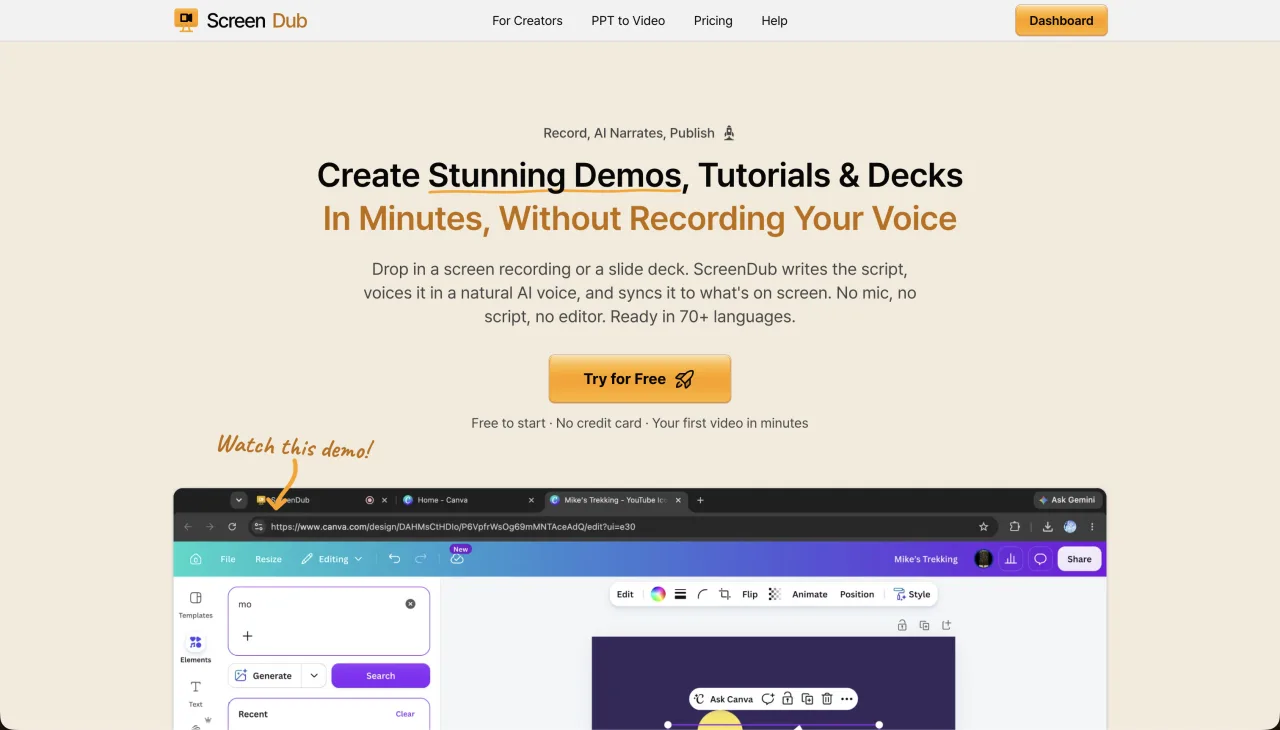
ScreenDub is the closest fit when the desired output is a finished narrated video rather than only an edited screen capture or an avatar presentation. Record a browser tab, window, or full screen; upload an MP4, WebM, or MOV; or upload a PDF, PPT, or PPTX deck. ScreenDub drafts narration from the source, lets you edit segments, exports a standard MP4, and creates a step-by-step PDF guide from the same project.
ScreenDub lists 80+ narration languages on every plan. Free includes one 8-minute narration allowance; Creator $14.99 includes 50 minutes a month, Pro $29.99 includes 120, and Teams $59.99 includes 250. Per-video caps are 6, 10, 12, and 15 minutes respectively.
- Best for
- Narrated tutorials, demos, training, slide-to-video, and localization
- Strength
- Multiple source types, editable narration, PDF guide, and 80+ languages
- Trade-off
- Focused on narrated screen and deck content rather than avatar-first video
- Official product
- ScreenDub plans
2. VideoMule
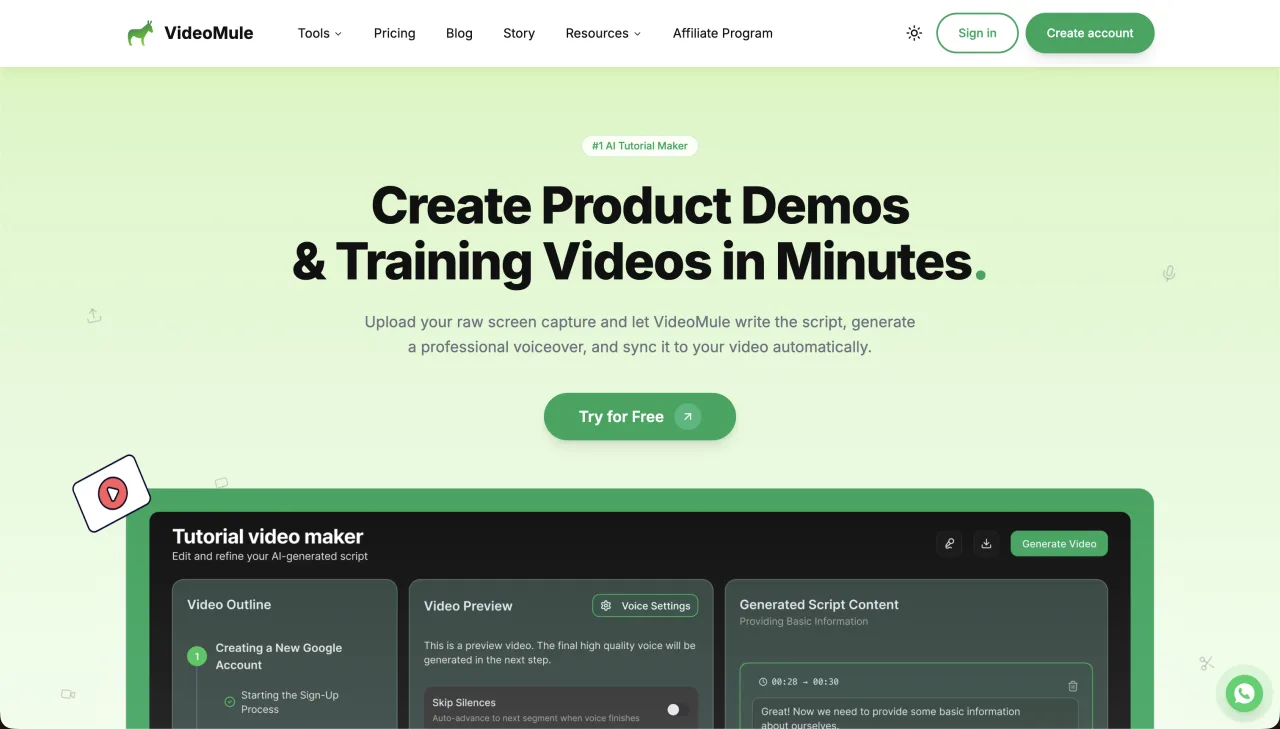
VideoMule targets the path from screen recording or upload to AI voice, renders, translations, and documentation. Its product pages also highlight browser recording, AI avatars, zoom/focus, callouts, and a Chrome extension. It is a candidate when automated presentation treatment matters as much as the narration.
The official pricing page currently shows a $0.99/month Trial with 5 minutes of upload, 5 minutes of AI voice, 3 renders, 1 translation, a 5-minute maximum video, and a watermark. Its Plus plan is displayed at a $19/month launch price with a $49 regular price, 30 minutes of upload, 40 minutes of AI voice, 30 renders, 15 translations, a 15-minute maximum, and no watermark. Verify the launch price at checkout.
- Best for
- Automated screen-video production with avatars and presentation effects
- Strength
- Separately metered upload, voice, render, and translation workflow
- Trade-off
- The quota model requires more planning than one narration-minute pool
- Official pricing
- VideoMule pricing
3. Clueso
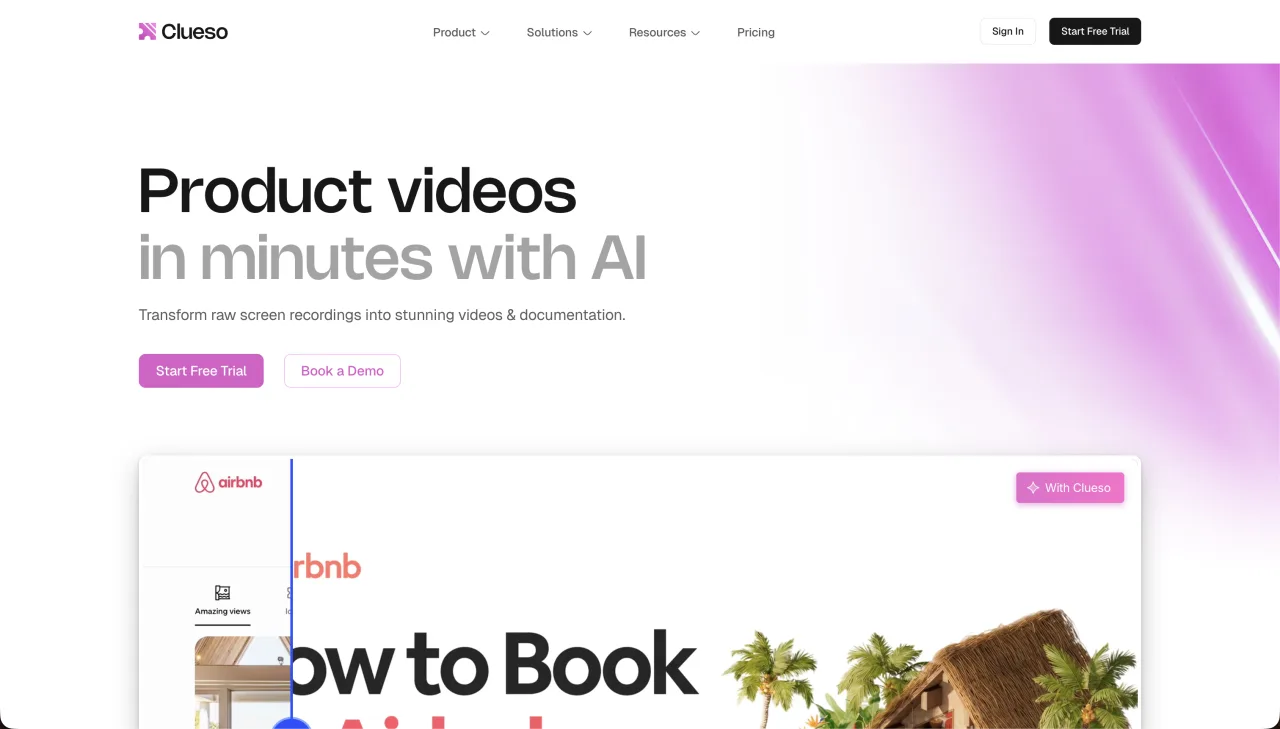
Clueso combines AI scripting and voiceovers with automatic zooms, backgrounds, visual editing, and step-by-step documentation. Its official page lists screen recordings, uploaded recordings, slide decks, PDFs, and images as input options. That makes it a strong option for teams that want a broader production and docs workspace.
Clueso’s official pricing page lists a 7-day free trial with 10 total video-export minutes and 15 article exports. Starter is $120/month billed yearly for 2 users, 6 hours of video exports per year, and 360 article exports; Growth is $200/month billed yearly for 4 users, 12 hours of video exports, and 720 article exports. Translation is listed at 37+ languages.
- Best for
- Polished product videos and documentation from varied inputs
- Strength
- Visual polish, documentation formats, and 37+ language translation
- Trade-off
- Higher entry price and annual output quotas than a simple creator plan
- Official pricing
- Clueso pricing
4. Trainn
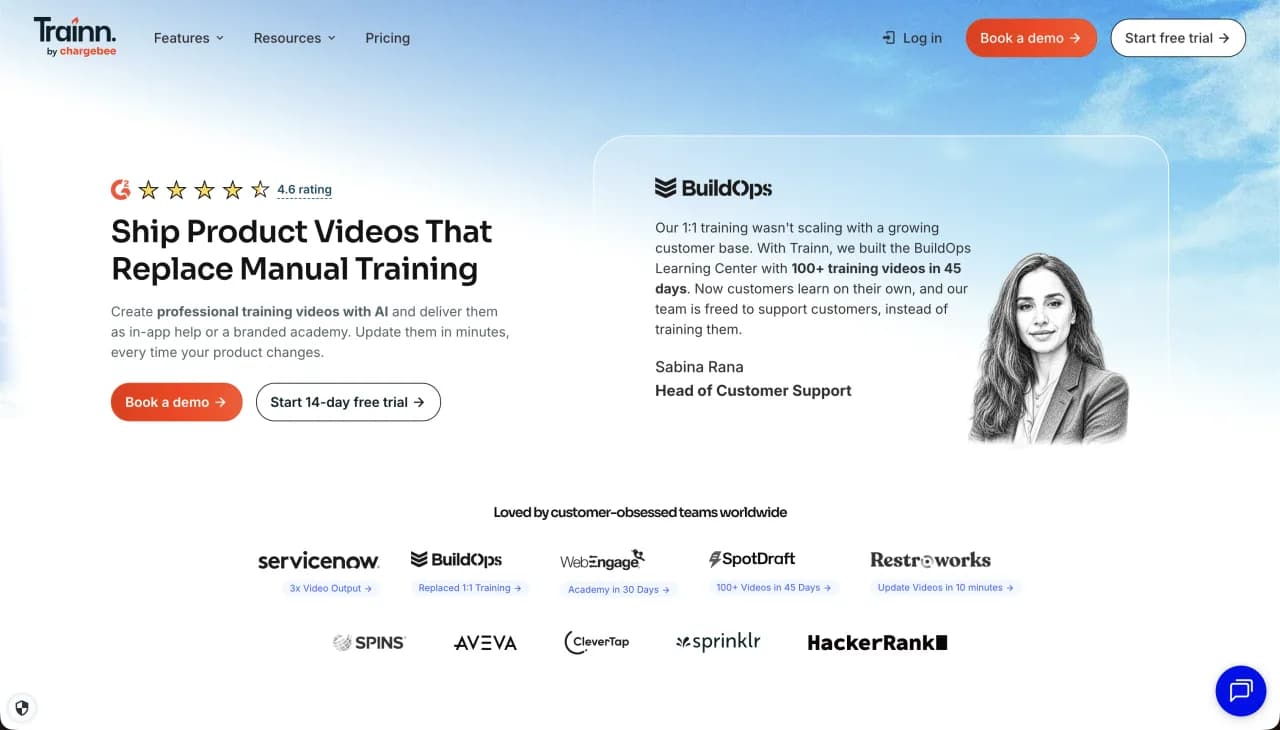
Trainn is a customer-education and training platform, not only a video renderer. Its official pricing page lists videos and guides alongside users, knowledge-base capabilities, learning features, and larger program tiers. Choose it when the destination, course structure, and training operations are part of the buying decision.
The official page lists Creator at $19/month for 1 user and 15 videos/guides, with no translations. Launch is $2,400/year for 3 users and 120 videos/guides; Scale is $10,000/year for 5 users and 250 videos/guides; Enterprise is $39,900/year.
- Best for
- Structured customer education, onboarding, and training programs
- Strength
- Video and guide production connected to broader learning surfaces
- Trade-off
- More platform than needed for a few standalone narrated demos
- Official pricing
- Trainn pricing
5. Tutorial AI
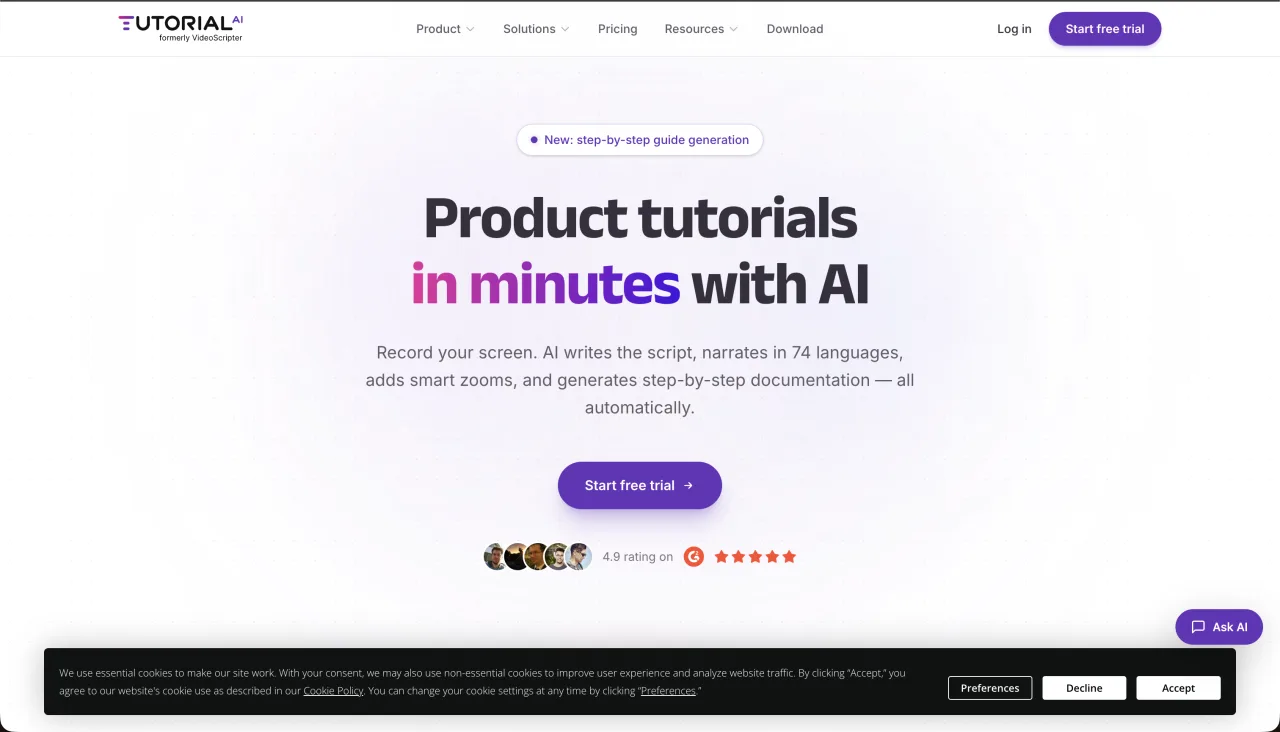
Tutorial AI is a multilingual tutorial-video option whose public pricing is organized around monthly generated video minutes. The page lists 10, 30, and 60 generated minutes per month and 74 languages. Because the public pricing information checked here did not provide a reliable dollar amount, this comparison does not invent one; verify the current checkout price and exact editing workflow.
- Best for
- Creators comparing multilingual tutorial production by generated minutes
- Strength
- Public minute tiers and 74-language positioning
- Trade-off
- Confirm current price, source formats, and editing controls before buying
- Official pricing
- Tutorial AI pricing
6. Synthesia
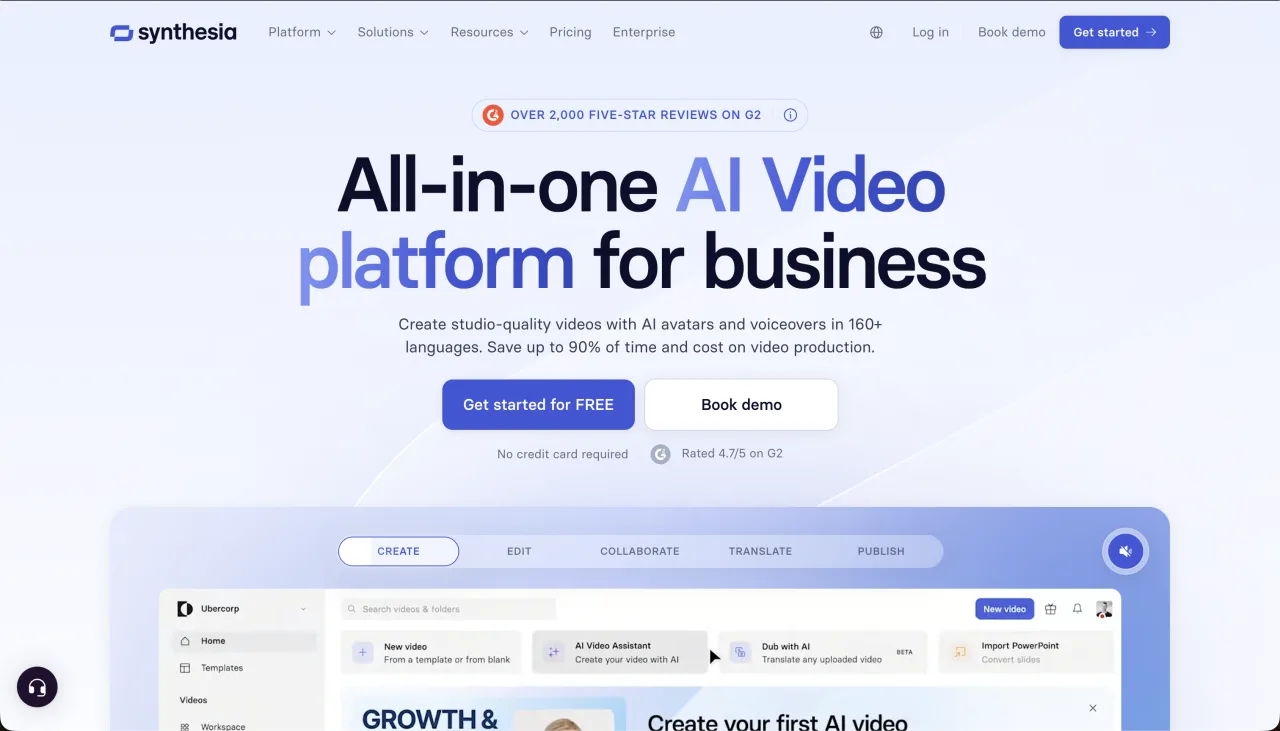
Synthesia is an avatar-first alternative. You provide a script or presentation, choose an AI presenter, and create a training or explainer video in a broad language and voice catalog. It is a better fit when the viewer benefits from seeing an instructor; it is a different fit from a screen-first tutorial where the interface actions are the teacher.
Synthesia’s official pricing page lists Basic free, Starter at $29/month, Creator at $89/month, and Enterprise custom. It advertises 160+ languages and voices, PowerPoint-to-video, avatars, and dubbing.
- Best for
- Avatar-led training, announcements, and formal explainers
- Strength
- Visible presenters, PowerPoint support, and broad language coverage
- Trade-off
- Less direct when the video must show every cursor and interface action
- Official pricing
- Synthesia pricing
7. WowTo
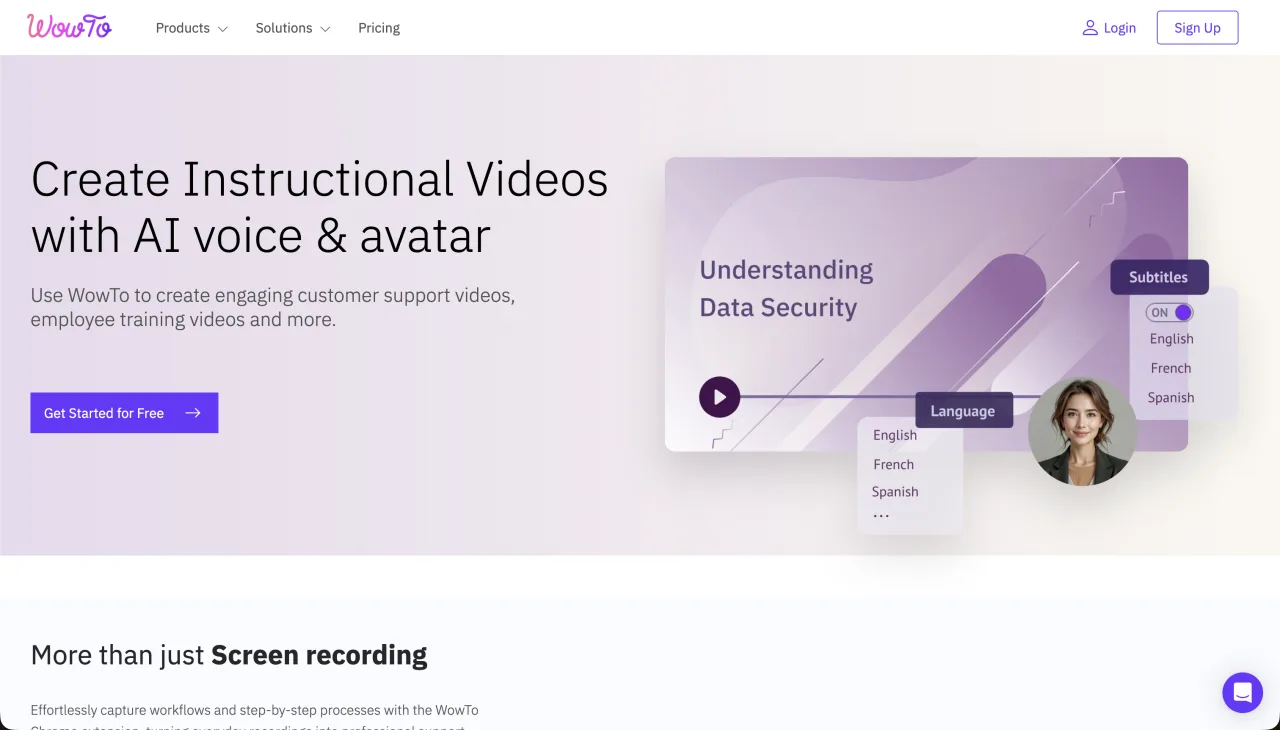
WowTo is built around video help centers and how-to knowledge bases. It is a better alternative when the main problem is organizing support videos into a searchable destination rather than producing one standalone demo.
WowTo’s official pricing page lists Free with 3 how-to video projects, 1 creator, 1 knowledge base, 20 minutes of text-to-speech per month, a 2-minute maximum video, 2 languages, and a watermark. Plus is $25/month and Business is $45/month.
- Best for
- Video-first help centers and support libraries
- Strength
- A knowledge-base destination built around how-to videos
- Trade-off
- The Free plan’s 2-minute maximum may not fit a full product walkthrough
- Official pricing
- WowTo pricing
8. Guidde
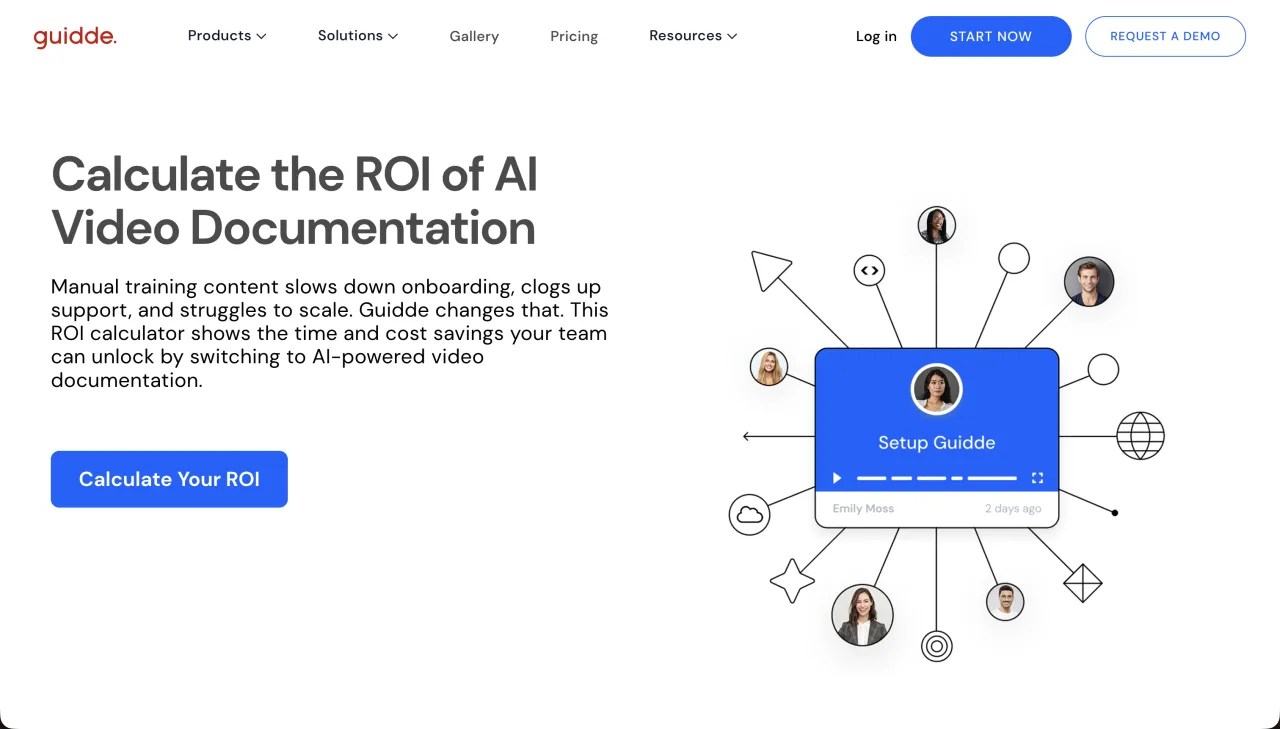
Guidde focuses on how-to videos and documentation built from workflows. It fits teams that want creator-seat management around a repeatable documentation process. Its official pricing page lists a Free plan with up to 25 how-to videos, Pro at $29/month or $19/month annually per creator, and Business at $59/month or $39/month annually per creator.
Guidde is a closer alternative when documentation and creator workflows are the center of the project. ScreenDub is a closer fit when you want a narrated MP4 from recordings, uploaded video, or decks, with minute-based pricing and a PDF guide from the same project.
- Best for
- How-to documentation and creator-seat workflows
- Strength
- A focused process-documentation model with a permanent free allowance
- Trade-off
- Per-creator pricing grows with the number of people making content
- Official pricing
- Guidde pricing
Which Trupeer alternative should you choose?
- ScreenDub: narrated video from recordings, uploads, or decks with 80+ languages and minute-based pricing.
- VideoMule: automated screen-video production with multiple usage buckets and avatar features.
- Clueso: polished video and documentation from recordings, decks, PDFs, or images.
- Trainn: a customer-education and learning platform around video and guides.
- Tutorial AI: multilingual tutorial production organized around generated-minute tiers.
- Synthesia: avatar-led training and explainers.
- WowTo: a video-first support knowledge base.
- Guidde: creator-seat-based how-to documentation.
Frequently asked questions
What is the best free Trupeer alternative?
There is no single winner. ScreenDub has a Free plan with one 8-minute narration allowance, while Guidde offers up to 25 free how-to videos and WowTo offers a free video-help-center tier with a 2-minute maximum. Compare the limit that matches your source and output.
Which alternative is closest to a narrated screen tutorial?
ScreenDub and VideoMule are the closest fits in this list. ScreenDub also accepts uploaded video and PDF/PPT/PPTX decks, while VideoMule emphasizes automated screen-video treatment and separate usage quotas.
Does ScreenDub support AI avatars like Trupeer?
ScreenDub’s main workflow uses voice narration rather than an avatar presenter. It does offer an optional AI Presenter for a short talking-head introduction before a product recording. Choose Synthesia or an avatar-focused tool when the presenter should be the main visual.
Can these tools turn a slide deck into a video?
ScreenDub, Clueso, and Synthesia list presentation or deck workflows. ScreenDub accepts PDF, PPT, and PPTX and narrates each slide as a video segment. Verify the exact file formats and quotas for the tool you choose.
Which alternative is best for a video help center?
WowTo is the most directly help-center-oriented option in this list. Trainn and Guidde are broader documentation or learning choices, while ScreenDub focuses on producing the narrated MP4 and PDF source content.
Choose by output, not by the longest feature list. Start ScreenDub free or review the official plans for Trupeer before comparing the final quotas.