The 9 best Guidde alternatives in 2026
Written by Omprakash Sah Kanu · June 22, 2026 · Updated August 9, 2026 · 16 min read

The right Guidde alternative depends on the output you need. If you want a narrated MP4 from a screen recording, uploaded video, or slide deck, ScreenDub is the closest fit in this list: it drafts the script, lets you correct it segment by segment, voices it, and creates a PDF guide from the same project. If you need a help-center platform, avatar presenters, marketing polish, or a broader video editor, another tool may fit better. Here are nine alternatives organized by that job, with pricing and limits checked against official pages.
What is Guidde?
Guidde is built for creating how-to videos and step-by-step documentation from a workflow. Its official plans are creator-seat based: the free plan allows up to 25 how-to videos, while Pro and Business add larger team and publishing capabilities. It is a sensible starting point when the primary deliverable is reusable process documentation. An alternative becomes more attractive when your priority is a standard MP4, slide-to-video narration, a different pricing model, or an on-camera AI presenter.
Quick comparison
| Tool | Best fit | Input / output angle | Pricing snapshot |
|---|---|---|---|
| ScreenDub | Narrated tutorials, demos, training, and localized video | Screen, uploaded video, or PDF/PPT/PPTX deck → MP4 plus PDF guide | Free; paid from $14.99/month, usage by narration minutes |
| VideoMule | Automated screen-recording tutorials | Recording/upload → AI voice, documentation, translations | Trial $0.99/month; Plus displayed at $19/month launch price |
| Clueso | Polished product videos plus help articles | Rough recording → edited video and article | Starter $120/month billed yearly; Growth $200/month billed yearly |
| Trainn | Customer education and larger training programs | Videos, guides, knowledge base, LMS and analytics surfaces | Creator $19/month; larger annual Launch and Scale plans |
| Trupeer | Polished demos and AI-avatar presentations | Recording → video, guides, voice and optional avatar | Pro $49/month or $40/month annual; Scale $249/$199 |
| Visla | Teams making many kinds of video | Recording, editing, AI video, voiceovers, and avatars | Help article lists Pro $18/month and Business $59/month |
| Tutorial AI | Tutorial production with monthly generated-minute quotas | Tutorial video creation with multilingual narration | Public pricing lists 10, 30, and 60 generated minutes/month; verify checkout price |
| WowTo | Video-first knowledge bases and support | How-to videos organized into a help-center experience | Free; Plus $25/month; Business $45/month |
| Synthesia | Avatar-led training and explainers | Script or presentation → AI presenter video | Basic free; Starter $29/month; Creator $89/month |
1. ScreenDub
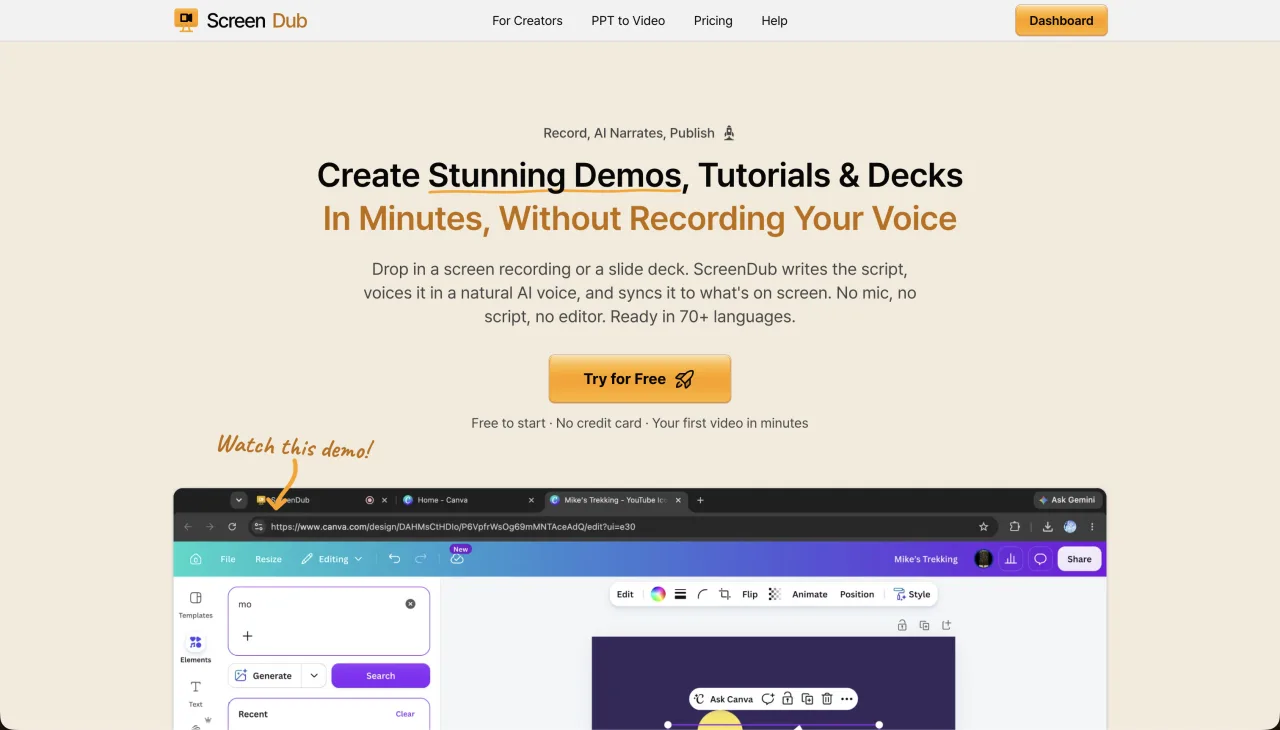
ScreenDub is the most direct fit when the deliverable is a narrated video rather than only a step document. Record a tab, window, or full screen; upload an existing MP4, WebM, or MOV; or upload a PDF, PPT, or PPTX deck. ScreenDub drafts the narration, lets you edit individual segments, supports voice and accent selection, and exports a standard MP4. The same project can produce captions, chapters, subtitles, and a written PDF guide.
ScreenDub’s translation workflow supports 80+ narration languages. The product is priced by monthly narration minutes rather than creator seats: Free includes one 8-minute allowance, Creator $14.99 includes 50, Pro $29.99 includes 120, and Teams $59.99 includes 250. Per-video caps are 6, 10, 12, and 15 minutes respectively.
- Best for
- Narrated tutorials, demos, slide-to-video lessons, and localized video
- Inputs
- Browser capture, MP4/WebM/MOV, or PDF/PPT/PPTX deck
- Outputs
- Standard MP4, subtitles, chapters, and a step-by-step PDF guide
- Trade-off
- Focused on narrated instructional video rather than a full avatar-production suite
2. VideoMule
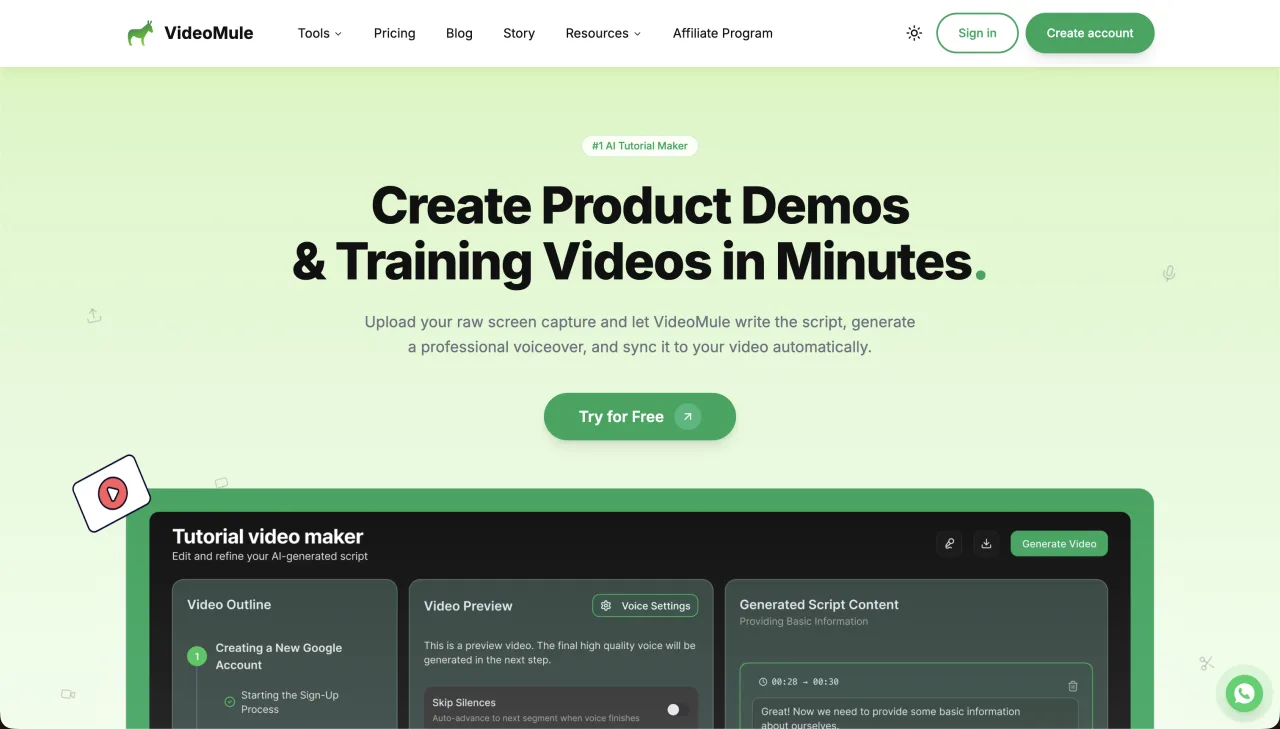
VideoMule is aimed at automating the path from a screen recording or upload to an AI-narrated tutorial. Its product page highlights browser recording, uploads, AI avatars, zoom and focus, callouts, translations, and a Chrome extension. It is a candidate for teams that want more automated presentation treatment around a screen workflow.
The official pricing page currently shows a $0.99/month Trial with 5 minutes of upload, 5 minutes of AI voice, 3 renders, 1 translation, a 5-minute maximum video length, and a watermark. Its Plus plan is displayed at a $19/month launch price, with a $49 regular price, 30 minutes of upload, 40 minutes of AI voice, 30 renders, 15 translations, a 15-minute maximum, and no watermark. Because the launch price is explicitly marked on the page, verify it at checkout.
- Best for
- Automated screen-recording tutorials with presentation effects
- Strength
- Recording, upload, AI voice, avatars, callouts, and translations in one workflow
- Trade-off
- Its quota model separates upload, voice, renders, and translations, so compare the limits to your workflow
- Official pricing
- VideoMule pricing
3. Clueso
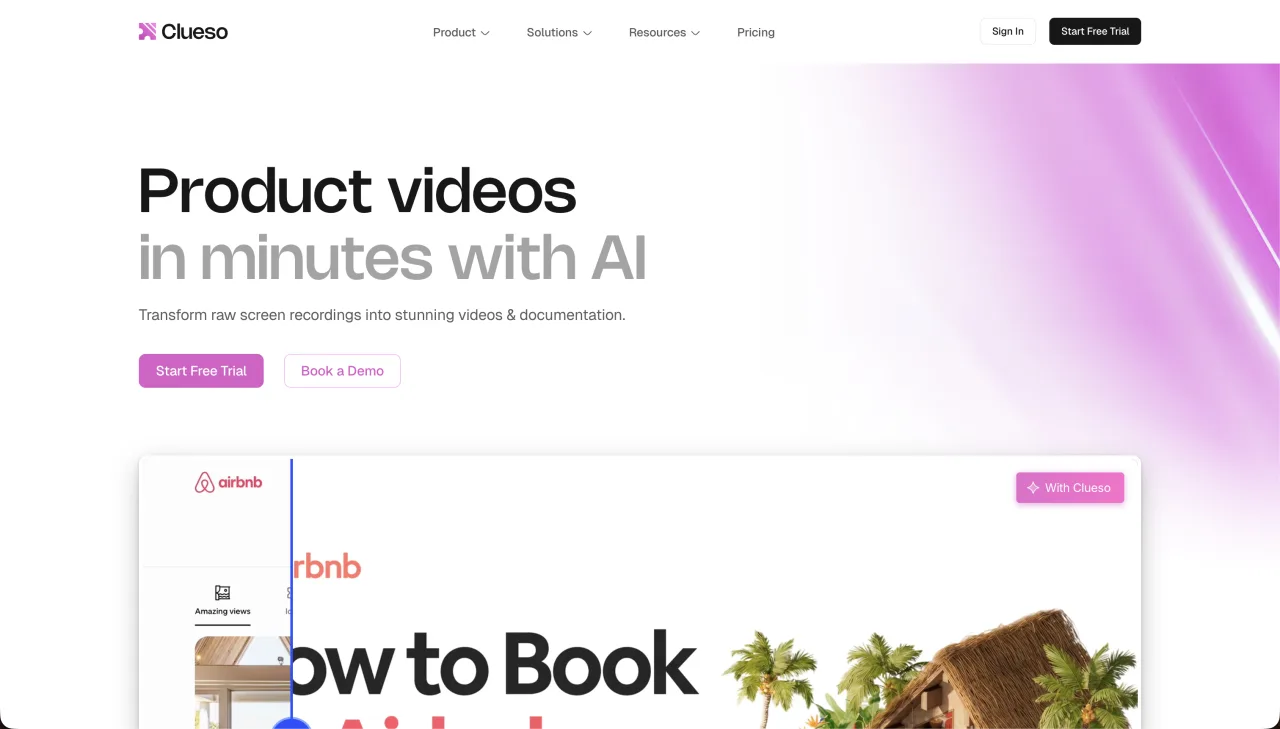
Clueso targets teams that want a rough recording turned into a polished product video and a written article. Its official plan page describes video exports, article exports, higher-resolution output, and team seats. That positioning makes it a strong candidate for product marketing or customer-success teams that want the article and video handled together.
At the checked date, Clueso’s free trial lists 10 minutes of video exports and 15 article exports. Starter is shown at $120/month billed yearly for 2 users, 6 hours/year, 360 article exports/year, and up to 2K; Growth is $200/month billed yearly for 4 users, 12 hours/year, 720 article exports/year, and up to 4K. Enterprise pricing is custom.
- Best for
- Polished product videos paired with help articles
- Strength
- A workflow explicitly built around video exports and article exports
- Trade-off
- The first paid tiers are materially more expensive than a minute-based solo plan
- Official pricing
- Clueso pricing
4. Trainn
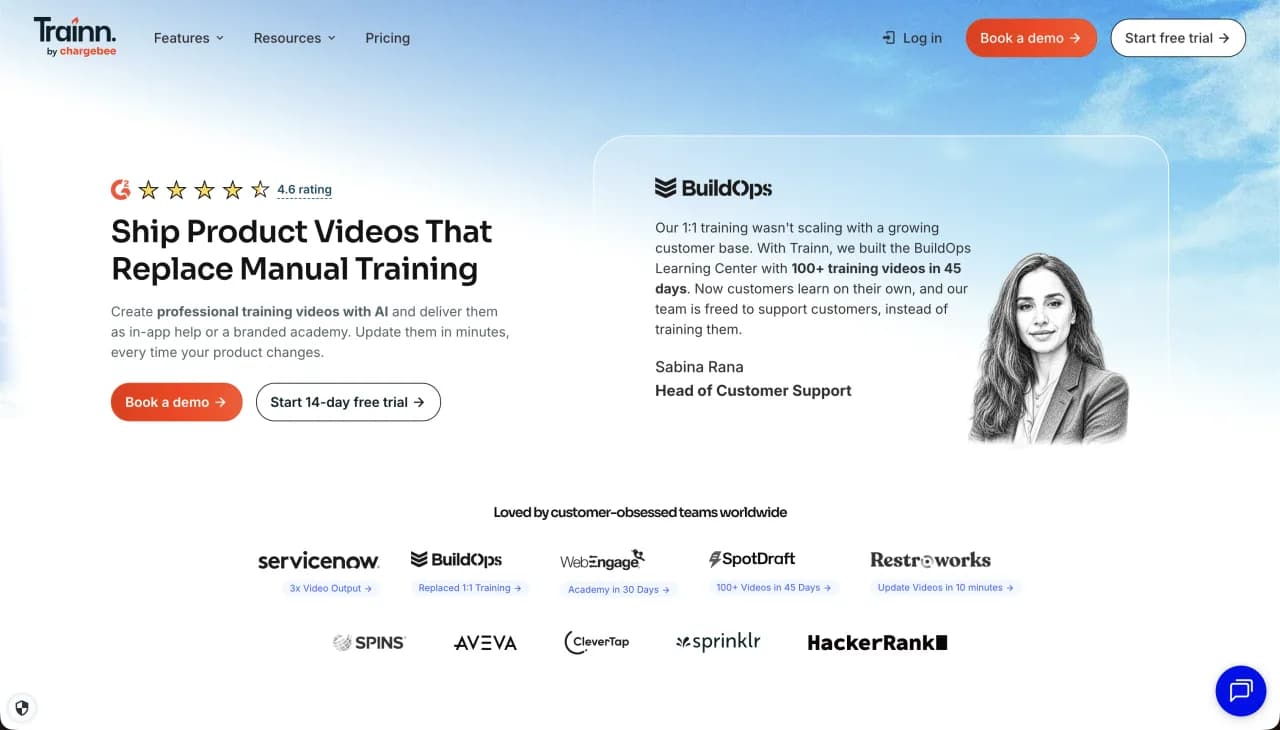
Trainn is a broader customer-education and training platform. Its pricing page lists videos and guides alongside users, knowledge-base features, LMS-related capabilities, and larger program tiers. Choose it when the distribution and learning environment matter as much as producing the video itself.
The official page lists Creator at $19/month for one user and 15 videos/guides, with no translations. Launch is listed at $2,400/year for 3 users and 120 videos/guides; Scale at $10,000/year for 5 users and 250 videos/guides; Enterprise at $39,900/year. Those annual tiers are a different buying decision from a simple video-making subscription.
- Best for
- Teams building a customer education or employee training program
- Strength
- Video, guides, knowledge-base, learning, and distribution surfaces
- Trade-off
- More platform than needed when you only need to create a few MP4 tutorials
- Official pricing
- Trainn pricing
5. Trupeer
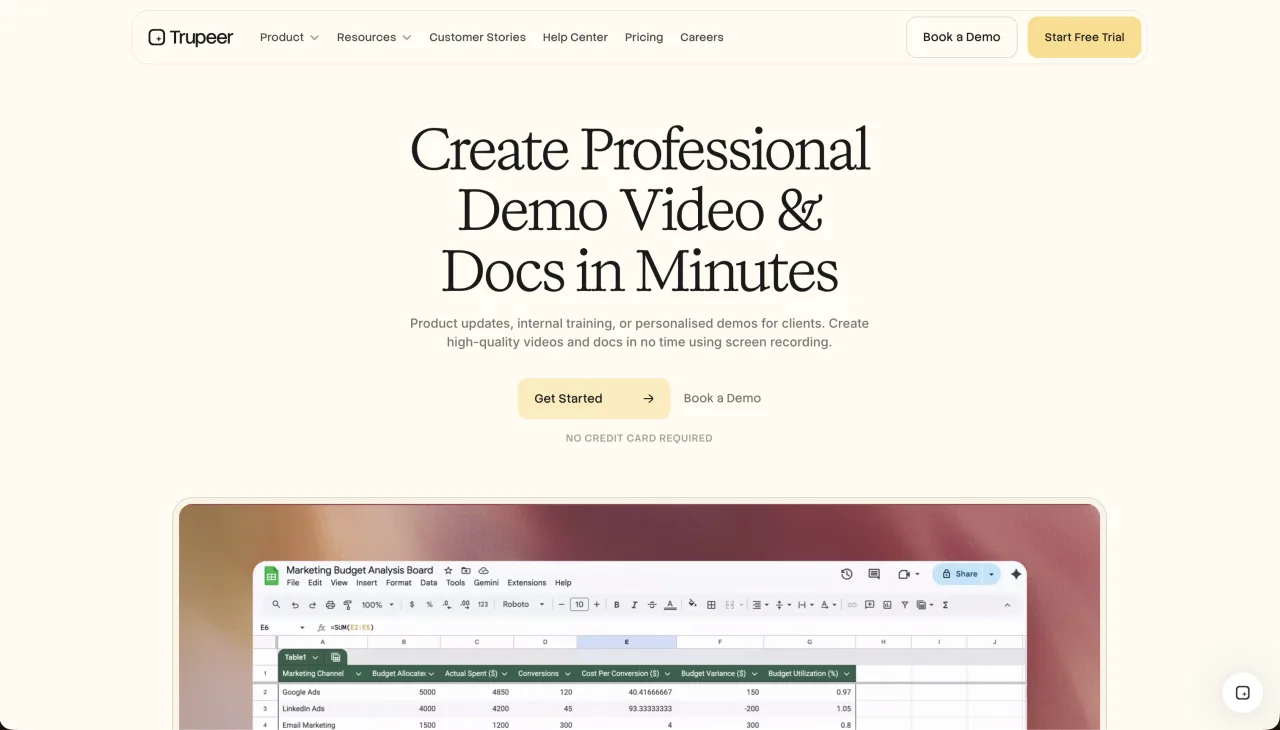
Trupeer is positioned around turning product recordings into polished videos and guides, with AI voice and avatar capabilities. It suits product marketing and customer-success teams that want an authored presentation layer on top of the captured workflow.
Its official page currently lists a free 10-day plan with 10 AI video minutes, 5 guides, 3 exports, and an 8-minute maximum recording. Pro is shown at $49/month or $40/month annually, with 20 AI video minutes and a 12-minute maximum; Scale is $249/month or $199/month annually, with 100 AI video minutes and a 15-minute maximum.
- Best for
- Polished product demos with optional avatar presentation
- Strength
- Video, guides, voice, and avatar-oriented presentation in one product
- Trade-off
- The paid plans use AI-video-minute quotas and cost more than a basic creator plan
- Official pricing
- Trupeer pricing
6. Visla
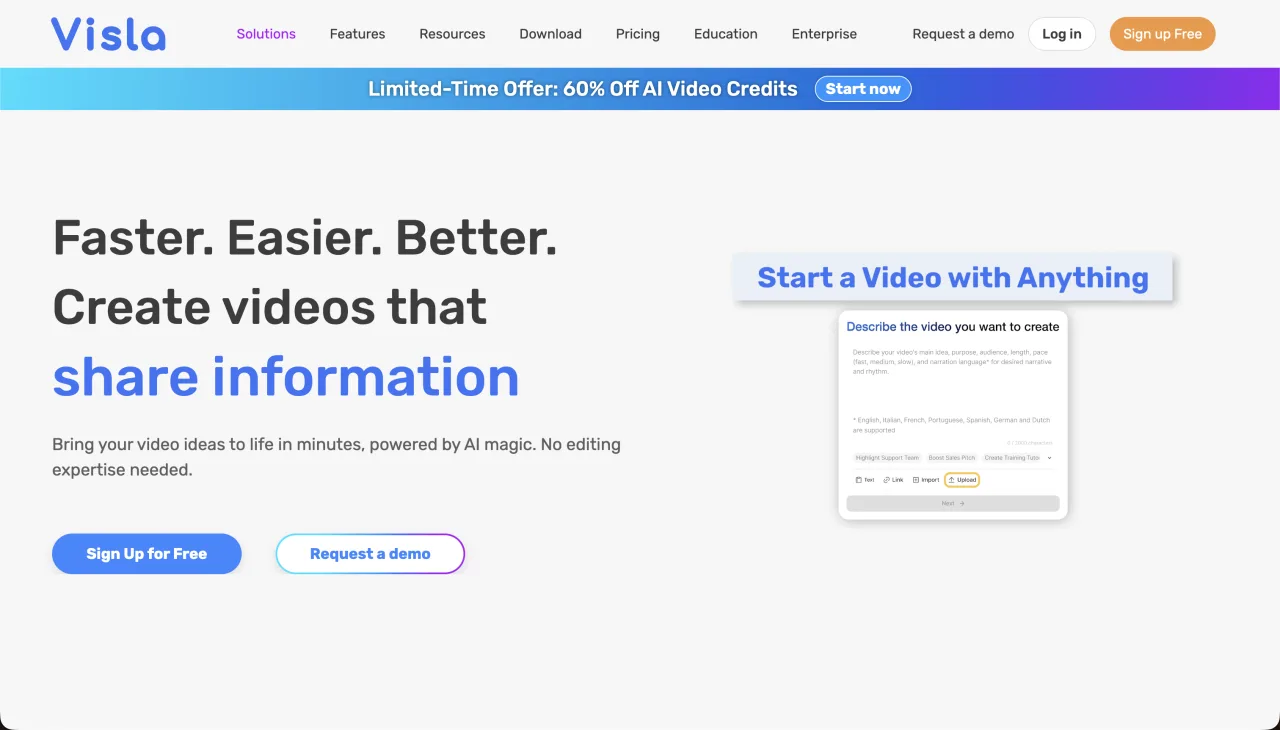
Vislais a broader AI video workspace for teams making recordings, explainers, internal updates, and other video types—not only software walkthroughs. Its documented paid plans include AI video creation and editing capabilities, while the product positioning covers a wider set of video workflows than a focused screen-to-narrated-video tool.
The Visla pricing help article checked here lists Pro at $18/month billed monthly and Business at $59/month billed monthly, with Enterprise custom. Confirm current quotas and billing terms on the linked page because the article is a plan guide rather than a static feature matrix.
- Best for
- Teams producing several types of AI-assisted video
- Strength
- Broader recording, editing, and AI video toolkit
- Trade-off
- A larger workspace can add complexity when the job is one short product tutorial
- Official pricing
- Visla paid plans
7. Tutorial AI
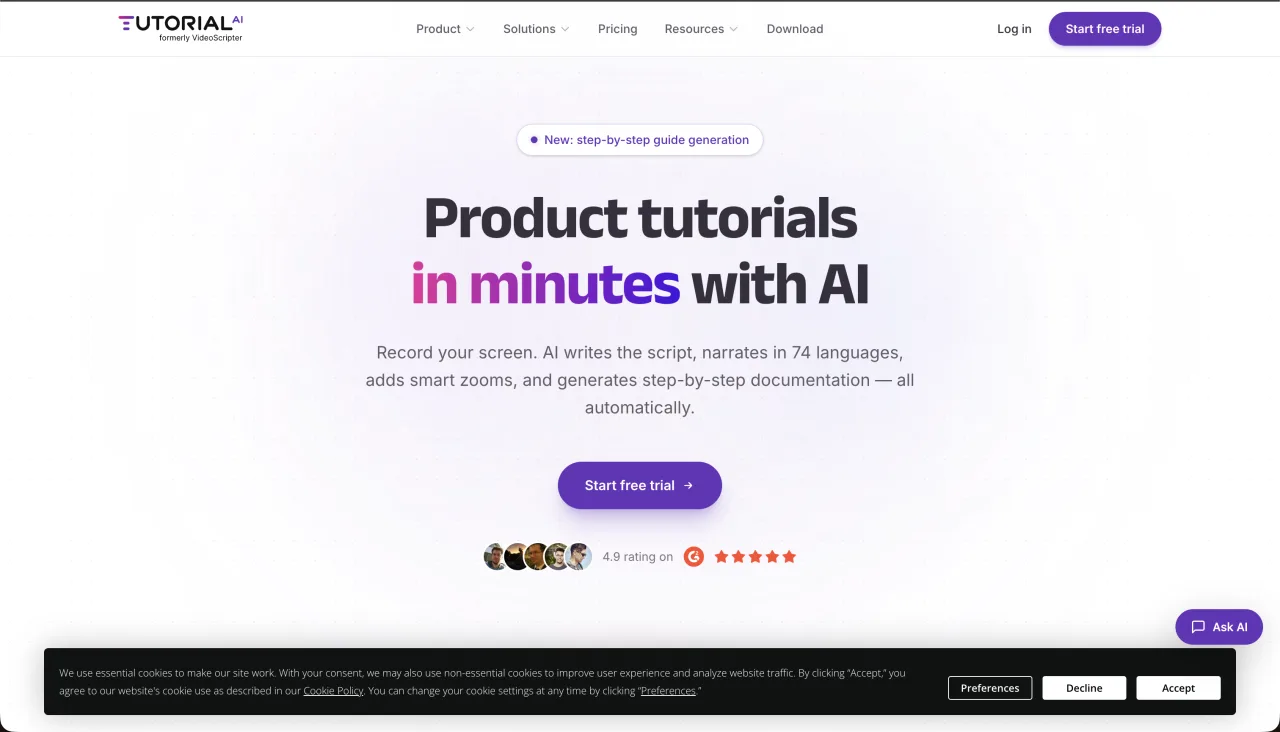
Tutorial AI is worth considering when your main planning unit is generated video minutes and you need multilingual tutorial narration. Its public pricing page describes self-serve monthly allowances of 10, 30, and 60 generated video minutes and lists 74 languages. The public page used for this comparison did not provide reliable dollar amounts in the information checked, so this article does not invent a price.
- Best for
- Creators comparing plans by generated tutorial-video minutes and language coverage
- Strength
- Clear public minute tiers and multilingual tutorial positioning
- Trade-off
- Verify the current checkout price and exact input/editing workflow before committing
- Official pricing
- Tutorial AI pricing
8. WowTo
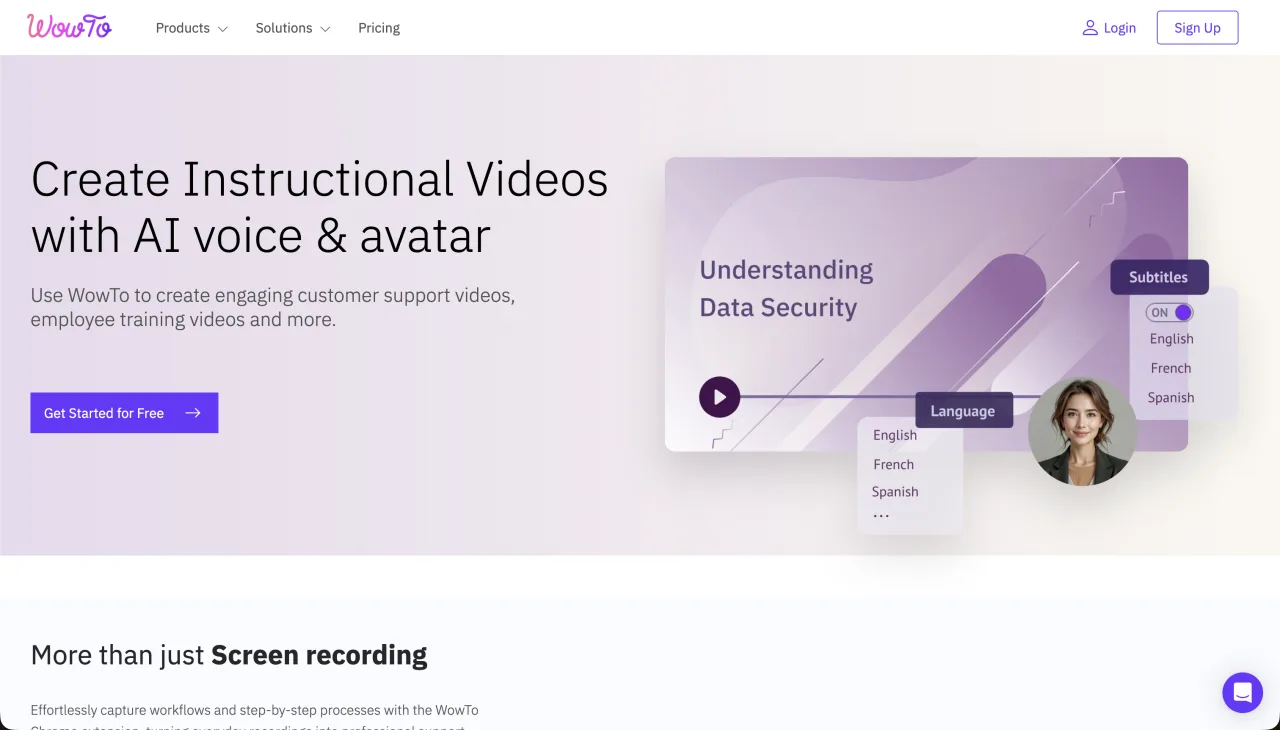
WowTo is built around video help centers: a team can create how-to videos and organize them into a searchable support experience. That makes it a better match for a SaaS company building a video knowledge base than for a creator who only needs to export one tutorial.
The official pricing page lists Free with 3 how-to video projects, 1 creator, 1 knowledge base, 20 minutes of text-to-speech per month, a 2-minute maximum video, 2 languages, and a watermark. Plus is $25/month and Business is $45/month. Check the page for the current limits attached to each paid plan.
- Best for
- Video-first support centers and searchable how-to libraries
- Strength
- Knowledge-base organization around how-to video content
- Trade-off
- The Free plan’s 2-minute maximum is restrictive for longer walkthroughs
- Official pricing
- WowTo pricing
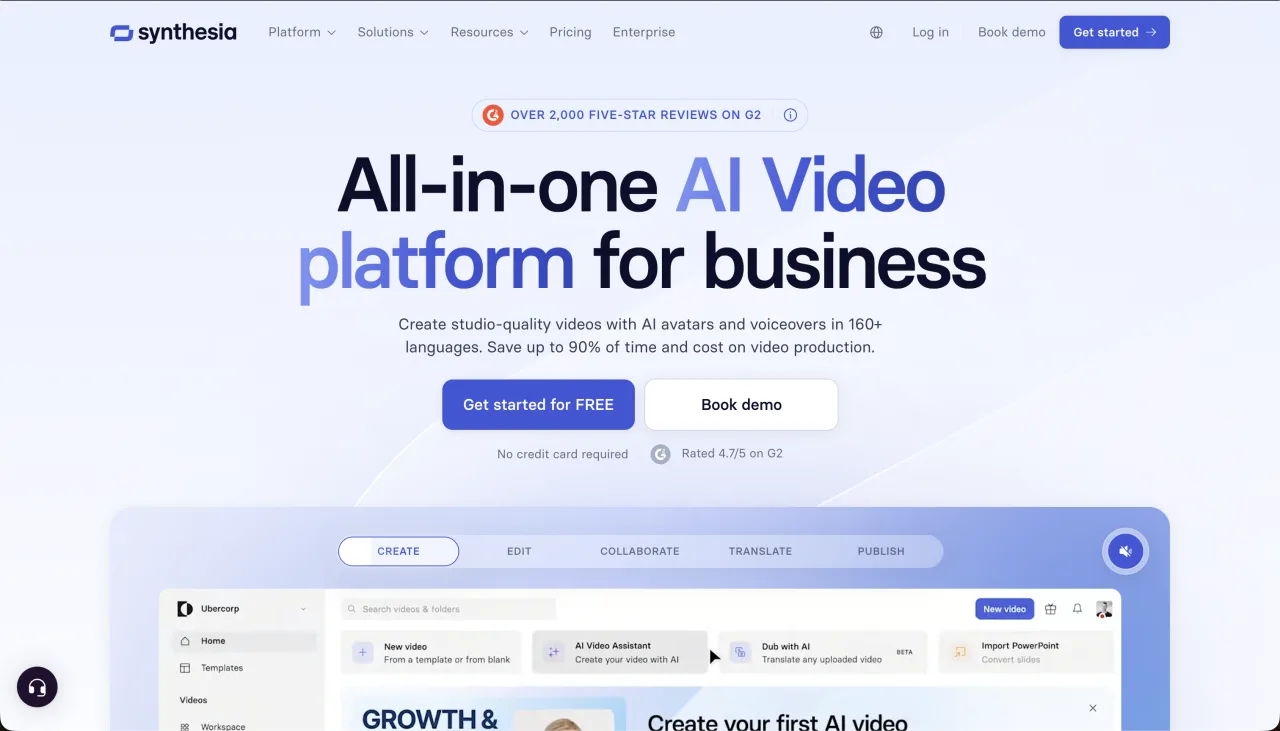
9. Synthesia
Synthesia takes a different route: the main output is an AI-presenter video. You provide a script or presentation, choose an avatar and language, and create a presenter-led lesson or explainer. It is a good alternative when the viewer needs a visible instructor; it is less direct when the screen workflow itself is the teacher.
Synthesia’s official pricing page lists a free Basic plan, Starter at $29/month, Creator at $89/month, and Enterprise with custom pricing. The page also advertises 160+ languages and voices, avatars, PowerPoint-to-video, and dubbing. Compare those presenter features with the cost and limits of a screen-recording-first workflow before choosing.
- Best for
- Avatar-led training, announcements, and formal explainers
- Strength
- Visible AI presenters plus broad language and presentation features
- Trade-off
- A presenter is not a replacement for showing every UI action in a screen tutorial
- Official pricing
- Synthesia pricing
Which Guidde alternative should you choose?
- Choose ScreenDub when you want a narrated MP4 from a recording, uploaded video, or deck, plus a PDF guide and 80+ language options.
- Choose VideoMule when automated screen-video treatment, avatars, callouts, and multiple quota types are the priority.
- Choose Clueso when polished product video and a help article are a paired deliverable.
- Choose Trainn when you are buying a customer-education or learning platform, not only a renderer.
- Choose Trupeer when an avatar or polished product-marketing presentation is part of the brief.
- Choose Visla when the team needs a broad AI video workspace for several content types.
- Choose Tutorial AI when published generated-minute tiers and multilingual tutorial coverage are the key comparison.
- Choose WowTo when the destination is a video help center or knowledge base.
- Choose Synthesia when the lesson needs an AI presenter on screen rather than only a narrated interface.
Frequently asked questions
What is the best free Guidde alternative?
There is no universal winner. ScreenDub Free includes one 8-minute narration allowance, with a 6-minute per-video cap, 3 exports per video, 5 guides per month, and a watermark. WowTo, Trupeer, VideoMule, Synthesia, and other tools use different free limits, so compare the limit that matches your actual project.
Which alternative is closest to a narrated screen tutorial?
ScreenDub and VideoMule are the closest fits in this list. ScreenDub also accepts uploaded video and PDF/PPT/PPTX decks, while VideoMule emphasizes automated screen-video treatment and presentation features.
Is Guidde priced per user?
Guidde’s official pricing page presents Pro and Business pricing per creator. ScreenDub uses monthly narration-minute pools across Free, Creator, Pro, and Teams rather than a per-creator seat price.
Which Guidde alternative makes a PDF or written guide?
ScreenDub creates a step-by-step PDF from the same recording or project. Clueso and Trainn also position written articles, guides, or knowledge-base content alongside video, but their packaging and quotas differ.
Which alternative is best for AI avatars?
Synthesia is the clearest avatar-first option in this comparison. Trupeer and VideoMule also advertise avatar-related capabilities. Choose an avatar tool when a visible presenter adds value; choose a screen-first tool when the interface actions need to be the focus.
Can I make multilingual videos without recording every language?
Yes, several tools support multilingual narration. ScreenDub supports 80+ narration languages from the same project. The exact language count, quotas, and review workflow vary by competitor, so verify the official plan page for the languages you need.
Try the screen-to-narrated-video workflow with ScreenDub free, or read the Quickstart before you make your first tutorial.