7 best Loom alternatives for product demos and tutorials in 2026
Written by Omprakash Sah Kanu · September 5, 2026 · 16 min read

The best Loom alternative depends on what should happen after you stop recording. Choose ScreenDub when a rough screen capture, existing video, or slide deck needs to become a reusable narrated demo or tutorial with a written guide. Choose Clueso or Trupeer for a larger AI video and documentation workspace, Guidde for high-volume how-to documentation, Tella for polished camera-and-screen presentations, or Camtasia for manual editing control.
Loom remains a strong product for quick video messages. The alternatives in this guide become useful when the recording must look ready for customers, use a repeatable script, support translation, generate documentation, or provide deeper editing than trimming a shared video.
Best Loom alternatives at a glance
| Tool | Best for | AI voiceover | Written guide | Entry price checked |
|---|---|---|---|---|
| ScreenDub | Narrated demos and tutorials from recordings, videos, or decks | Yes | PDF guide | Free; paid from $14.99/month |
| Clueso | Polished product videos and documentation for teams | Yes | Yes | Free; Solo $40/month billed yearly |
| Guidde | Fast workflow documentation and how-to libraries | Yes, plan dependent | Yes | Free; Pro $29 monthly or $19 annually |
| Trupeer | AI product videos, guides, avatars, and share pages | Yes | Yes | 10-day free plan; Pro $49 monthly or $40 annually |
| VideoMule | Automated voiceover and visual polish for screen recordings | Yes | Available | Trial; paid plans use multiple quotas |
| Tella | Camera-and-screen videos for founders and creators | No generated narration | No | Pro $13/month |
| Camtasia | Detailed timeline editing and instructional video production | AI features vary by plan | No automatic guide | Paid annual plans |
Why look for a Loom alternative?
Loom is designed around recording and sharing. Its Starter plan currently caps each person at 25 videos and each screen recording at five minutes. Business removes those limits, while Business + AI adds automatic titles, summaries, chapters, calls to action, filler-word removal, silence removal, and video-to-text workflows.
That workflow is ideal when the speaker and their message are the content. It becomes less natural when a team needs a durable production asset. Product demos and tutorials often need a reviewed script, consistent narration, zooms and callouts, subtitles, translation, a written version, and a clean MP4 that can live outside a vendor-hosted message page.
- You want an AI voiceover instead of recording a perfect spoken take.
- The same tutorial must be published as video and step-by-step documentation.
- You need customer-facing visual polish or consistent brand treatment.
- You need to translate narration rather than only caption the original speaker.
- Your source may be an existing video, PDF, or presentation rather than a new recording.
- You need frame-level editing, effects, or an LMS-ready training workflow.
How we compared these Loom alternatives
We compared what each tool accepts, what it produces, how much editing happens automatically, whether narration can be changed as text, whether it creates written documentation, and how the plan is metered. We gave priority to tools that solve product-demo and tutorial work rather than general meeting recording or video messaging.
1. ScreenDub: best for narrated demos and tutorials
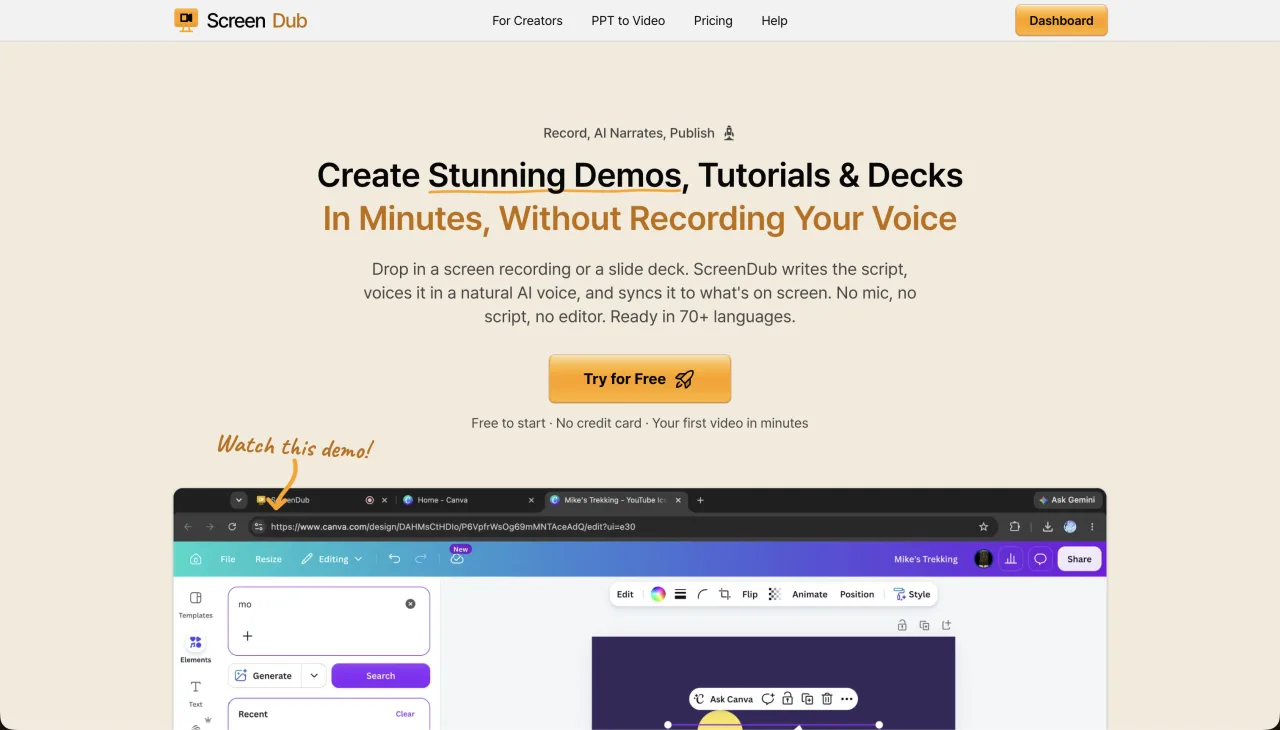
ScreenDub is the closest fit when you use Loom to capture a workflow but need a more durable result. Record a browser tab, window, or full screen, upload an MP4, WebM, or MOV, or start from a PDF, PPT, or PPTX. ScreenDub analyzes the source, drafts narration, allows line-by-line script editing, and exports a narrated MP4 plus a step-by-step PDF guide.
The separation between capture and narration is the practical difference. You can perform the workflow silently at working pace, then correct product names, instructions, and emphasis in text. The video can be translated into 80+ languages without asking the original speaker to record each version. ScreenDub also supports captions, chapters, and an optional AI Presenter introduction.
- Best for
- Reusable product demos, software tutorials, onboarding, training, and localization
- Strength
- Recordings, existing videos, PDFs, and decks can produce both a narrated MP4 and written guide
- Trade-off
- Designed for narrated production assets rather than personal camera-bubble messages and comment threads
- Pricing
- Free; Creator $14.99, Pro $29.99, and Teams $59.99 per month, based on narration minutes
2. Clueso: best for a larger video and documentation workspace
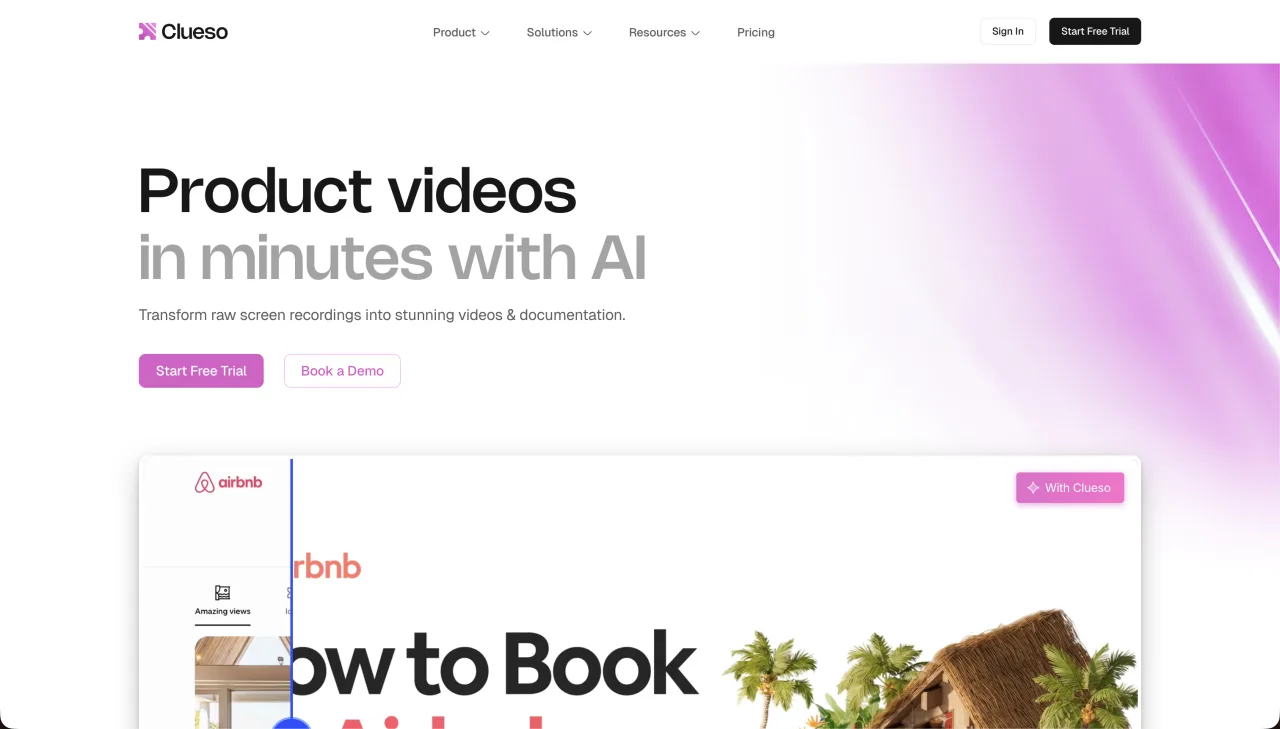
Clueso turns recordings and other source material into polished product videos and step-by-step documentation. Its public pages describe AI script and voiceover generation, automatic zooms and callouts, branding, translation, modular updates, and a hosted help center. It fits customer education and product teams producing a maintained library rather than a handful of one-off clips.
Clueso currently lists a Free plan with 10 video-export minutes and 15 article exports per month. Solo is $40 per month billed yearly with three annual export hours. Business begins at $120 per month billed yearly for two users, six annual video-export hours, and 360 annual article exports. That is a larger commitment than Loom or ScreenDub, but it includes a broader production and publishing workflow.
- Best for
- Teams producing polished, branded video and documentation at scale
- Strength
- Automatic visual treatment, written articles, brand systems, and library maintenance
- Trade-off
- Higher entry price and annual production quotas
- Pricing
- Clueso pricing
3. Guidde: best for fast how-to documentation
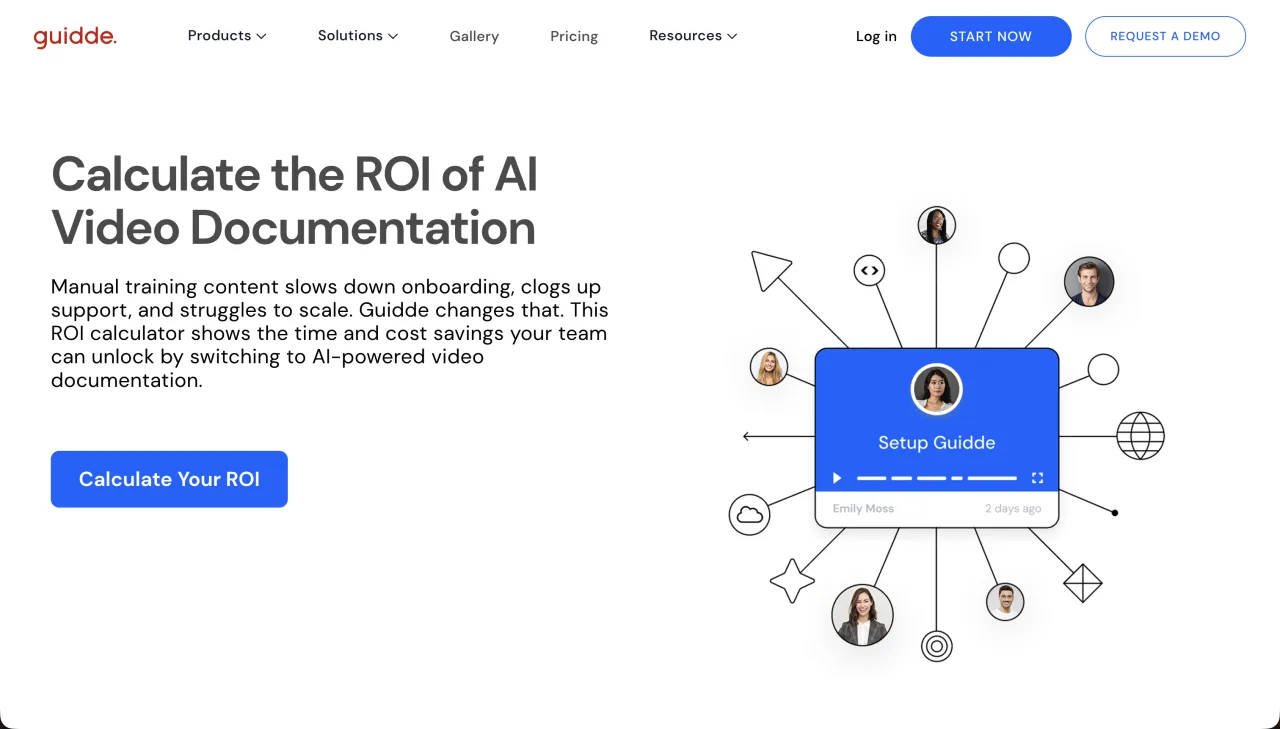
Guidde captures a workflow and turns it into structured how-to video and documentation. It is a strong fit for support, operations, and enablement teams that need to document many repeatable tasks. The Free plan supports up to 25 how-to videos from web apps. Pro adds unlimited guides, exports, branding, and manual blur.
Guidde lists Pro at $29 per creator monthly or $19 with annual billing. Business is $59 monthly or $39 annually and adds desktop capture, PDF and PowerPoint input, unlimited text-to-voice, privacy controls, and analytics. Check that boundary carefully if your source is a desktop app or presentation rather than a browser workflow.
- Best for
- High-volume software documentation and searchable how-to libraries
- Strength
- Step detection, structured documentation, exports, and sharing
- Trade-off
- Desktop and file-based creation require a higher plan
- Pricing
- Guidde pricing
4. Trupeer: best for AI videos, guides, and avatars
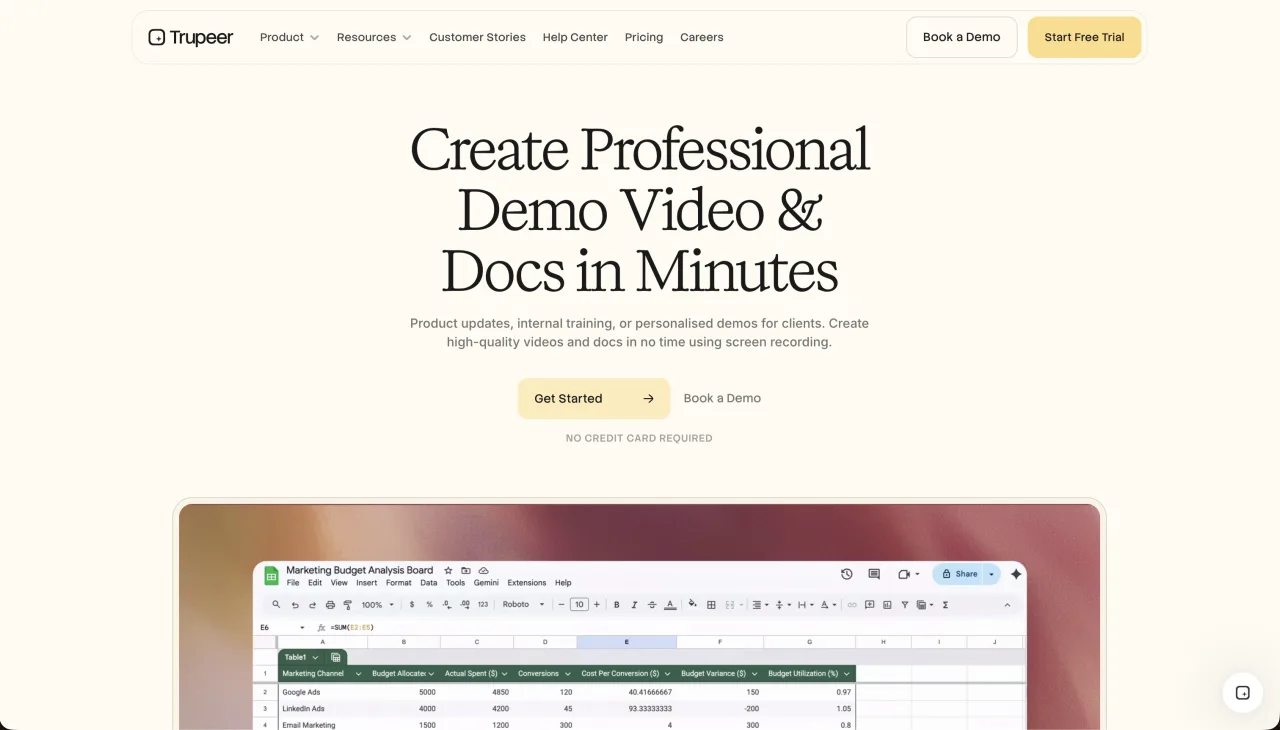
Trupeer creates AI-edited product videos and written documents from a screen recording or uploaded video. Its workspace includes script polishing, voiceover, captions, zooms, annotations, document editing, share pages, and plan-dependent translation and branding. Avatars make it attractive when a tutorial needs both product footage and a visible presenter.
Trupeer uses AI credits. The 10-day Free plan lists 1,000 credits and recordings up to five minutes. Pro costs $49 monthly or $40 monthly with annual billing and includes 2,000 credits. One minute of AI video uses 100 credits; one AI document uses 50; and each translated minute uses another 100. Scale adds three creator seats, branding, translation, and 10,000 credits.
- Best for
- AI-generated product videos, written guides, avatars, and branded share pages
- Strength
- Video and document editing with a broad set of presentation features
- Trade-off
- Video, documents, avatars, and translations consume credits at different rates
- Pricing
- Trupeer pricing
5. VideoMule: best for automated screen-video treatment
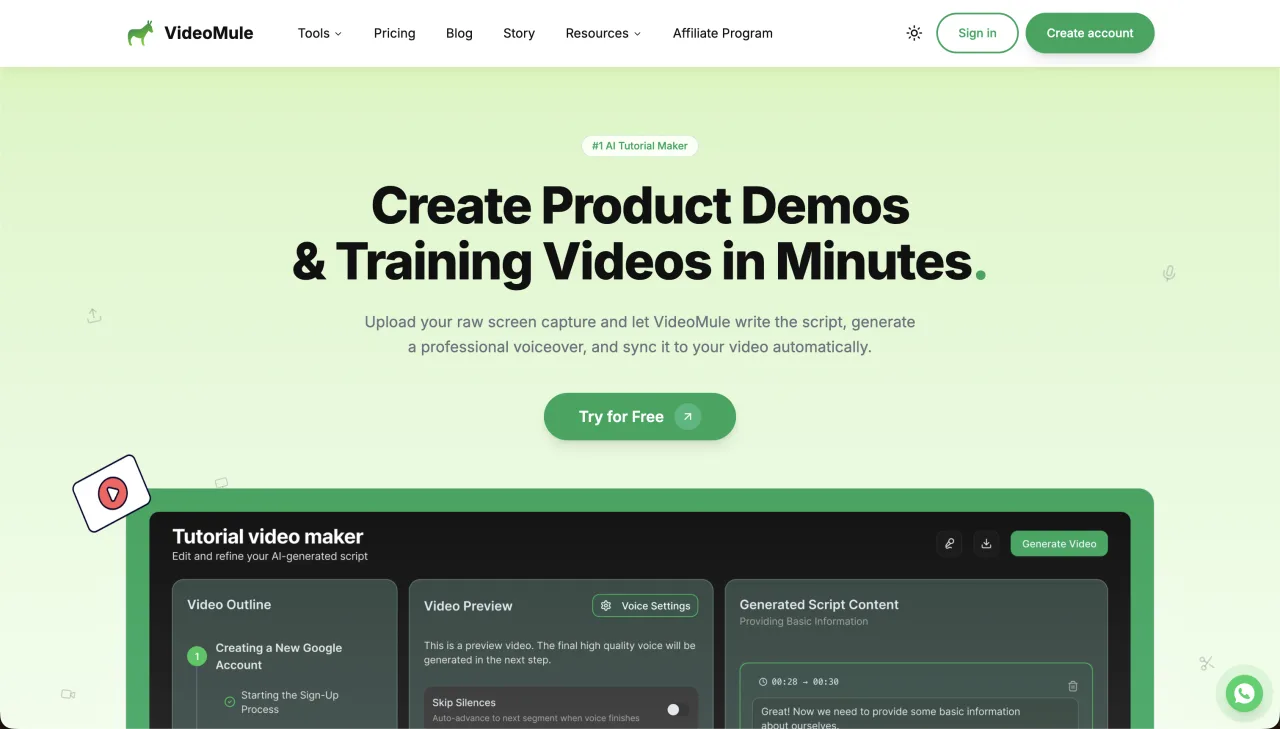
VideoMule focuses on turning a recording or uploaded video into a narrated tutorial with captions and visual emphasis. Its public pages describe AI voiceover, zoom and focus effects, callouts, avatars, translation, and documentation. It is a good candidate when the raw Loom-like capture needs more automatic presentation polish.
VideoMule separates allowances for uploaded footage, AI voice, renders, and translations. Compare a realistic month rather than only the headline subscription price. A five-minute product demo translated into several languages can use those buckets very differently from a set of short, single-language tutorials.
- Best for
- Screen recordings that need narration, captions, callouts, and visual focus
- Strength
- Broad automated presentation treatment from one recording
- Trade-off
- Multiple quotas make plan comparisons less direct
- Pricing
- VideoMule pricing
6. Tella: best for camera-and-screen presentations
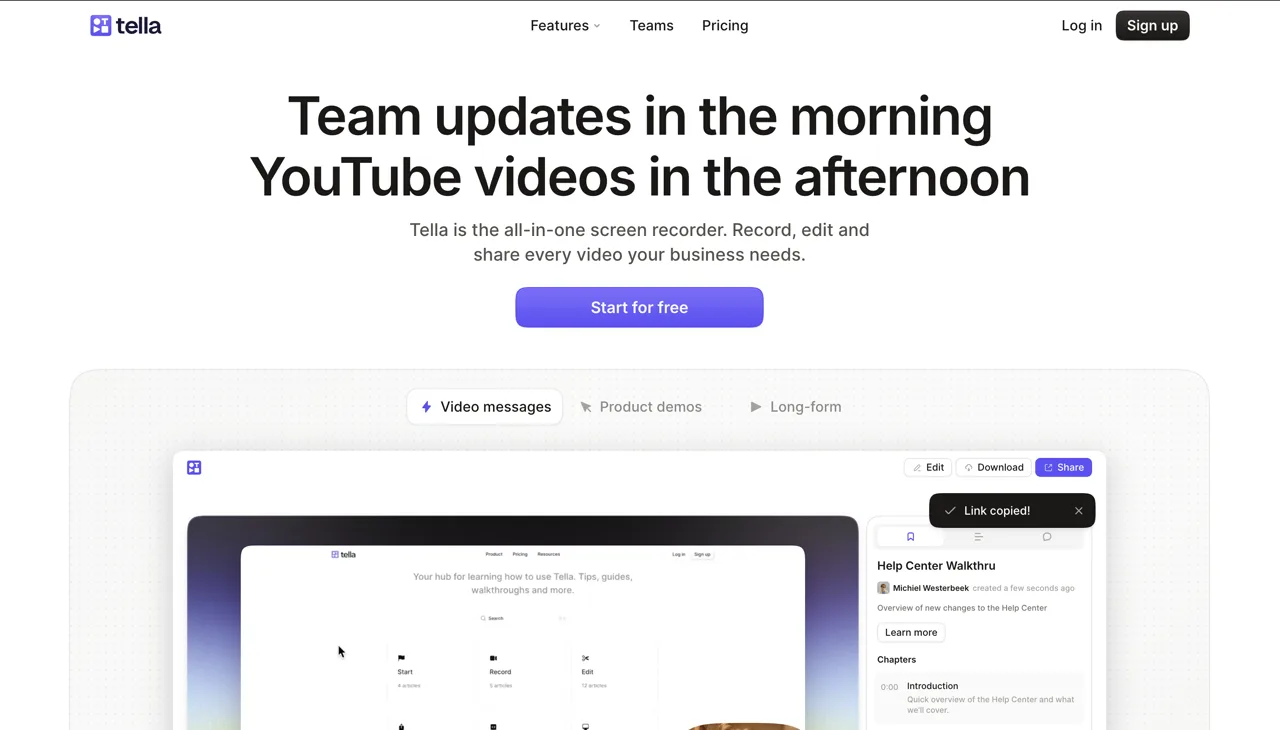
Tella is the most direct option in this list for people who like Loom’s personal camera-and-screen format but want more visual control. It supports layouts, backgrounds, framing, trimming, transcription, and polished exports. Founders, creators, and sales teams can present themselves alongside a product instead of replacing the speaker with generated narration.
Tella’s public pricing lists Pro at $13 per month and Premium at $19 per month. Premium adds features such as branding removal, a custom domain, and fuller analytics. It remains a human-presented recorder: it does not automatically convert the recording into an illustrated step-by-step guide or generate a replacement voiceover.
- Best for
- Founder demos, course lessons, sales videos, and polished talking-head presentations
- Strength
- Flexible camera-and-screen layouts with more presentation control than a basic recorder
- Trade-off
- The presenter must still record the spoken delivery, and there is no automatic written guide
- Pricing
- Tella pricing
7. Camtasia: best for detailed editing control
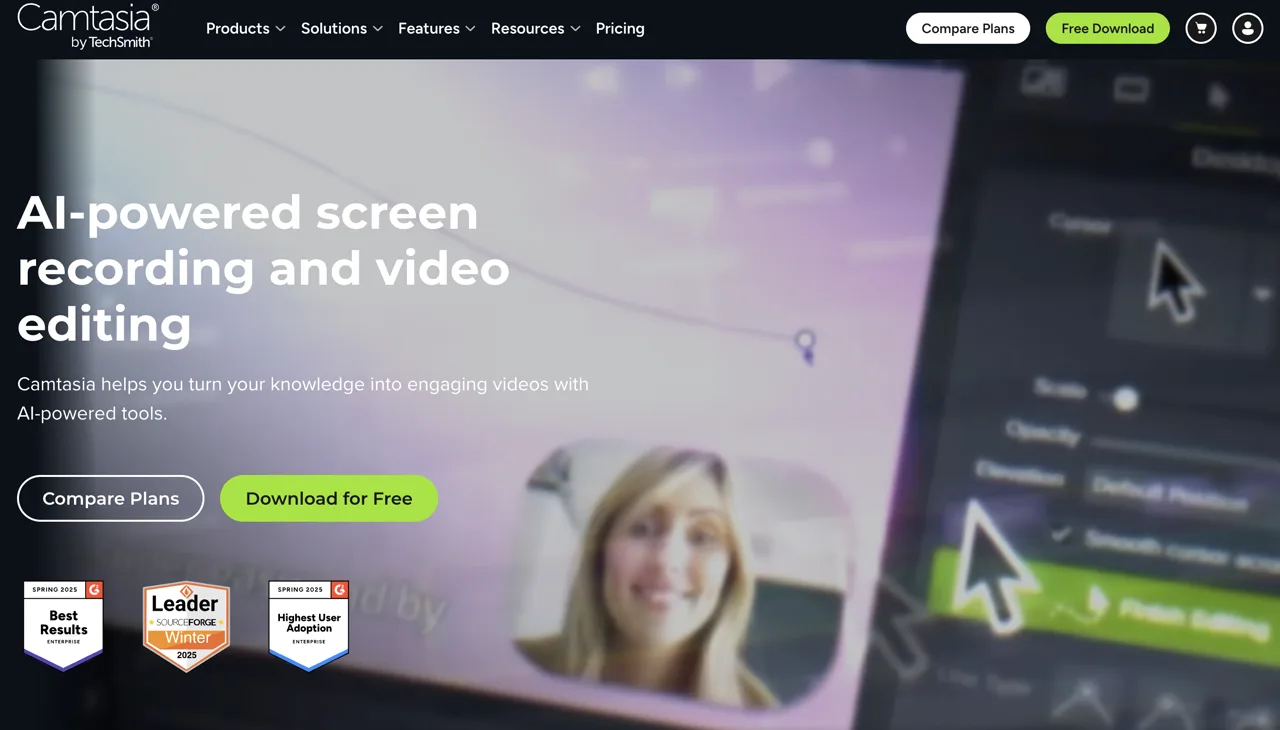
Camtasia is a full screen recorder and timeline editor for Windows and macOS. It fits instructional designers and video specialists who need precise cuts, layered media, cursor effects, annotations, animations, quizzes, or SCORM-oriented training output. It gives an editor more control than any automated tool in this list.
That control comes with more production work. Camtasia is a better alternative when the team wants to edit every detail and can support a desktop editing workflow. It is a weaker fit when the goal is to record once and automatically receive narration and documentation. TechSmith now sells Camtasia through annual plan tiers, so check the store for the current feature split and renewal price.
- Best for
- Instructional designers and teams that need precise timeline editing
- Strength
- Deep editing, effects, annotations, and training-oriented output controls
- Trade-off
- Longer learning and editing time than AI-first tutorial tools
- Pricing
- Camtasia plans
Which Loom alternative should you choose?
| Your main job | Best starting point | Why |
|---|---|---|
| Narrated product demo | ScreenDub | Turns a recording, video, or deck into an editable narrated MP4 |
| Video plus help article | ScreenDub, Clueso, Guidde, or Trupeer | Each connects video production with written instructions |
| Large branded content library | Clueso or Trupeer | Broader team, brand, sharing, and maintenance workflows |
| Many browser how-to guides | Guidde | Workflow capture and structured step output are central |
| Personal camera-and-screen demo | Tella | Preserves the human-presented format with stronger layout controls |
| Frame-level instructional editing | Camtasia | Desktop timeline control beats automatic generation when every detail matters |
Can these tools replace Loom?
Yes, when Loom is being used as raw material for a product demo, tutorial, training lesson, or documentation workflow. ScreenDub can also accept a downloaded Loom recording as an uploaded video, so an established recording habit does not have to change immediately. The recording can become a reviewed script, AI narration, captions, a translated version, and a PDF guide.
Keep Loom when you mainly send informal messages and value its sharing, reactions, comments, and viewer workflow. Production software adds steps that are worthwhile for content that will be reused, but unnecessary for a two-minute update to a colleague. For a direct breakdown, see ScreenDub vs Loom.
Frequently asked questions
What is the best Loom alternative for product demos?
ScreenDub is a strong choice when a recording, existing video, or deck must become a reusable narrated demo with editable script, captions, translation, and a written guide. Clueso and Trupeer are broader options for larger production workspaces.
What is the best free Loom alternative for tutorials?
The best free option depends on the output. ScreenDub has a free narration allowance for producing a finished tutorial. Guidde offers a free plan for up to 25 browser-based how-to videos. Check current watermarks, export limits, and recording caps before choosing.
Which Loom alternatives create written documentation?
ScreenDub, Clueso, Guidde, Trupeer, and VideoMule describe written guide or documentation output. The format, screenshots, export options, and plan requirements differ.
Can I add an AI voiceover to a Loom recording?
Yes. Download the recording and upload it to a tool such as ScreenDub. It can draft editable narration from the visible workflow, apply an AI voice, and export a new MP4.
Which Loom alternative works best for Windows?
Camtasia runs on Windows, while ScreenDub, Clueso, Guidde, Trupeer, VideoMule, and Tella provide browser-based workflows. Confirm any extension or desktop-capture requirement for the source you need.
Should I replace Loom or use two tools?
Use Loom for fast personal messages and a production tool for reusable customer-facing content. If the team already records in Loom, importing selected recordings into a tutorial tool can be simpler than changing every recording habit.
Test the same three-minute workflow in your top two options. Measure the time from recording to a version you would publish, then compare the script corrections, visual clarity, written output, translation cost, and update process. Start ScreenDub free to try the narrated tutorial workflow.